Microsoft Rolling Out Emergency Windows 11 Fix After Record Patch Update
Critical Windows 11 fix addresses remote desktop and USB audio issues from September update.
 By Ava Herrera
Updated September 15, 2026
By Ava Herrera
Updated September 15, 2026

Microsoft has begun rolling out an emergency software update to address critical problems introduced by its largest monthly security patch ever released. The company patched nearly one thousand vulnerabilities in September, but the update inadvertently created new issues affecting remote desktop connectivity, USB audio functionality, and virtual machine operations. For consumers and businesses running Windows 11, understanding what went wrong and how to respond is essential.
What Happened with the September Patch
The September security update from Microsoft was unprecedented in scope, addressing an enormous number of vulnerabilities across its operating systems. However, the sheer scale of changes led to unintended consequences. The problematic patch affected multiple critical systems that many users and organizations rely on daily. These issues emerged quickly after deployment, prompting the company to act with unusual urgency.
The primary problems centered on three main areas. Remote Desktop Services, which allows users to access their computers from other devices, experienced disruptions that prevented normal connections and sessions. Users working with USB audio devices found their peripherals no longer functioned correctly. Additionally, those running Linux virtual machines on Hyper-V platforms encountered problems with folder sharing capabilities. For businesses relying on these technologies, the disruptions caused real productivity challenges.
The Emergency Response and Timeline
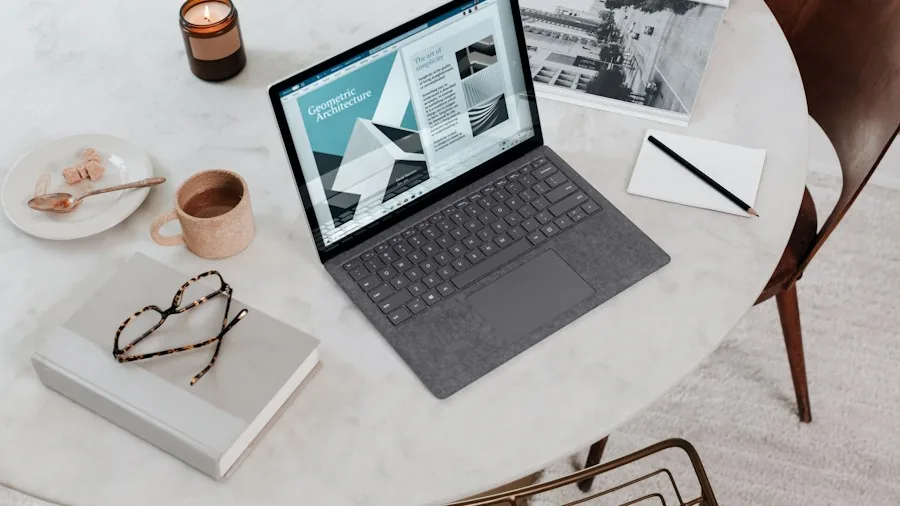
Microsoft released the emergency out-of-band update the day after identifying these widespread issues. This rapid response reflected the severity of the situation and the number of affected users. The emergency patch addresses problems across Windows 11 versions 26h1, 25H2, and 24H2, ensuring broad coverage for the majority of users still running the latest operating system.
The company also extended the fix to additional systems beyond Windows 11. Windows Server 2025 and 2022 received updates, along with long-term servicing branch versions of Windows 10 and legacy Windows Server 2012 releases. This comprehensive approach underscores how widespread the original patch’s impact was across Microsoft’s product ecosystem.
A Growing Pattern of Emergency Updates
This incident reflects a troubling trend for Microsoft in 2026. Emergency out-of-band updates, once rare for the company, have become increasingly common. In January alone, Microsoft was forced to release four separate emergency patches following another problematic monthly update. March brought two more emergency releases, this time addressing installation failures and Microsoft account sign-in complications that left users locked out of their systems.
Even before the September incident, the company had released an out-of-band update in July. That emergency patch specifically targeted an Intel driver issue causing noticeable performance degradation and unexpected battery drain on laptops. The frequency of these incidents suggests challenges in the company’s quality assurance processes and testing methodologies.
What This Means for Your Device Security
For consumers prioritizing their computer security, this situation presents a genuine dilemma. Delaying security patches exposes your system to known vulnerabilities, yet installing them immediately can introduce new problems. The recommended approach is to enable automatic updates and allow Microsoft time to identify and address any introduced issues, typically within a day or two.
If you cannot wait for the emergency patch to roll out automatically, you can manually check for and install updates immediately through your system settings. The emergency fix addresses the most critical issues affecting user productivity, making it safe to install. Much like how users research quality network infrastructure components to maintain reliable connectivity, staying informed about system updates helps protect your investment in your computer.
Implications for Businesses and Developers
Business users face particular challenges from these recurring patch problems. Remote Desktop Services disruptions can halt remote work operations across an organization. Systems administrators managing multiple computers must carefully balance security needs against stability risks. Many organizations now wait twenty-four hours after patch release before deploying updates across their networks, allowing Microsoft’s support community to identify critical issues.
Developers working with Hyper-V and virtual machines experienced their own frustrations with the September patch. Folder sharing issues complicated development environments and testing workflows. For those building connected systems, whether involving surveillance equipment independent of subscription services or other networked hardware, stable operating systems are essential.
Moving Forward
Microsoft faces mounting pressure to improve its patch quality assurance processes. The frequency of emergency updates suggests the company may be prioritizing speed over thorough evaluation before release. Users, particularly in business environments, should continue applying patches but should consider maintaining additional safeguards and backup plans until the company demonstrates improved stability.
The pattern emerging throughout 2026 indicates structural challenges in how Microsoft develops and validates its updates. Whether this represents temporary growing pains or a longer-term issue remains to be seen. For now, users should prioritize installing the emergency fix and remain cautious about deploying the next scheduled patch immediately upon release, allowing additional time for any hidden issues to surface.
About the author
Ava is REMOVU's laptop writer, balancing speed, battery life, and build quality against price across the whole range. She helps readers find the sweet spot as each new chip shifts what a dollar buys.