MacBook Trackpad Can Now Produce Sound Without Speakers
Free tool turns your MacBook trackpad into a functional speaker using only vibrations from its haptic motor.
 By Ava Herrera
Updated November 23, 2026
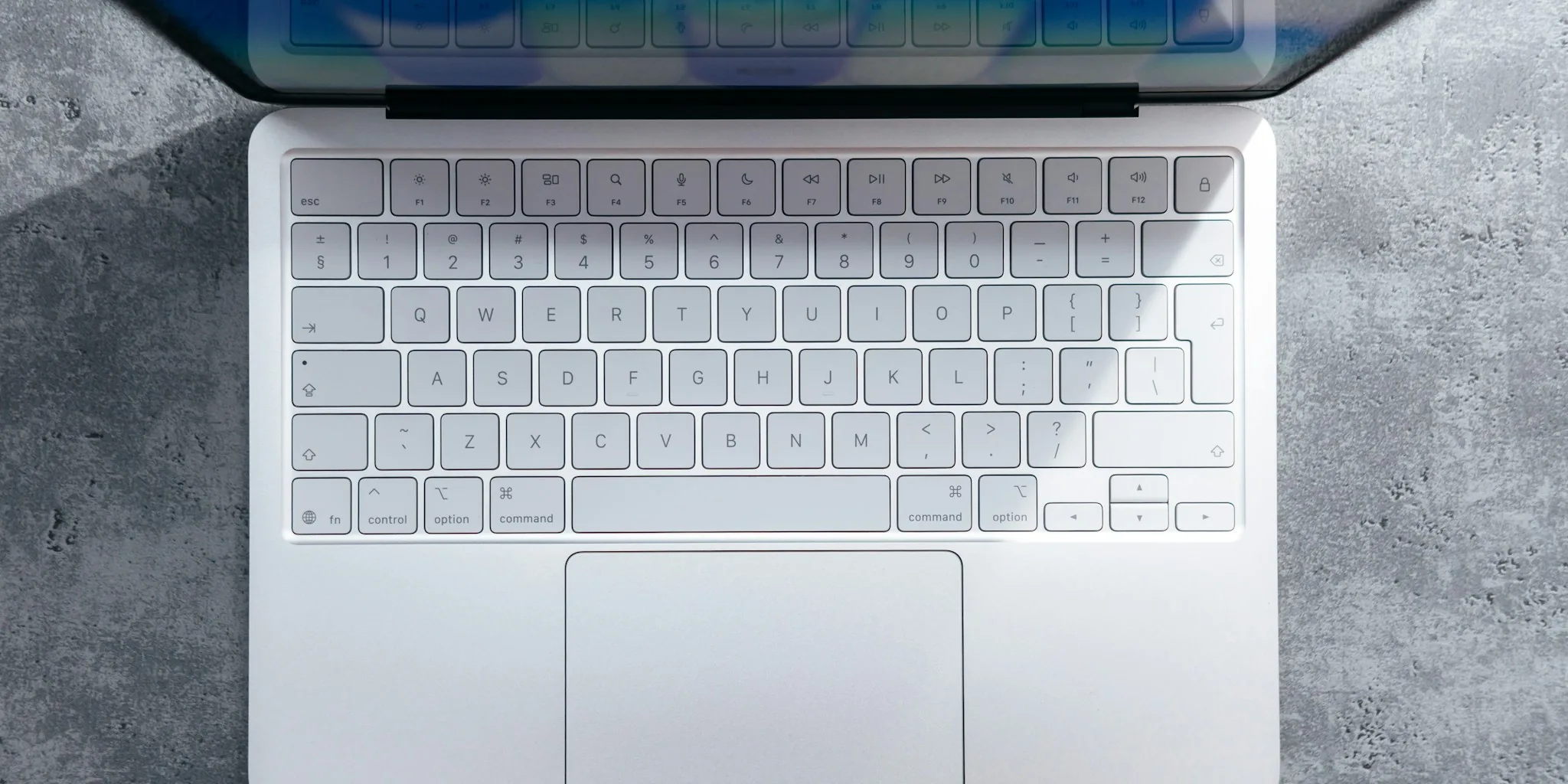
A new free tool has transformed how MacBook owners can generate audio from their devices. Developer Cody Collier has released nospeaker, an open-source command-line program that repurposes your MacBook’s trackpad into a functioning speaker using only vibrations from its built-in haptic motor.
How the Trackpad Becomes a Speaker
Your MacBook’s trackpad doesn’t actually click when you press it. Instead, Apple installs a haptic motor beneath the glass surface that creates the sensation of a button press through precise vibrations. The nospeaker tool cleverly hijacks this motor, activating it up to 4,000 times per second to produce audible sound from the glass itself.
The mechanism works by using macOS’s native speech engine to generate a voice silently in the background rather than through your Mac’s speakers. The nospeaker software then deconstructs that voice into small segments, identifies the dominant frequencies in each piece, and converts those sounds into trackpad motor vibrations. The result is a buzzy, robotic voice emanating from your trackpad. Higher-pitched letters like ‘f’ and ‘s’ become short bursts of elevated tones, while the overall output reaches maximum clarity around 1,000 Hz, with the loudest range between 100 Hz and 4 kHz.
Collier recommends placing your MacBook on a table rather than your lap for the clearest audio output, as the vibrations transmit more effectively through a solid surface. You can customize which voice the system uses, selecting from macOS options like Daniel, and have it speak any text you input or even play pure tones.
Compatibility and System Requirements
The nospeaker tool requires a MacBook equipped with Force Touch trackpad technology, which covers most MacBook models from 2015 onward, along with Magic Trackpad 2 or newer accessories. For Apple Silicon Macs, you’ll need macOS 12 or later, while Intel-based MacBooks require macOS 13 or later. This broad compatibility means the majority of modern MacBook owners can access this functionality.
Collier developed nospeaker under an MIT license and published it on GitHub for anyone to download and use at no cost. The developer has verified that the tool never pushes the haptic motor beyond its standard operating limits, so regular use should not cause hardware damage or degradation.
Important Limitations to Consider
One significant constraint is that nospeaker relies on Apple’s private, undocumented MultitouchSupport framework. This means future macOS updates could potentially disable the tool’s functionality without warning. Apple does not publicly support third-party access to this framework, so compatibility with upcoming operating system versions remains uncertain.
Additionally, Collier has only evaluated the software on a single machine: a MacBook Pro with an M5 Max processor running macOS 27.2.1. While the theoretical requirements suggest the tool should work across all compatible Force Touch trackpads, broader evaluation across different MacBook models and configurations would provide greater confidence in universal reliability. Users considering nospeaker should view it as an experimental utility rather than a stable, long-term audio solution.
What This Means for Shoppers
This innovation highlights the sophisticated engineering inside modern MacBooks and the creative possibilities that arise when developers explore unconventional uses for built-in hardware. For users whose Mac speakers are damaged, broken, or simply not functioning, nospeaker offers a temporary workaround to still generate audio output from their device.
The tool also demonstrates the growing ecosystem of community-created utilities expanding MacBook functionality. If you’re shopping for a new MacBook or considering accessories like docking stations, understanding what your trackpad can do adds another layer to your purchasing decision. The fact that such creative software innovations continue to emerge shows that MacBook hardware remains capable of surprising applications well beyond Apple’s original design intentions.
For everyday use, this remains a novelty rather than a practical replacement for your Mac’s speakers. However, it underscores why MacBooks maintain strong appeal in the marketplace: their engineered components offer unexpected flexibility and longevity. Whether you’re a developer, a creative professional, or simply someone who appreciates technological experimentation, nospeaker is free to try on GitHub and requires no installation beyond copying the executable to your system.
As you evaluate your next computer purchase, consider how well-designed hardware ecosystems like those in MacBooks continue to surprise users with new capabilities long after release. This trackpad speaker experiment is just one example of how quality engineering creates opportunities for innovation that manufacturers never anticipated.
About the author
Ava is REMOVU's laptop writer, balancing speed, battery life, and build quality against price across the whole range. She helps readers find the sweet spot as each new chip shifts what a dollar buys.