iPhone Users Must Update to iOS 27.2 Now: Here’s Why It Matters for Your Security
Apple's latest update fixes 141 critical bugs and security holes. Here's what you need to know about protecting your device.
 By Eleanor Garcia
Updated October 28, 2026
By Eleanor Garcia
Updated October 28, 2026

Apple released iOS 27.2 on Monday, October 26, arriving just days after the debut of the iPhone Duo. This significant software update addresses 141 different bugs and security vulnerabilities that could pose real risks to your device and personal data. If you own an iPhone, understanding what this update fixes and why you need to install it immediately should be a priority.
What’s Being Fixed in This Update
The new iOS 27.2 patches serious issues across multiple areas of your device’s operating system. Nine of these vulnerabilities involve kernel corruption, which affects the core foundation of how your iPhone operates. When kernel corruption occurs, your device may freeze, crash, or display system errors. These problems can make your phone unreliable and frustrating to use.
Among the most concerning fixes are seven bugs that could enable arbitrary code execution. This means a malicious actor could potentially gain unauthorized access to your device, steal sensitive information, or use your iPhone for harmful purposes without your knowledge or consent. Apple’s security team also patched vulnerabilities related to malicious USB devices, protecting your phone if you accidentally connect to a compromised charger or cable.
While Apple’s release notes do not indicate that any of these bugs are currently being actively exploited in the wild, the severity of the potential threats makes updating your device essential. Each security hole that remains open leaves your personal data, financial information, and device functionality at risk.
How to Install iOS 27.2
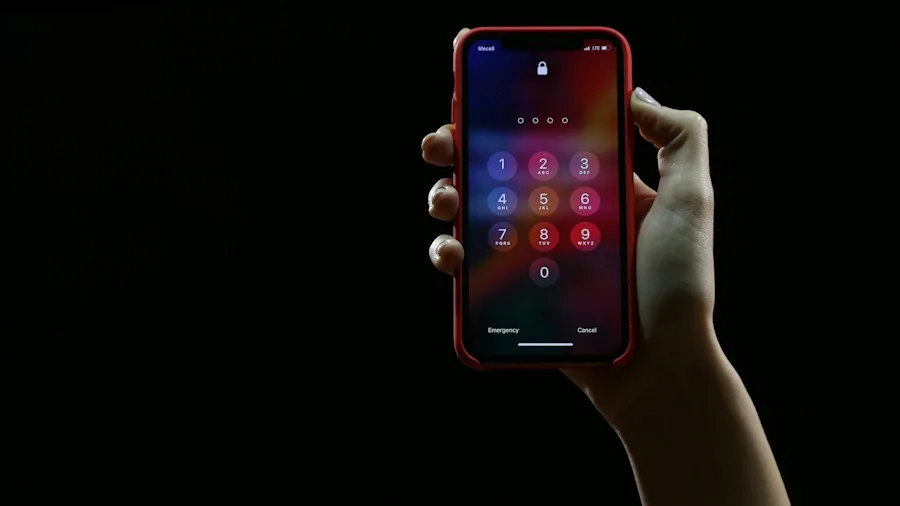
Installing the update is straightforward. On your iPhone, navigate to Settings, then tap General, followed by Software Update. Select Update Now and follow the on-screen instructions to complete the installation. The entire process typically takes between 10 and 20 minutes, depending on your internet connection speed and device performance.
If you want to learn more about other smartphone options and features, you can explore how different devices handle security updates and what protection mechanisms they offer.
Context: Bug Fixes Have Surged Recently
The 141 bugs fixed in iOS 27.2 represent a notable increase compared to historical patterns. Last month’s iOS 27 update patched an even larger number at 157 fixes. By comparison, iOS 26 typically included around 75 to 88 bug fixes per update. This recent surge in the quantity of security patches is unusual based on data from previous years.
Apple has not publicly explained the reason behind this increase in bug fixes. While artificial intelligence tools have been used across the tech industry to identify and resolve software vulnerabilities more efficiently, Apple’s documentation does not suggest that AI played a major role in finding these particular bugs. The company typically acknowledges when third-party AI tools assist with bug discovery, and mentions of external AI systems in iOS 27.2’s release notes are relatively minimal.
What This Means for iPhone Shoppers
If you are considering purchasing an iPhone or already own one, this update cycle demonstrates Apple’s commitment to addressing security concerns. The frequency and size of these updates show that the company takes vulnerabilities seriously and responds with patches.
For current iPhone owners, the takeaway is simple: update immediately and do not delay. Security vulnerabilities in your operating system directly impact your safety and privacy. Delaying updates leaves you exposed to potential data theft, unauthorized access, and device instability.
If you use your iPhone with complementary devices, now is also a good time to ensure your entire ecosystem is protected. For example, if you rely on smartwatches paired with your iPhone, keeping your phone’s security current ensures your entire connected setup remains secure.
Additional iOS Features in 27.2
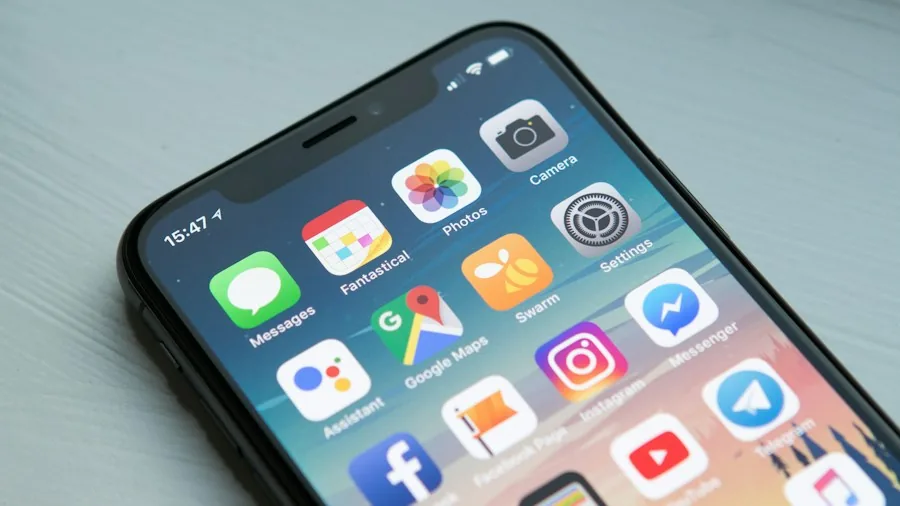
Beyond security fixes, iOS 27.2 also brings expanded artificial intelligence features to Siri in additional languages. This improvement makes voice assistant functionality more accessible to a broader global audience, allowing more users to interact with their devices in their native languages.
These feature enhancements complement the security improvements, creating an update that both protects your device and enhances its usability. Whether you use your iPhone primarily for communication, productivity, entertainment, or all three, this update benefits your experience.
Looking Forward
Going forward, iPhone users should anticipate regular security updates as part of normal device maintenance. Building a habit of checking for and installing updates promptly will keep your device safer over time. You can also explore accessories like wireless earbuds that connect to your iPhone, and ensure those devices are also kept current with any available firmware updates.
The bottom line: iOS 27.2 is not an optional update. The 141 bug and security fixes, particularly those addressing kernel corruption and code execution vulnerabilities, make this a critical installation for every iPhone user. Install it today through your device’s settings to protect your security, privacy, and device performance.
About the author
Eleanor covers smartphones for REMOVU, balancing cameras, battery life, and software support against price. She helps readers find the best value as the field shifts with every release.