How to Fix Smart Home Failures When Your Internet Goes Down
Discover how to fix smart home dependency on cloud servers and maintain functionality during internet outages.
 By Ava Herrera
Updated November 24, 2026

Internet outages wreak havoc on smart homes. Your router keeps humming, your lights should respond instantly, yet nothing works. The frustration is real: your entire home automation system depends on internet connectivity that may be out of your control. But it doesn’t have to be this way. With the right strategy and equipment choices, your smart home can remain fully functional even when your ISP experiences downtime.
Understanding Why Your Smart Home Stops Working
Many people use Wi-Fi and internet as interchangeable terms, but they’re fundamentally different. Your Wi-Fi router maintains your local network independently. When internet service drops, the router keeps running perfectly well. The real problem is device design: countless budget-friendly smart home products communicate exclusively with manufacturer servers located miles or even continents away. They ignore local network commands entirely and require that remote connection to function at all.
Even when your phone, lights, and sensors sit on the same network, they cannot communicate directly once internet access vanishes. Cloud-dependent routines freeze instantly. Worse yet, automation rules like motion-triggered door unlocks or porch light schedules become completely unreliable during outages. If a manufacturer shuts down its cloud service, those automations may never work again regardless of internet status.
Install a Local Processing Hub First
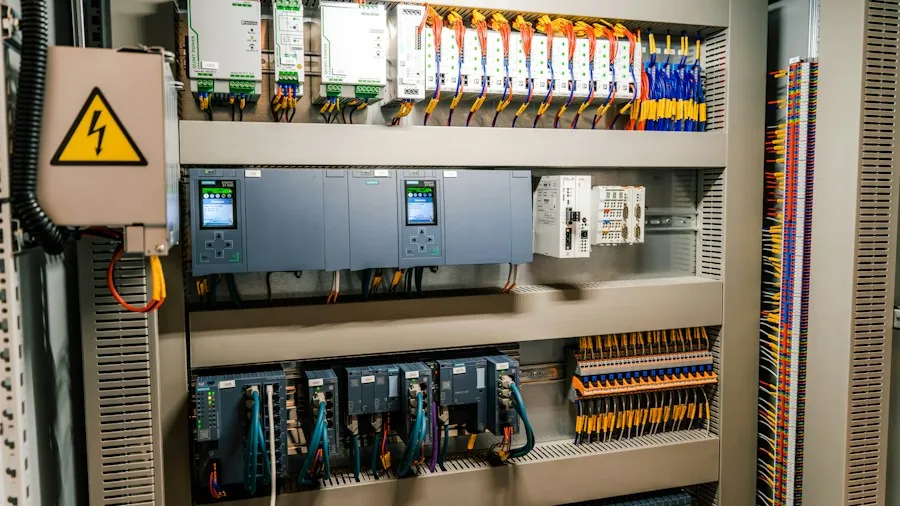
The single most effective upgrade involves moving all automations from cloud servers to a hub inside your home. Home Assistant stands out as the best option because it processes everything locally. You can run it on affordable hardware like a Raspberry Pi, an old computer, or dedicated devices such as Home Assistant Green. Since your rules, schedules, device states, and automations live on local hardware, lights and sensors respond in milliseconds without requiring any internet connection whatsoever.
If you prefer a plug-and-play solution without server maintenance responsibilities, the Hubitat Elevation C-8 Pro combines Zigbee 3.0 and Z-Wave 800 radios alongside Matter support, running all automations directly on the hub. Apple’s HomePod mini and Apple TV devices can serve as Matter hubs for local accessories, though some users report occasional device disconnections during extended outages, so verification is worthwhile. Samsung SmartThings supports local Edge drivers on the hub, but most features still require cloud connectivity for mobile app access.
Choose Local-First Wireless Protocols and Devices
Proprietary cloud-locked devices resist integration with most hubs. When purchasing smart home equipment, prioritize open wireless standards that enable local operation. Z-Wave operates in the sub-gigahertz frequency band, completely avoiding congested 2.4GHz Wi-Fi channels. Matter, an IPv6-based standard created by the Connectivity Standards Alliance, runs locally over Wi-Fi, Ethernet, and Thread without requiring cloud infrastructure.
Some manufacturers still require cloud accounts during initial setup or gate premium features behind proprietary apps. Research device specifications carefully before purchase to avoid unnecessary cloud dependencies.
Leverage Wi-Fi Smart Devices That Run Locally
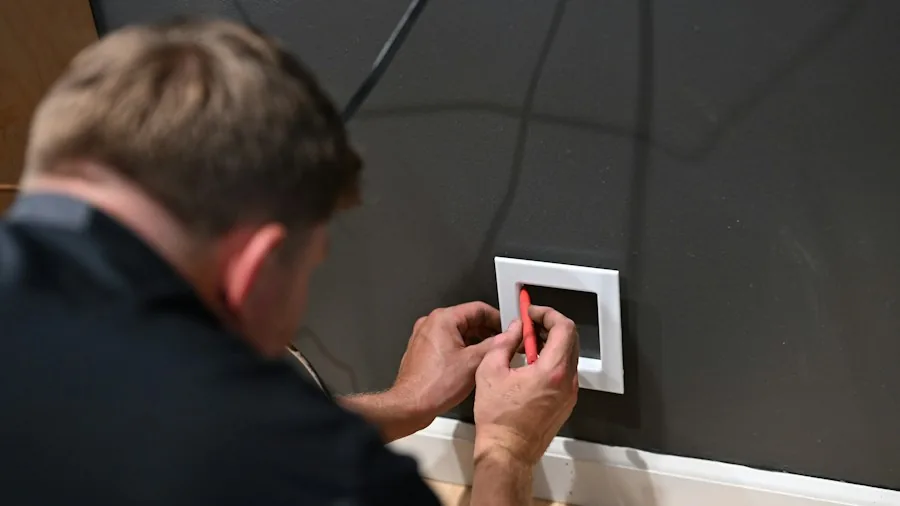
Wi-Fi itself isn’t your adversary, it’s your local communication tool. Shelly relays and smart plugs communicate directly across your local network immediately after setup, with cloud functionality disabled through the device web interface. Installing relays behind existing wall switches preserves physical button control, ensuring anyone in your household can operate lights and appliances even if your automation hub fails or they lack app access.
For DIY enthusiasts, ESP32 or ESP8266 microcontrollers running ESPHome create custom local smart devices effortlessly. Companies like Athom provide pre-flashed local plugs ready for immediate pairing. Keep voice commands working offline by connecting a local microphone to Home Assistant’s offline speech pipeline, combining Whisper voice recognition with Piper text-to-speech. Speech-to-phrase mode operates faster but understands limited commands, while Whisper demands more processing power.
Installing electrical relays behind wall switches requires working with mains voltage. Always cut power at the breaker before beginning work, and hire a licensed electrician if you’re uncomfortable or local building codes require professional installation.
Audit Your Current Setup During an Outage Simulation
You needn’t replace every device this weekend. Instead, perform a five-minute audit by disconnecting the internet cable from your router while keeping local Wi-Fi active, then verify your lights, locks, automations, and hub reboots function normally.
Replace the worst cloud-dependent devices gradually. Prioritize daily essentials: bedroom lamps, entry doors, and wall switches should work locally first. Migrate your automations to a local hub progressively. Once your smart home operates solely on hardware within your home, internet outages lose their power over your living space, and your house maintains its intelligence regardless of external connectivity status.
About the author
Ava is REMOVU's laptop writer, balancing speed, battery life, and build quality against price across the whole range. She helps readers find the sweet spot as each new chip shifts what a dollar buys.