Google Gemini for Home Gets Major Smart Display Upgrades: What You Need to Know
Gemini for Home gets visual answers, faster responses, and smarter home controls in major update
 By Jeffrey Kuhn
Updated November 12, 2026

Google is making its smart display experience significantly better with a major Gemini for Home update rolled out in mid-November. The improvements focus on speed, visual responses, and smarter home automation, giving millions of users a more capable AI assistant. If you rely on smart displays and hubs to control your home and get information, these updates directly address common frustrations.
What Changed in the Latest Update
Google announced a comprehensive set of improvements to Gemini for Home that make the assistant more intuitive and responsive for everyday tasks. The changes target three main areas: speed, reliability, and the way information appears on your devices.
Timer and alarm management received a performance boost. When you set a timer, check how much time remains, or cancel an alarm, Gemini now responds noticeably faster than before. For households with multiple connected speakers and displays, broadcast messages also arrive quicker across your entire ecosystem. This means when you want to alert everyone in your home to dinner time or an important reminder, the message reaches all devices with minimal delay.
Visual Answers on Smart Display Screens
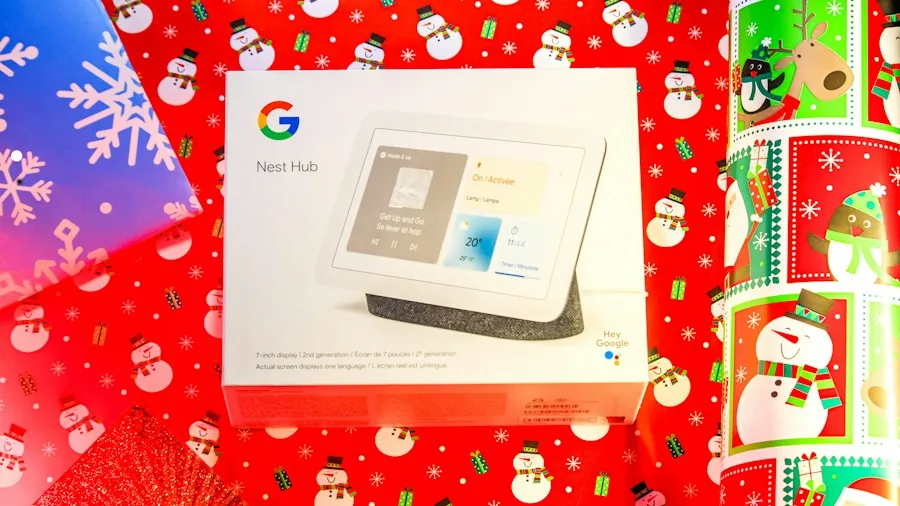
The most significant enhancement is the introduction of visual answers on compatible smart displays. When you ask Gemini a question on a Nest Hub or similar device, the assistant can now display relevant images alongside its spoken response. This capability transforms how you interact with your smart display by providing context that words alone cannot deliver.
Consider asking about how to tie a specific knot, identify a plant species, or get step-by-step cooking guidance. With visual answers, you see images that complement the explanation, making it easier to understand and follow along. This feature particularly benefits users who prefer visual learning or need quick reference materials while their hands are busy.
Smarter Home Device Control
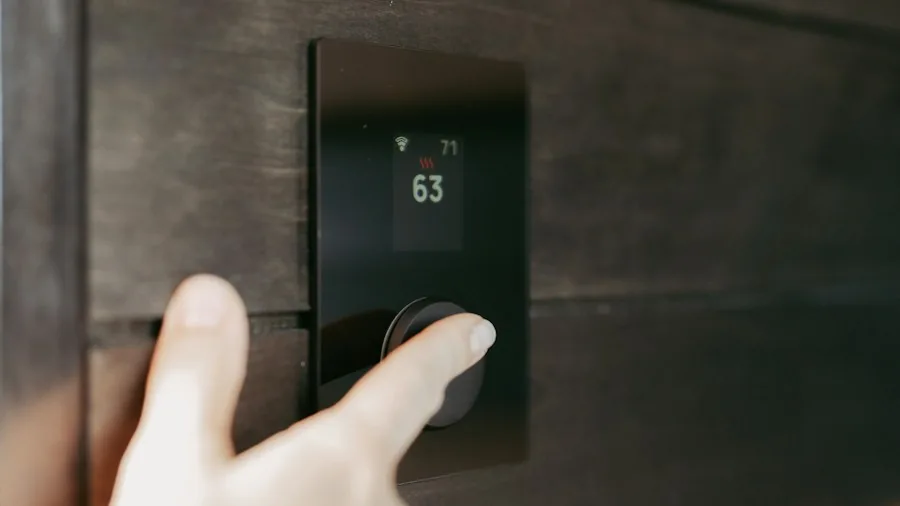
Google improved how Gemini understands and executes commands for your connected devices. The assistant is now better equipped to interpret what you mean when you ask it to adjust lighting, modify thermostat settings, or control other smart home equipment. This enhancement reduces the frustration of having to repeat commands or phrase them in very specific ways for the system to understand.
The update also introduces improvements to the Google Home app itself. Users can now access a dedicated Google Home Premium section within settings, making it easier to explore subscription features and enhanced functionality. Additionally, a new Eco Mode Everywhere feature lets you enable Eco Mode simultaneously across multiple Nest thermostats throughout your home instead of adjusting each one individually.
Camera and Reliability Fixes
Owners of older Nest camera models will appreciate the targeted fixes included in this update. Several issues that prevented live video feeds from loading on certain network configurations have been resolved. Camera playback controls also received improvements, making it simpler to review recorded footage and navigate through saved events.
These reliability improvements address long-standing complaints from users whose camera setups occasionally failed to display live feeds. The fixes demonstrate Google’s commitment to keeping older hardware functional and useful rather than pushing users toward immediate replacement.
When Will You Get These Updates
Google has not announced a specific rollout timeline for all these improvements. However, since they already appear in official release notes, a gradual deployment across the user base is underway. The Gemini for Home enhancements will initially reach users enrolled in early access programs, with wider availability expected to follow over coming weeks.
If you own smart displays designed for Google Home, you may not see all features immediately. Software rollouts from Google typically take time to propagate through their infrastructure, and some features may appear for certain users before others. Patience is warranted if you do not see these updates within the first few days of the announcement.
What This Means for Smart Display Owners
These updates collectively make smart displays more practical for daily use. Speed improvements address one of the biggest complaints about voice assistants: latency. When you give a command, faster responses make the experience feel more natural and less frustrating.
Visual answers on smart displays represent a meaningful evolution in how AI assistants communicate with users. Rather than providing text-only or voice-only responses, Gemini can now choose the best format for answering your specific question. This flexibility makes smart displays genuinely more useful rather than serving primarily as a speaker with a screen.
For anyone considering whether to invest in a smart display, these improvements reinforce that the category continues to mature. Early concerns about limited usefulness have given way to practical features that solve real problems in modern households. Better home device control means fewer incompatibility frustrations, while faster performance reduces the awkward silence that sometimes follows voice commands.
Google’s focus on improving existing hardware rather than simply pushing new purchases also signals confidence in their smart home ecosystem’s longevity. These enhancements work on existing Nest Hub models and compatible displays, meaning you need not buy new equipment to benefit from the improvements.
About the author
Jeffrey covers smart displays and home hubs for REMOVU, weighing control, features, and value as the center of a connected home. He helps readers build routines that actually simplify daily life.