Browser Based Intel 486 PC Emulator Arrives: What Shoppers Should Know About Retro486
A JavaScript-powered Intel 486 PC emulator runs entirely in your browser. No downloads needed.
 By Ken Mendoza
Updated October 31, 2026
By Ken Mendoza
Updated October 31, 2026

A new development in retro computing is turning heads this week: a full-featured Intel 486 personal computer emulator that runs entirely in your web browser. Built entirely in JavaScript by developer Jan de Jager, this project delivers a surprisingly functional replica of vintage 1990s PC hardware without requiring any downloads or software installation. The emulator, called Retro486, invites users to interact with a period-accurate system configuration complete with expandable hardware options and classic operating environments.
For shoppers interested in retro computing or vintage software preservation, this development signals a growing accessibility trend in the hobbyist market. Rather than hunting for aging hardware components or searching for expensive legacy motherboards in online marketplaces, enthusiasts can now experience authentic 486-era computing through their modern web browsers. This shift matters for collectors and casual users alike, as it lowers barriers to entry for anyone curious about early PC history.
What the Emulator Includes
The Retro486 system provides modular configuration through a tabbed interface that allows users to customize nearly every aspect of their simulated PC. The setup comes pre-loaded with a virtual Intel 80486DX2-66 processor, the workstation-class CPU that defined mid-range computing throughout the 1990s. One tab replicates an authentic cathode ray tube monitor, offering authentic visual modes including green phosphor, amber, and paperwhite displays that replicate period-correct screens.
Users gain access to dedicated configuration areas for the motherboard and expansion slots, where they can swap in and out legacy interface cards. The default configuration includes a VLB graphics card, Sound Blaster 16 audio interface, multi-input/output controller, and network adapter. A Custom Card Studio tool enables advanced users to design and validate their own virtual expansion cards, adding substantial depth to the system configuration options.
Storage and Software Access
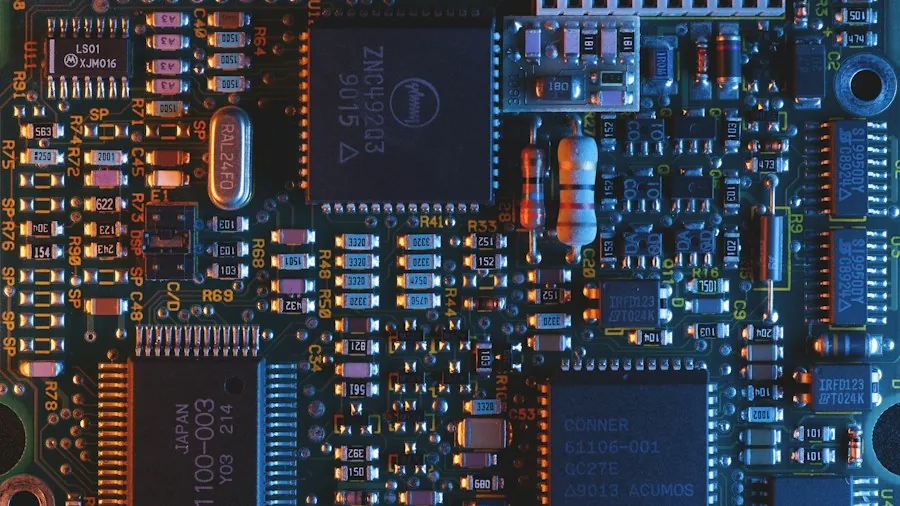
The Storage Bay tab provides convenient access to a collection of bundled disk images containing FreeDOS and various period-appropriate software titles. The collection includes iconic games from the era, such as Doom and Wolfenstein 3D, allowing users to experience entertainment as it existed during the original 486 boom years. The emulator supports creation of virtual hard drives that users can format and configure, maintaining authentic storage workflows from the vintage computing era.
A particularly practical feature involves browser persistence: the emulator automatically maintains your configuration settings between sessions and caches ROM files, disk images, and custom uploads for convenient ongoing access. This means users can return to their personalized virtual 486 environment exactly as they left it, without reconfiguring components or reloading software each time they visit.
Diagnostic and System Controls
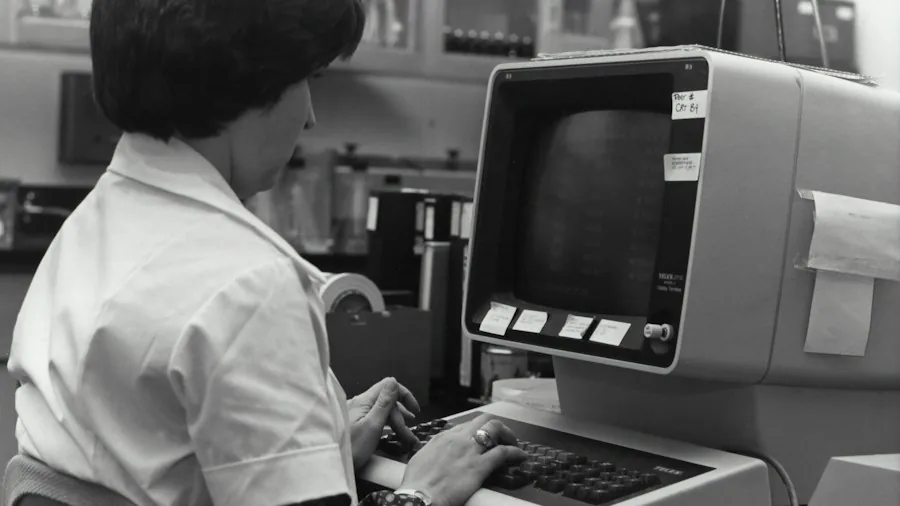
The System and Diagnostics tab provides transparency into the simulated hardware, allowing users to examine CPU registers, inspect RAM contents, explore virtual VRAM, and investigate storage sectors. This depth appeals to anyone learning about vintage PC architecture or validating specific software compatibility scenarios. Users can switch between different CPU variants to evaluate how software behaves under alternative processor configurations, a capability that mirrors troubleshooting approaches from the original hardware era.
The technical implementation deserves attention: Retro486 operates as a pure JavaScript application with zero external dependencies, meaning it runs entirely within the browser environment. This architecture delivers several advantages for end users, including improved privacy (all computation occurs locally), faster loading times, and the elimination of compatibility concerns that plague traditional emulator software. The project currently exists at version 0.1, indicating active development with opportunities for future refinement.
Implications for Computer Enthusiasts
This browser-based approach to hardware emulation represents a meaningful shift in accessibility for retro computing. Where vintage computing once demanded specialized technical knowledge or expensive hardware acquisitions, modern emulation technology democratizes access to historical systems. Shoppers evaluating options for exploring computing history no longer face the same burden of sourcing genuine motherboards and legacy components.
The project also suggests growing momentum in software preservation efforts. By encoding authentic hardware behavior in JavaScript, developers ensure that cultural artifacts from the computing industry remain accessible to future generations. Educational institutions, history enthusiasts, and casual explorers all benefit when comprehensive emulation systems become freely available.
For anyone considering entry into retro computing hobbies, this emulator removes traditional friction points. No purchasing decisions required, no hardware compatibility risks, and no physical storage constraints. The browser-based model accommodates everything from brief exploratory visits to extended configuration sessions, making it useful whether you’re satisfying curiosity or conducting serious compatibility research.
About the author
Ken covers motherboards for REMOVU, comparing features, power delivery, and value across sockets. He helps builders pick a solid foundation with room to upgrade.