Apple Watch Gets AI Memory Features with iOS 27.3 Update: What You Need to Know
Live Rewind and Siri Recap let your Apple Watch summarize conversations. Here's what buyers should know.
 By Kristen Jennings
Updated November 3, 2026
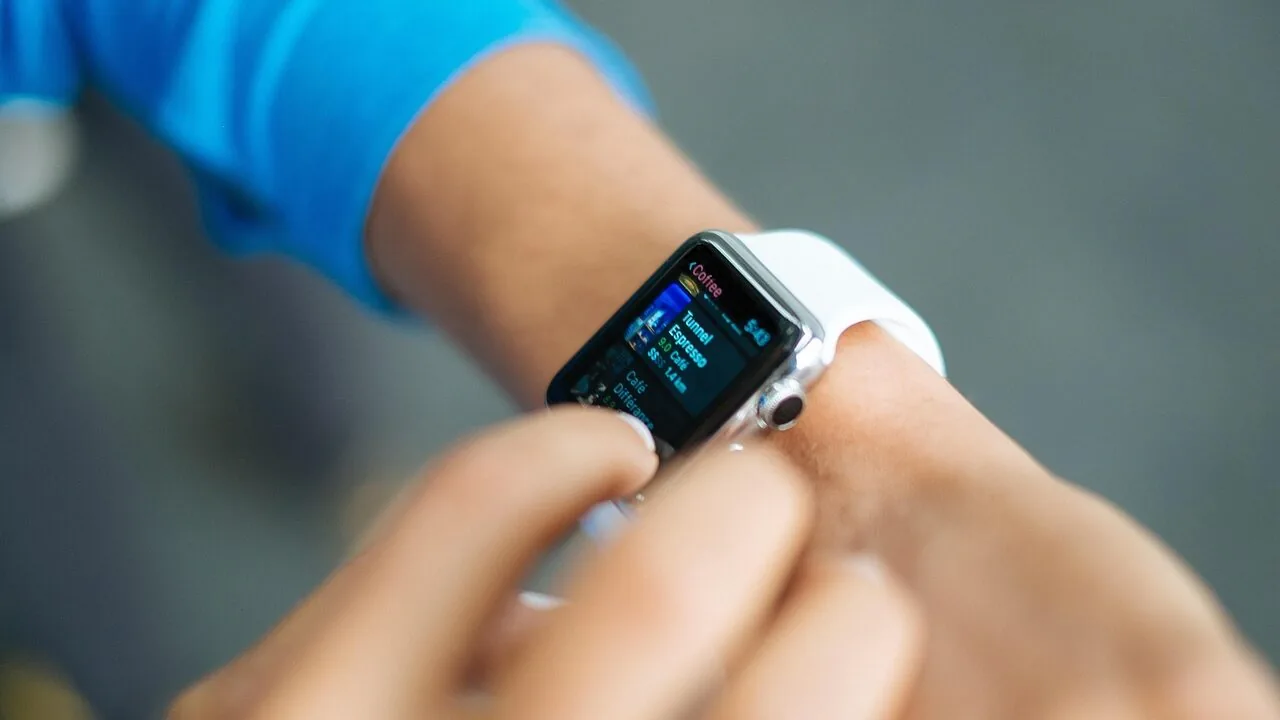
Apple is rolling out a significant upgrade to its smartwatch lineup with the introduction of two groundbreaking Audio Intelligence features coming to Apple Watch Series 12 and Apple Watch Ultra 4 via iOS 27.3. Starting with a developer beta on November 3, 2026, and expected to reach public beta in mid-December, Live Rewind and Siri Recap promise to transform how users capture and retain important conversations on their wrists.
How Live Rewind and Siri Recap Work
Live Rewind is the more straightforward of the two features. Double-press the Digital Crown on your watch, and the device displays the last 15 seconds of speech as text on your screen. A gentle chime and animation alert you to the transcription, even if your watch is in silent mode. After the transcription appears, you can ask follow-up questions about what was said or save it directly to the Siri app for future reference. According to Apple, the text automatically disappears approximately 30 seconds after your display dims, ensuring temporary storage of this information.
Siri Recap represents a more ambitious feature. When activated, either continuously or on a schedule you set, this capability summarizes your conversations under concise titles, capturing key details including dates, deadlines, and prices. Unlike a full transcript, Recap provides only a condensed summary without identifying who said what. Each day, you can review these recaps and save important ones to Notes or Journal. Any recaps you don’t save vanish automatically within seven days. Since these features arrive in beta, Apple recommends verifying summaries against your own memory of conversations.
Privacy and Security Considerations

Apple emphasizes that neither Live Rewind nor Siri Recap creates or retains audio recordings. Instead, the S11 chip processes sound in an isolated, locked environment before immediately deleting it. This means apps, users, and even Apple cannot access the raw audio data. For Siri Recap specifically, condensed text generated on your iPhone is sent to Apple’s Private Cloud Compute infrastructure for summary generation, then deleted right away.
Both features are entirely opt-in, giving you complete control. You can disable them anytime through Control Center, and toggling them off is straightforward. However, the concept of a wearable device summarizing private conversations raises legitimate concerns. Experts suggest informing the person you’re speaking with that your watch is capturing conversational summaries. Additionally, there’s a psychological consideration: over-reliance on automatic summaries might reduce your attentiveness during actual conversations.
Compatibility Requirements

To access these new features, you’ll need specific hardware and software combinations. The features are exclusive to Apple Watch Series 12 or Ultra 4, and these watches must pair with an iPhone 16 or later (the iPhone 16e is not compatible) running Apple Intelligence. This requirement means many existing Apple Watch users won’t immediately gain access to these capabilities.
What This Means for Buyers
For consumers considering a smartwatch purchase, Apple’s move signals that smartwatches are evolving beyond fitness trackers into genuine productivity tools. If memory and conversation management align with your daily needs, this update strengthens the case for choosing an Apple Watch. The feature set particularly appeals to professionals who juggle multiple conversations and need to retain specific details like deadlines and pricing information.
The broader wearables market is also intensifying. Samsung has recently enhanced its Galaxy Ring and Galaxy Watch with upgraded sleep apnea detection, approved by the FDA and Korea’s regulatory body. Meanwhile, Wear OS is introducing an always-visible status bar that keeps the time accessible across all apps, addressing a long-standing usability gap. If you’re exploring smartwatches under $200, competitive features from other manufacturers may influence your decision alongside Apple’s latest innovations.
The introduction of Live Rewind and Siri Recap reflects a broader industry trend: transforming wearables into devices that capture, synthesize, and organize information rather than simply monitor health metrics. As these capabilities mature beyond beta, expect refinements based on user feedback and privacy considerations. For Apple Watch owners and prospective buyers, this update represents a meaningful step toward making wearables indispensable for memory and productivity tasks.
The public rollout of these features will begin after the beta testing phase concludes, giving Apple time to address any issues and gather feedback from early adopters. If privacy and conversational memory matter to your daily routine, keep an eye on iOS 27.3’s full release date for when these capabilities become widely available.
About the author
Kristen writes about smartwatches for REMOVU, comparing features, battery life, and ecosystem fit. She helps readers tie together health tracking, notifications, and apps on the right watch.