Android 16 Desktop Windowing Gives iPad Pro Users a Real Reason to Reconsider
Android 16's desktop windowing could make buying an iPad Pro less necessary for productivity work.
 By Yolanda Carroll
Updated October 5, 2026
By Yolanda Carroll
Updated October 5, 2026
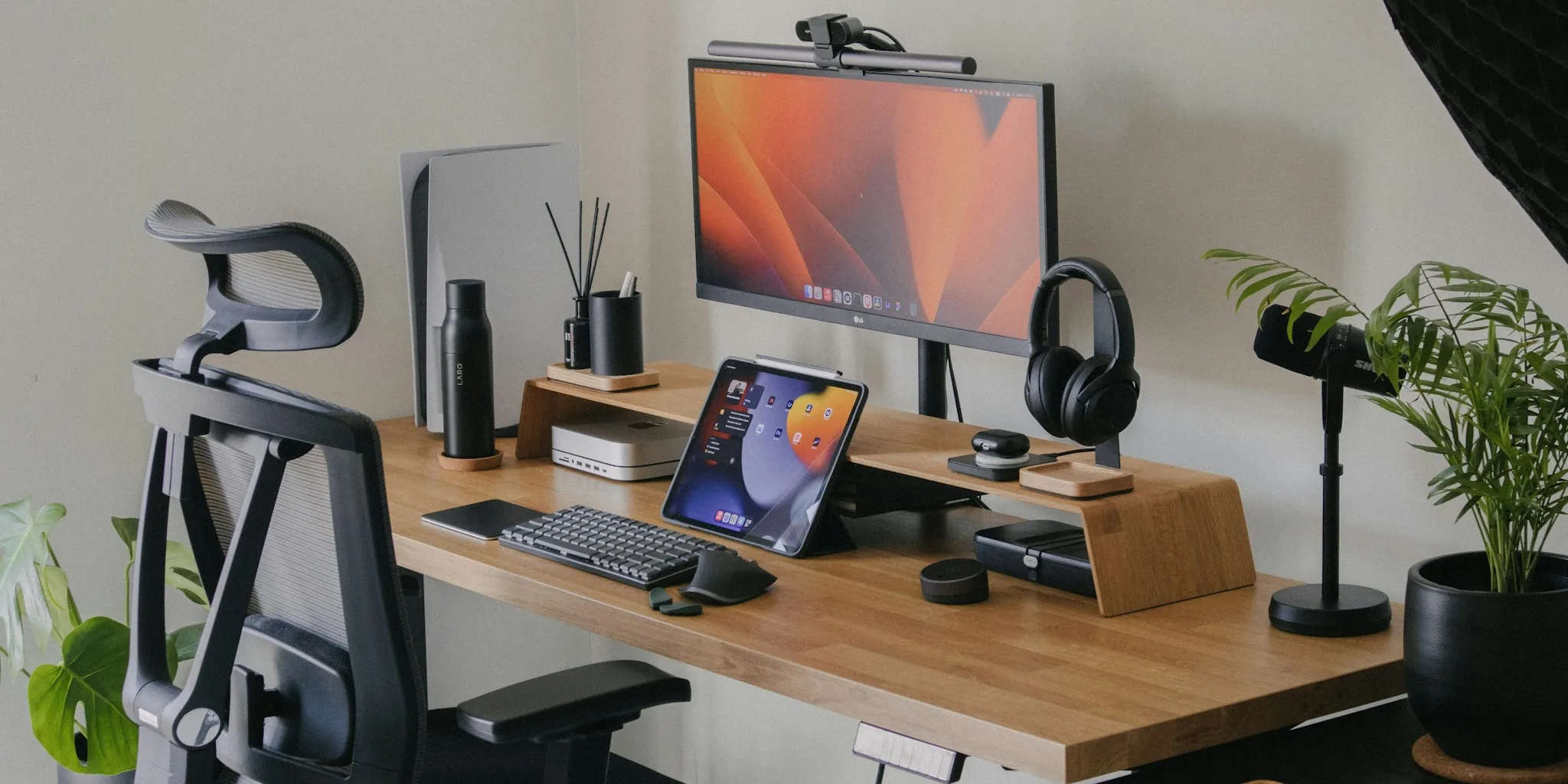
Apple’s iPad Pro remains one of the most powerful tablets on the market. The M-series chips deliver performance that rivals many entry-level laptops, and the hardware design sets the standard for the industry. Yet for productivity-focused users, a significant gap exists between the device’s capability and its software limitations. iPadOS continues to behave like an oversized version of iOS, even on the most expensive models. That constraint is about to become much harder to ignore, as Android 16 introduces desktop windowing features that finally deliver the flexibility power users have been demanding.
How iPad’s Stage Manager Falls Short for Multitasking
Apple introduced Stage Manager as the answer to iPad multitasking, but the feature enforces constraints rather than enabling freedom. The system actively monitors and adjusts windows as you move or resize them, automatically repositioning other windows to maintain a tidy layout. While the intention is to prevent clutter, this active management interrupts workflow and often requires more screen real estate than necessary. Users working across multiple layers of information find the unpredictable behavior frustrating, and the forced preset layouts don’t accommodate custom arrangements.
Accessing window controls on iPadOS adds friction to an already limited system. Closing, minimizing, or maximizing a window requires a two-step process: first tapping or hovering over the menu icon, then selecting the desired action. When you perform these operations dozens of times per day, the extra step becomes a constant annoyance. The dock also disappears when any app goes full screen, and windows cannot overlap the space where the dock typically resides. This design choice wastes valuable screen space and reinforces iPadOS’s phone-like mentality.
Android 16 Brings True Desktop-Class Window Management
Android 16 transforms the desktop experience by shifting to passive window management. When you drag one window across another, both windows stay exactly where you place them. The operating system doesn’t rearrange anything or force reorganization. This approach gives users complete control over their layout without interference from the OS.
The taskbar in Android 16 remains constantly visible, showing all running applications and the launcher. Window controls are immediately accessible, with draggable title bars and standard buttons for closing, minimizing, and maximizing. You can snap windows to edges and corners just like on a traditional computer. For anyone accustomed to working on a desktop or laptop, the experience feels natural and familiar.
When connected to an external monitor via USB-C DisplayPort, compatible Android devices launch a full desktop session that transforms your phone into a genuine workstation. Samsung has offered something similar with DeX for years, but Android 16 promises to make this capability universal across compatible devices, dramatically expanding access to desktop-class productivity.
Linux Support Expands Android’s Advantage
Perhaps the most significant difference lies in what Android 16 allows you to run. Through the Android Virtualization Framework, users can run a full Debian Linux environment alongside Android applications. This opens the door to desktop applications like GIMP, LibreOffice, and countless other tools designed for traditional computers. You can even run games like DOOM within the Linux environment. Tablets running iPadOS offer nothing comparable to this level of desktop software compatibility.
For professionals who need specific desktop applications for their work, this capability alone justifies switching away from iPad Pro. The flexibility to run both Android and Linux apps transforms a mobile device into a true workstation.
Current Limitations Still Exist

Android 16’s desktop windowing is impressive but not yet perfect. Hardware fragmentation remains a barrier. Only devices supporting DisplayPort Alternate Mode through USB-C can access the desktop experience, limiting the feature to higher-end phones and tablets. This requirement will eventually become standard, but for now it excludes many devices.
Legacy Android applications weren’t designed for freeform windows, so compatibility varies. While the OS applies tweaks to help apps adjust to different window sizes, some still experience issues like UI elements disappearing off-screen or overlapping. Text and icons may appear too small on certain monitor configurations, indicating that scaling still needs refinement. These problems should improve as developers optimize their applications and as the platform matures.
What This Means for Shoppers
The value proposition of iPad Pro is shifting. For users primarily seeking portable productivity through windowed multitasking and office work, a high-end Android phone with desktop mode capability might eliminate the need for a separate tablet entirely. Connect your phone to keyboard and monitor solutions, and you have a workstation. Add portable charging, and your setup becomes truly flexible.
This doesn’t mean iPad Pro is finished. The hardware remains exceptional, and some users prefer iPadOS’s more controlled environment. But Android 16’s desktop windowing forces a genuine reevaluation of whether iPad’s premium price remains justified for productivity users. The competitive landscape for tablets just became considerably more interesting.
About the author
Yolanda covers tablets for REMOVU, weighing performance, display, and value across iPad and Android options. She helps readers pick a tablet that fits couch time or real work.