Affinity Creative Suite Now Available on iPad at No Cost: What Designers Should Know
Professional design tools come to iPad at no cost. Here's what creatives get in the free version.
 By Yolanda Carroll
Updated November 2, 2026
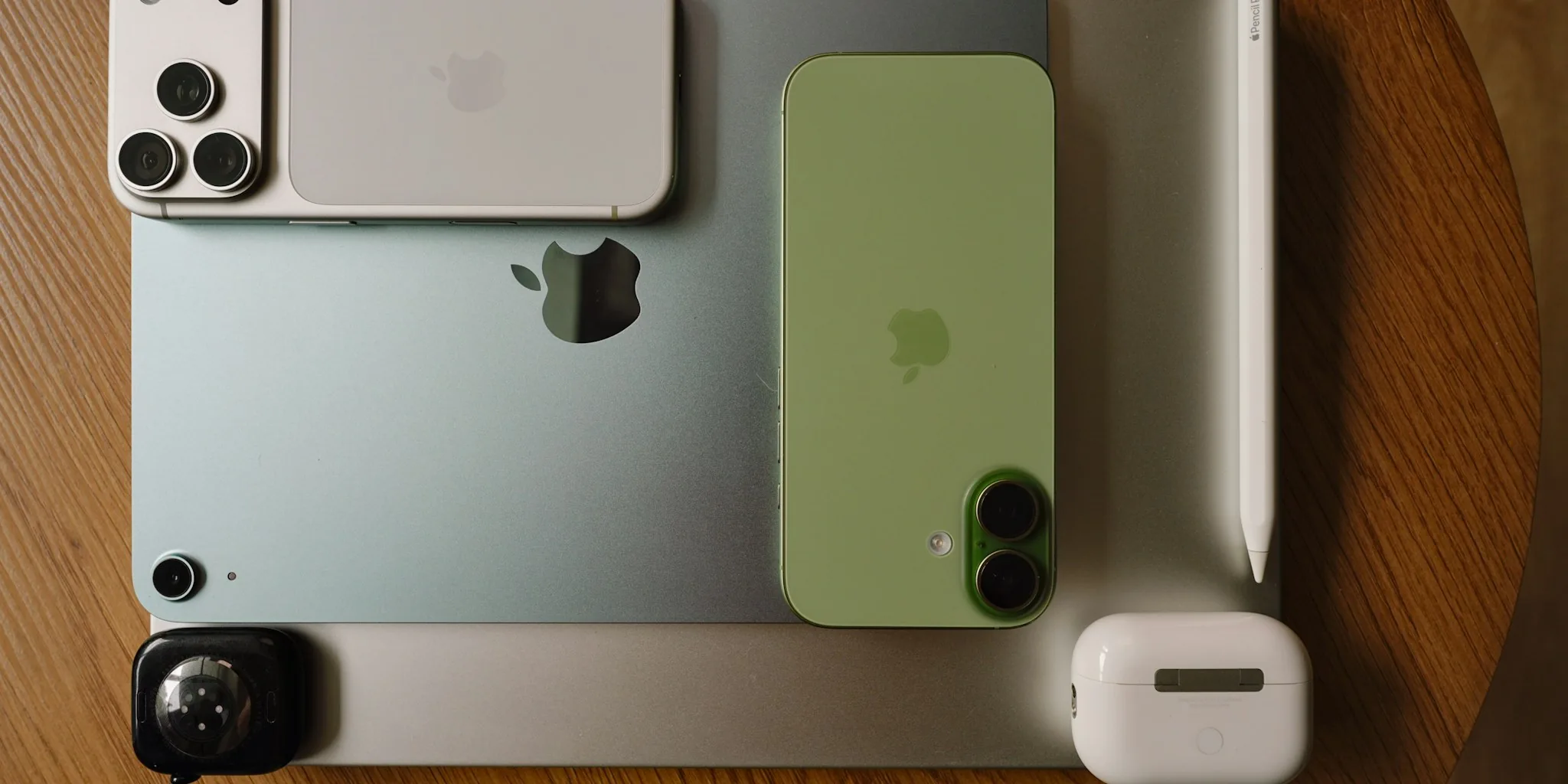
A major shift in affordable creative software just landed on Apple’s tablet ecosystem. Canva has released Affinity for iPad, delivering professional-grade design, illustration, photo editing, and layout tools to iPad users at no upfront cost. This development marks a significant expansion for designers and digital artists seeking capable alternatives to subscription-heavy options.
Free Core Tools with Optional Advanced Features
The iPad version of Affinity delivers the complete core feature set without requiring payment. Users need only a free Canva account to access sketch tools, vector design capabilities, photo editing functions, and page layout features. This structure maintains a commitment Canva and Serif made when Canva acquired the Affinity developer in 2024: keeping the fundamental creative suite free for individual users rather than forcing a subscription model.
Advanced AI capabilities remain optional and available through Canva Pro, which starts at $18 monthly. These include Generative Expand for background extension, automatic motion blur and noise reduction, and image resolution scaling. Designers can accomplish substantial creative work without ever upgrading, making this a genuinely accessible entry point for students, freelancers, and hobbyists exploring professional workflows.
iPad-Optimized Design Built by iPad Users
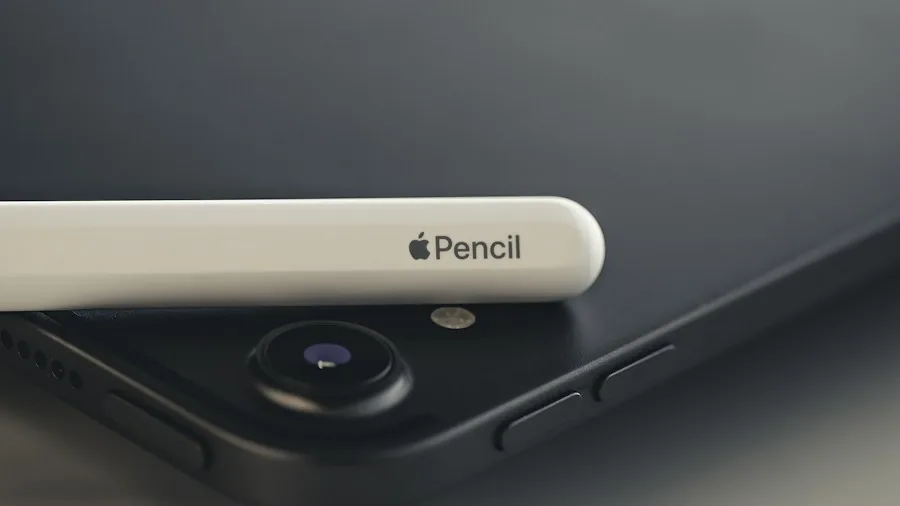
The iPad implementation reflects genuine consideration for touchscreen and stylus workflows. Every development decision came from the product team’s own iPad creation experience, from pressure sensitivity response to tool placement. This philosophy matters for professionals accustomed to Adobe or other desktop-centric software that often feel bolted onto tablets rather than genuinely designed for them.
A new Sketch Studio specifically addresses freehand drawing and sketch-to-vector conversion. The app simplifies rough sketches into cleaner geometric shapes, streamlining work that traditionally required moving between multiple applications. Support for Apple Pencil Pro capabilities including natural gestures, pressure sensitivity, tilt, barrel roll, squeeze, and hover functions gives artists granular control over their creative process.
Seamless File Management and Compatibility
Sketch, vector, photo editing, and layout projects save to the unified .af file format, eliminating the export-convert-reimport cycles that slow creative workflows. Users no longer need to maintain separate files or convert between formats when switching between project types. This unified approach streamlines collaboration and iteration significantly.
Affinity for iPad maintains compatibility with major industry-standard design file types, preventing the technical friction that often comes with learning new software. Designers working in mixed environments with clients or team members using other applications will find this flexibility essential. When paired with portable SSD solutions for creative workflows, the iPad becomes a genuinely mobile creative workstation.
What This Means for Your Creative Budget

The pricing structure addresses a genuine pain point in the design software landscape. Adobe’s Creative Cloud remains the industry standard for many professionals, yet its subscription model creates barriers for students, independent creators, and small studios with limited budgets. Affinity’s free core tools eliminate that entry friction while maintaining a clear upgrade path for users who want advanced AI features.
Designers evaluating their software subscriptions now have a legitimate option that doesn’t require monthly payments for basic professional work. Teams evaluating design tools can provision the free version across multiple users and scale to paid features only when specific AI capabilities become essential for a project. This model also benefits educational settings and nonprofit organizations operating under budget constraints.
Integration with Your Existing Setup
iPad users managing creative projects across multiple devices benefit from file compatibility that respects their existing tool investments. Whether you currently work with Sketch, Figma, or other design platforms, the ability to import and export standard formats keeps your existing workflows intact while adding iPad capabilities to your setup. Consider how adding tablet-based design tools might complement reliable network connectivity for creative file transfers, especially when collaborating with remote team members or transferring large project files.
The release represents a genuine expansion of professional creative capabilities to iPad, unshackled from the expectation of ongoing subscription payments. For designers, illustrators, and content creators seeking capable software without steep recurring costs, this launch deserves serious consideration in your toolkit evaluation process.
About the author
Yolanda covers tablets for REMOVU, weighing performance, display, and value across iPad and Android options. She helps readers pick a tablet that fits couch time or real work.