Apple Rolls Out macOS Tahoe 26.7 and macOS Sequoia 15.8 Release Candidates: What Shoppers Should Know
Apple rolls out Release Candidate builds for two major macOS versions with security enhancements coming soon.
 By Ava Herrera
Updated September 9, 2026
By Ava Herrera
Updated September 9, 2026
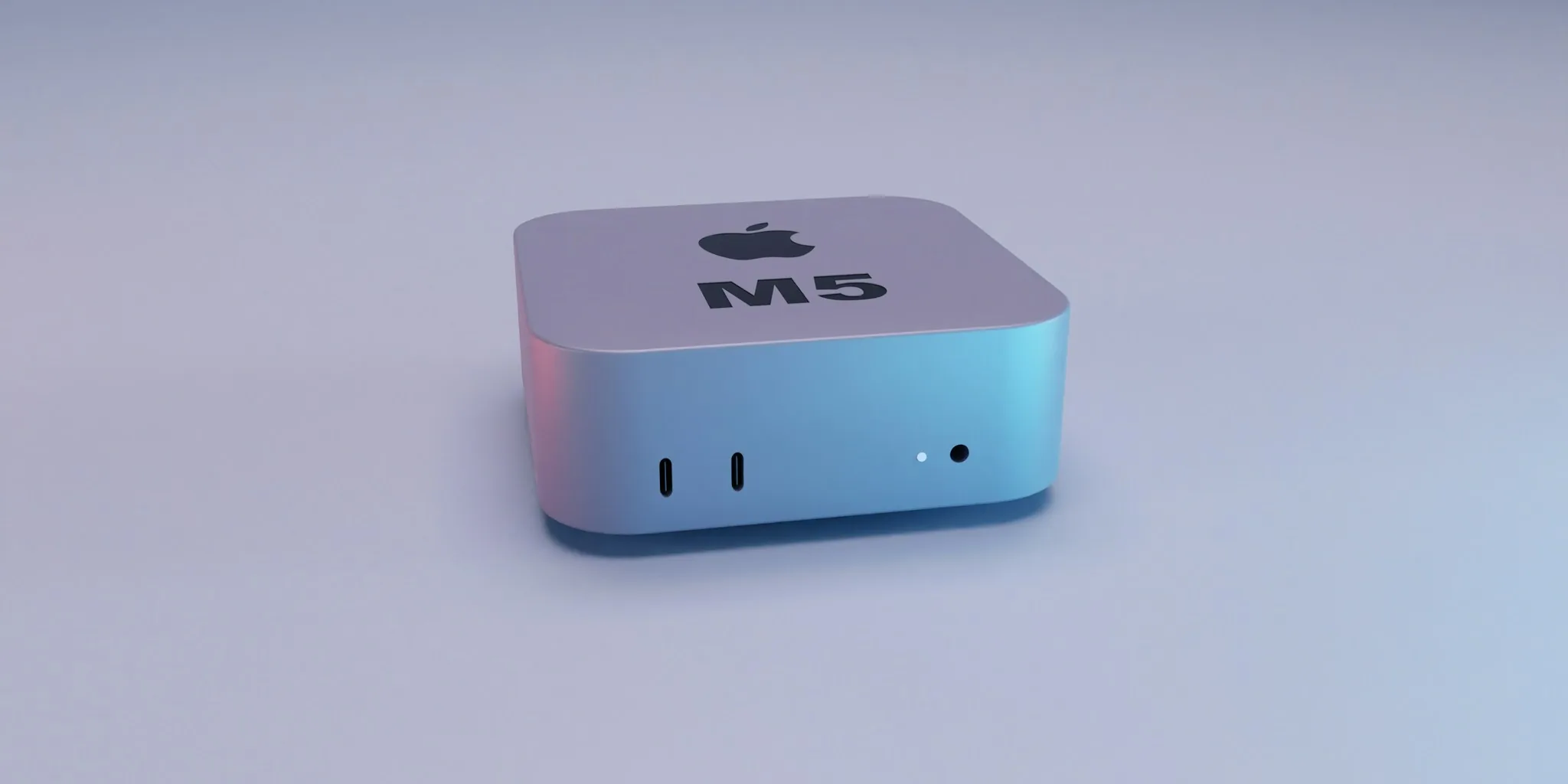
Apple has released the fourth set of Release Candidate builds for macOS Tahoe 26.7 and macOS Sequoia 15.8, making them available to developers and users enrolled in the public beta program. The new builds arrive shortly after Apple’s “Surprise and Shine” event, where the company unveiled its latest iPhone lineup. For Mac users considering an update, understanding what these releases offer can help you decide whether to upgrade right away or wait for the final versions.
What’s Included in These New Releases
Both macOS Tahoe 26.7 and macOS Sequoia 15.8 prioritize stability and security rather than introducing flashy new features. The focus of these updates centers on resolving existing bugs and enhancing overall system performance. Users should expect their Macs to run smoother and more reliably after installation, though you may not notice dramatic changes to how your computer looks or functions on the surface.
The specific build numbers are 25G229 for macOS Tahoe 26.7 and 24H23 for macOS Sequoia 15.8. These technical identifiers help developers track which version they are running and ensure compatibility with applications and services.
Security Improvements Matter for Your Data

One of the most compelling reasons to update is the enhanced security focus in these releases. Apple has made significant progress in accelerating security fixes across the past several months thanks to improvements in AI-assisted security research capabilities. This means vulnerabilities are being identified and patched faster than ever before, providing better protection for your personal information and files.
Given these advancements, security experts generally recommend updating your Mac as soon as the final versions become available to the general public, which should occur within the next few days. Delaying security updates can leave your computer exposed to known vulnerabilities that criminals actively exploit.
Should You Download the Release Candidate Now
Release Candidates are pre-release versions intended primarily for developers and beta testers who want early access to upcoming updates. If you are enrolled in Apple’s public beta program, you can download these builds immediately. However, if you are not currently in the beta program, it makes sense to wait for the official release, which will be rolling out shortly.
For those in the beta program, downloading the Release Candidate gives you a chance to verify that your essential applications and workflows function properly before the update becomes mandatory. This is particularly important if you rely on specialized software for work or creative projects, as compatibility issues can occasionally arise during major updates. The best solar panels for camping may seem unrelated to Mac updates, but both require careful research before adoption.
Timing and Availability
Apple typically releases final versions of operating system updates within days of distributing Release Candidates. This means you should expect macOS Tahoe 26.7 and macOS Sequoia 15.8 to become available to all users very soon. Depending on your Mac model and current operating system, you may see these updates arrive as automatic notifications or as available downloads in System Settings.
Mac owners running older versions of macOS, particularly those still on Sequoia, will benefit significantly from the performance and security enhancements included in version 15.8. Even if your Mac is several years old, these updates can extend its useful life by improving responsiveness and reliability.
Preparing for the Update

Before installing either update, consider backing up your Mac to ensure your data remains safe in case any unexpected issues occur during the installation process. While Apple’s Release Candidates undergo extensive quality assurance, backing up is always a sensible precaution.
Additionally, ensure you have sufficient storage space available on your Mac. Operating system updates typically require several gigabytes of free space to install properly. If your Mac is running low on storage, consider deleting unused applications or files beforehand.
Mac users should also plan installation timing strategically. Choose a moment when you will not need your computer for other tasks, as the update process will require your Mac to restart. Most updates complete within an hour or two, depending on your machine’s speed and storage capacity. The best solar chargers offer an analogy to operating system updates: both represent incremental improvements that compound over time.
The Bigger Picture for Apple Users
These Release Candidates signal Apple’s continued commitment to maintaining its operating systems with regular, meaningful updates. Rather than forcing users to purchase new hardware, Apple focuses on making existing Macs more efficient and secure. This approach benefits shoppers by extending the lifespan of their devices and protecting their investment.
The acceleration of security fixes through AI-assisted research represents a significant shift in how companies approach system protection. This technology allows Apple to respond to threats faster, ultimately creating a safer computing environment for everyone using the Mac platform.
Keep an eye on your System Settings over the coming days for the official release notification of macOS Tahoe 26.7 and macOS Sequoia 15.8. Installing these updates promptly will ensure your Mac remains secure and performs at its best.
About the author
Ava is REMOVU's laptop writer, balancing speed, battery life, and build quality against price across the whole range. She helps readers find the sweet spot as each new chip shifts what a dollar buys.