Counterfeit Chargers and Motherboard Damage: How to Spot Fakes Before You Buy
How to spot counterfeit chargers and protect your phone's motherboard from permanent damage.
 By Ken Mendoza
Updated August 30, 2026
By Ken Mendoza
Updated August 30, 2026
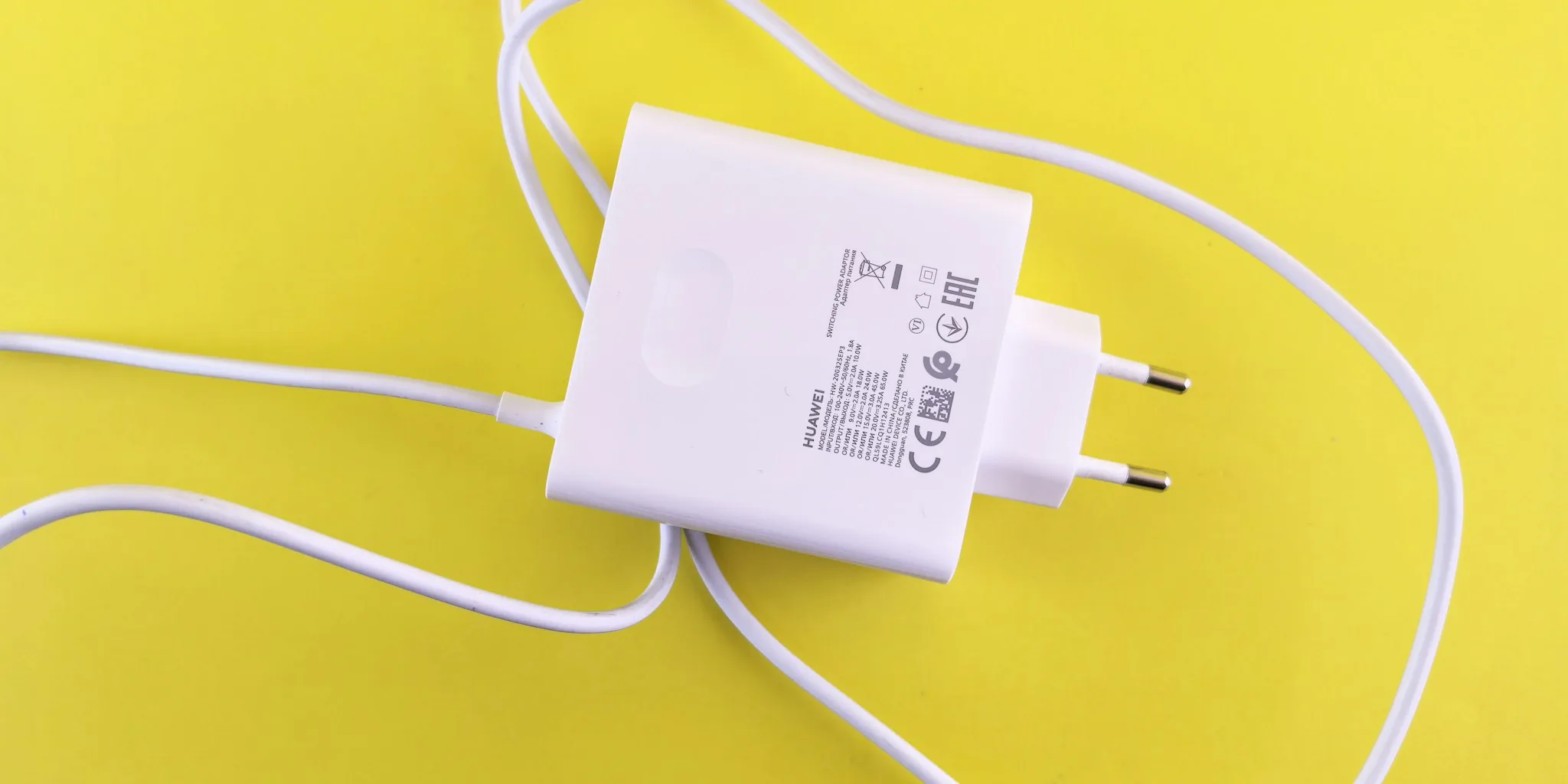
The Hidden Risk of Fake Chargers in Your Phone
Counterfeit chargers are everywhere: in discount markets, online retailers, and even legitimate-looking storefronts. The packaging often looks authentic, and the casing might feel professional, yet these knockoffs carry serious risks. Electrical faults in poorly made chargers can deliver voltage spikes that permanently damage your phone’s internal motherboard, leaving your device beyond repair. This isn’t a theoretical problem. Real users have experienced permanent hardware failure from substandard power supplies that looked legitimate at first glance.
The damage happens because counterfeit chargers lack the safety circuitry of genuine products. An unexpected power surge can fry the delicate electronics that control charging, including the motherboard itself. Once that happens, no software fix will help. Your phone becomes a paperweight. The financial loss is real, but the disruption to your daily life can be even worse.
Visual Inspection Only Gets You Partway There
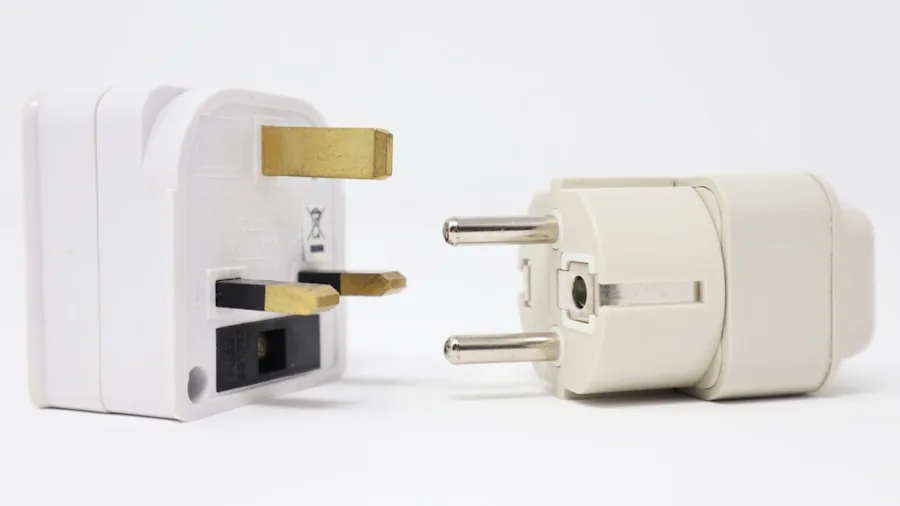
Manufacturers have gotten clever at replicating genuine chargers. One of the first things to look for is the quality of the casing itself: misaligned seams, uneven gaps between the two halves, excess plastic, or visible molding marks suggest poor manufacturing. However, a perfectly finished exterior doesn’t guarantee the charger is real. Counterfeiters have improved their assembly enough to fool the naked eye.
That’s why physical inspection alone isn’t enough. You need to evaluate what’s actually happening inside the charger when it’s delivering power to your phone. Modern software tools now make this possible without carrying extra hardware to the store.
A Better Way: Monitor Charging Data in Real Time
Smartphone apps now allow you to see exactly what voltage, current, wattage, and temperature your charger is delivering. By watching these metrics on your phone’s screen while a charger is plugged in, you can quickly assess whether it’s operating safely and within specifications. This approach is far more practical than carrying a separate USB power meter to the store.
When evaluating a charger, allow 60 to 90 seconds for the phone and charger to establish their normal operating mode. After 30 seconds, you should see the charging rate settle into a steady pattern. Watch the wattage against what the charger claims to deliver. A charger that advertises 30W but only delivers 5W has either a defect or is simply counterfeit. Compare the readings to a charger you know is genuine to establish what normal looks like.
Current readings should remain reasonably stable, with only minor fluctuations as your phone regulates the charge rate to protect battery health. Unusually large swings or erratic jumps in current can indicate internal problems. Look for steady numbers, not the highest numbers possible. Phones intentionally slow charging as the battery fills to prevent damage, so lower readings on a nearly full battery are expected behavior.
Temperature and Physical Cues Matter Too
Temperature is another critical metric. Some apps display real-time temperature readings, but you don’t need an app to catch a seriously overheating charger. After about 10 minutes of charging, feel the charger itself. Warmth is normal under heavy charging loads, but excessive heat is a red flag. If a charger becomes unusually hot, produces a burning smell, makes strange noises, or shows other signs of overheating, unplug it immediately and discard it.
Buying from retailers with clear return policies gives you an additional safety net. You can evaluate a charger in the store using the wattage and current checks, purchase it, and then monitor temperature at home over a few charging cycles. If anything seems off, a return policy lets you exchange it without loss.
The Bigger Picture: Battery Drain Goes Beyond Chargers
A charger might be completely legitimate, yet your phone could still experience rapid battery drain or excessive heat during charging. The problem might originate from inside your phone rather than the charger itself. Rogue apps, poorly optimized software, and location services running in the background can drain your battery and generate heat even while plugged in.
If your charger evaluation checks out clean, examine what’s running on your phone. Disable background activity for non-essential apps in your Android settings, then monitor your phone’s drain rate over several days to see whether performance improves. Often, a combination of factors contributes to charging problems. The charger is only half the equation.
Protecting Your Motherboard and Your Wallet
Prevention is far cheaper than replacement. Counterfeit chargers pose two distinct risks: they can damage your phone’s motherboard through electrical faults, and they can create genuine fire hazards. By evaluating chargers using real-time electrical data before you commit to a purchase, you avoid both dangers.
Buy original chargers from authorized retailers whenever possible. When that’s not an option, take 90 seconds to evaluate the charger using your phone before completing the transaction. Compare its output against a known genuine model. Look for steady readings, reasonable temperatures, and consistency over time. These simple steps eliminate most counterfeit chargers from your consideration and protect your device from permanent damage. Your phone’s motherboard and your peace of mind depend on it.
About the author
Ken covers motherboards for REMOVU, comparing features, power delivery, and value across sockets. He helps builders pick a solid foundation with room to upgrade.