Xbox Backward Compatibility Arrives on Windows PC: What Shoppers Need to Know
Microsoft officially launches backward compatibility for classic Xbox titles on Windows computers.
 By Serenity Richards
Updated August 15, 2026
By Serenity Richards
Updated August 15, 2026
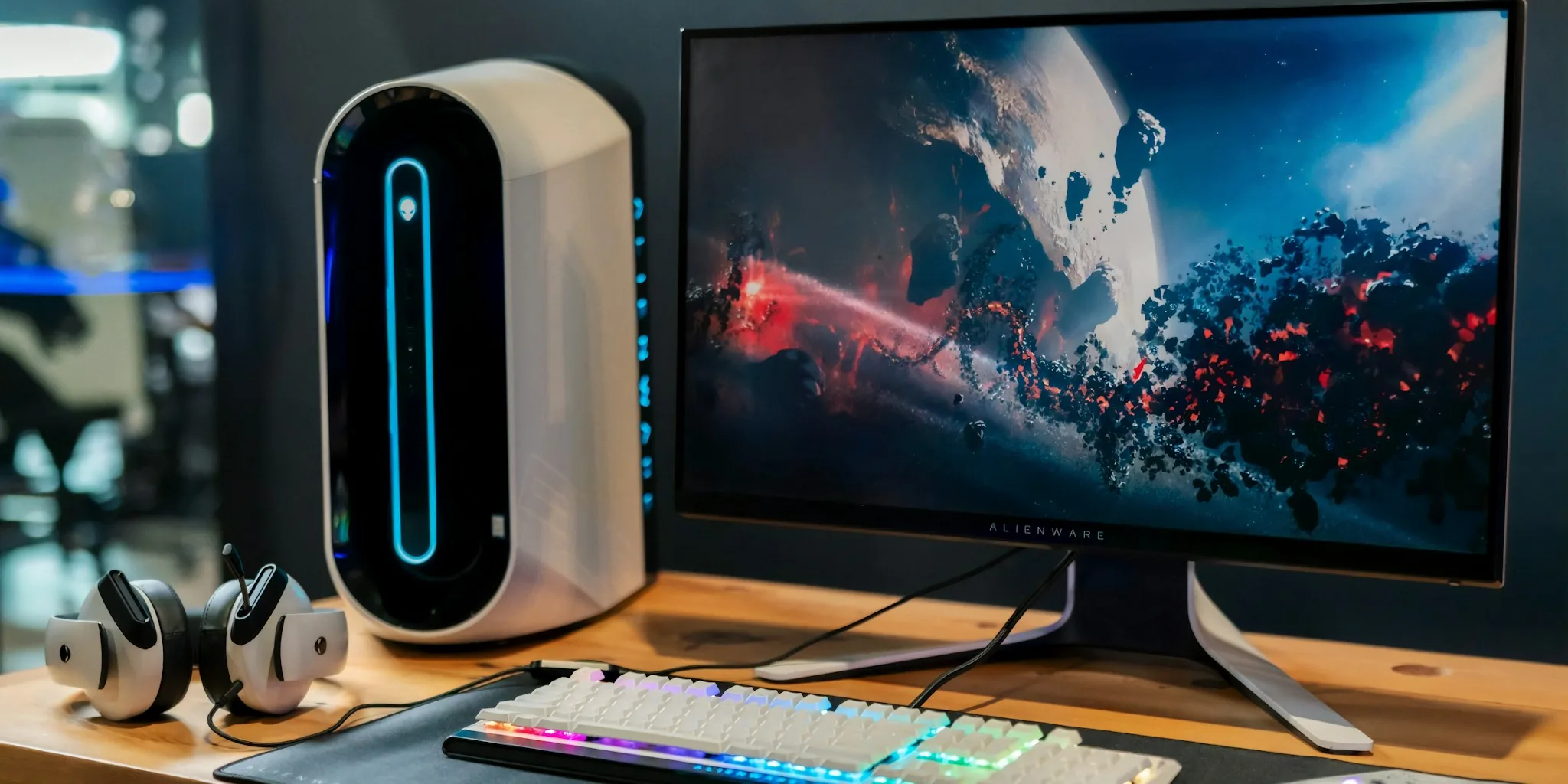
Microsoft has officially announced a major expansion to its gaming ecosystem: original Xbox and Xbox 360 games will now be playable on Windows PC through newly available emulation technology. This development marks a significant shift in how players can access and enjoy classic titles, and it carries real implications for anyone considering their next gaming purchase or system upgrade.
What’s Changing for PC Gamers
The rollout of Xbox backward compatibility on Windows represents Microsoft’s commitment to preserving its gaming library while expanding where these titles can run. Players will soon be able to experience original Xbox and Xbox 360 games on their personal computers, provided they own digital versions of these games through their Microsoft account. This integration taps into the existing game console ecosystem that Microsoft has built over the past two decades.
The implementation leverages Play Anywhere functionality, which means certain games purchased once can be played across both console and PC without requiring a separate purchase. This cross-platform approach gives consumers more flexibility in deciding where and how they want to play their favorite titles.
Licensing Considerations and Availability
While the technical framework is now in place, licensing agreements will play a crucial role in determining which games become available. Not every title from the Xbox catalog will automatically appear on PC, as publishers must approve the re-release of their games on this new platform. This process could take time, and some games may never be made available due to licensing constraints or publishing decisions.
Consumers interested in accessing this feature should begin inventorying their existing Xbox digital library. Games purchased years ago through Microsoft’s digital storefront may already be eligible for PC emulation, though the official list of compatible titles is expected to grow gradually during the rollout.
Achievement Support and Integration
Microsoft is also introducing achievement functionality to enhance the experience. The company plans to add support for tracking accomplishments within these classic games, mirroring features available on current Xbox consoles. Additionally, party chat and microphone audio can now be captured in Game DVR recordings, allowing players to preserve their gameplay sessions with full audio context.
These features address common requests from the gaming community and suggest that Microsoft is treating backward compatibility as a premium experience rather than a secondary option. Players who want to capture and share their gameplay will benefit from these expanded recording capabilities when diving into classic titles.
What This Means for Your Gaming Setup
For shoppers evaluating their gaming options, this announcement opens new possibilities. A mid-range gaming PC that meets basic Windows requirements can now function as a gateway to decades of Xbox gaming history. You no longer need to maintain multiple consoles or search for aging hardware to revisit classic games from the late 1990s and 2000s era.
This development particularly benefits PC gamers who never owned the earlier Xbox generations or those whose hardware has aged out. If you’re considering upgrades to your storage solutions for gaming, this backward compatibility initiative may justify investment in higher-capacity drives to accommodate a larger library of playable titles on Windows.
The Broader Picture

The arrival of backward compatibility on PC also signals Microsoft’s strategic direction: building a unified gaming platform that spans devices rather than fragmenting the experience across separate ecosystems. As the company continues refining its hardware lineup and software offerings, consumers benefit from increased choice and flexibility.
Publishers and developers are watching this rollout closely as it represents a new channel for monetizing classic titles without requiring full remakes or remasters. Games that might have seemed commercially dormant can reach new audiences through this emulation pathway.
Getting Started
When the feature becomes widely available, interested players should verify their digital game ownership through their Microsoft account. The emulation rollout will likely follow a phased approach, with certain titles becoming available before others. Keeping informed through official Microsoft gaming channels will help you understand which games in your library are ready to play on PC.
Those planning to engage heavily with backward compatible titles might also want to explore gaming peripherals designed for console experiences, as many classic games benefit from controller support and other specialized hardware that enhances gameplay authenticity.
This shift represents a consumer-friendly development in an industry often focused on selling new products. By enabling access to existing digital purchases across additional hardware platforms, Microsoft is acknowledging that gaming libraries hold lasting value. For consumers, this means smarter purchasing decisions today knowing that game investments will remain accessible on future systems.
About the author
Serenity covers home game consoles for REMOVU, weighing performance, exclusive libraries, and the ecosystem each platform locks you into. She helps players pick the console that fits how and what they play.