Should You Buy a Kids Kindle: 7 Key Factors to Help You Decide
Compare pricing, features, and long-term value between Kids and standard Kindle models.
 By Isabella Black
Updated November 26, 2026

Deciding whether to invest in a dedicated Kids Kindle or opt for a standard model requires weighing several practical considerations. While the initial price tag on Kids Kindles may seem higher, the total value proposition often tells a different story when you factor in what’s included and how the device serves your family’s reading habits.
Understand What Comes in the Box
The Kids versions of Amazon’s Kindle lineup differ from their standard counterparts primarily in packaging and software features rather than core hardware. The hardware itself is identical to the regular Kindle, Paperwhite, or Colorsoft models. What sets them apart is what Amazon bundles with the device.
Every Kids Kindle arrives with a protective case themed for children, which you would need to purchase separately for a standard Kindle. The case alone typically costs between $15 and $30, so this represents immediate value. More importantly, Kids Kindles include a full year subscription to Kids+, a curated library designed specifically for readers ages 6 through 12. This subscription provides access to thousands of age-appropriate titles, including popular series like Percy Jackson and Diary of a Wimpy Kid.
Compare the Real Annual Cost

Price comparison requires looking beyond the sticker price. A standard Paperwhite without ads costs $219, while the Kids Paperwhite is priced at $229. The difference appears modest, but consider what else you receive. The Kids version includes a year of Kids+ (valued at approximately $96 annually for Prime members), while the standard model comes with only three months of Kindle Unlimited at an additional monthly cost.
When calculating your first-year expense, the Kids Kindle often costs comparable to or less than purchasing a standard model, buying a protective case separately, and subscribing to Kindle content. The base Kids Kindle starts at $179 versus $149 for the standard version, but adding a case to the standard model brings its total closer to the Kids pricing.
Consider Content Curation and Safety Features
Kids+ provides a thoughtfully curated collection rather than the entire Kindle Unlimited catalog. This curation serves a practical purpose: it eliminates inappropriate content and reduces decision fatigue for young readers. The Kids version also ships without advertisements or lock-screen distractions, creating a cleaner reading environment focused on books.
Parent controls represent another significant advantage. The Parent Dashboard mobile app allows you to monitor reading activity, set daily screen time limits, and suggest titles. While standard Kindles offer parental controls, they require more complex configuration and often demand a separate account setup to function properly.
Evaluate Cross-Device Compatibility
If your household uses multiple Amazon children’s products, such as the Amazon Kids Echo or Kids tablets, your Kids+ subscription works seamlessly across all devices with a child profile. This ecosystem approach makes the subscription more valuable if you’re already invested in Amazon’s children’s product line. Standard Kindles lack this integrated family profile system, requiring separate account management for different devices.
Factor in Library Access Options
Both Kids and standard Kindles support the Libby app, which connects to your local library system. This means your child can borrow digital library books at no additional cost. Many families find library access significantly reduces their need for paid subscriptions, making it an important factor in your decision regardless of which Kindle model you choose.
Assess Sale Frequency and Timing
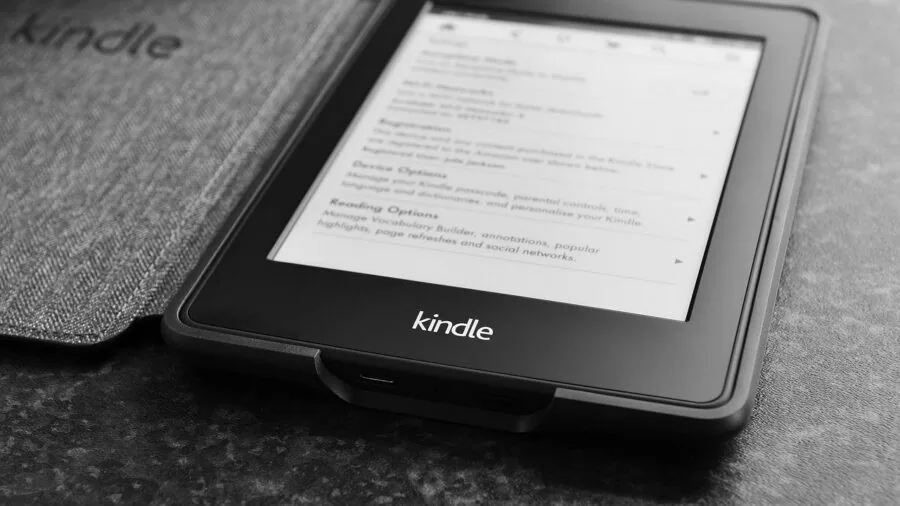
Standard Kindles frequently go on sale during Black Friday, Prime Day, and spring sales events. Kids Kindles rarely receive discounts, maintaining their higher price year-round. If budget flexibility matters to your decision, waiting for sales on standard models is a viable strategy. However, if you purchase during a sale event on a standard model, factor the full first-year costs carefully to ensure you’re not simply deferring expenses into subscriptions.
Decide Based on Your Child’s Reading Level
For children ages 6 through 12 with developing reading skills, the curated Kids+ library and parental controls justify the higher initial investment. If your child reads independently and you have confidence in managing content yourself, a standard Kindle becomes more attractive, especially if purchased on sale.
For families considering the Colorsoft model, the Kids version at $299 offers the same benefits as other Kids models, plus the advantage of color displays for children transitioning to graphic novels and illustrated books. The standard Colorsoft base model costs $289, but bundles with cases can reach $301, again narrowing the price gap.
The key takeaway: evaluate the first-year total cost including hardware, accessories, subscriptions, and content access. For most families with children in the target age range, the Kids Kindle delivers better overall value and peace of mind through its integrated safety features and curated content. The upfront investment typically aligns with what you’d spend on a standard model when you account for all associated costs.
About the author
Isabella covers e-readers for REMOVU, comparing screen clarity, battery life, and reading comfort. She helps bookworms trade glare and distractions for weeks of easy reading.