7 Tips to Make Your USB-C Cables Last Longer
Simple habits keep your USB-C cables working longer. Learn how proper storage, handling and cleaning prevent costly damage.
 By Ava Herrera
Updated November 24, 2026
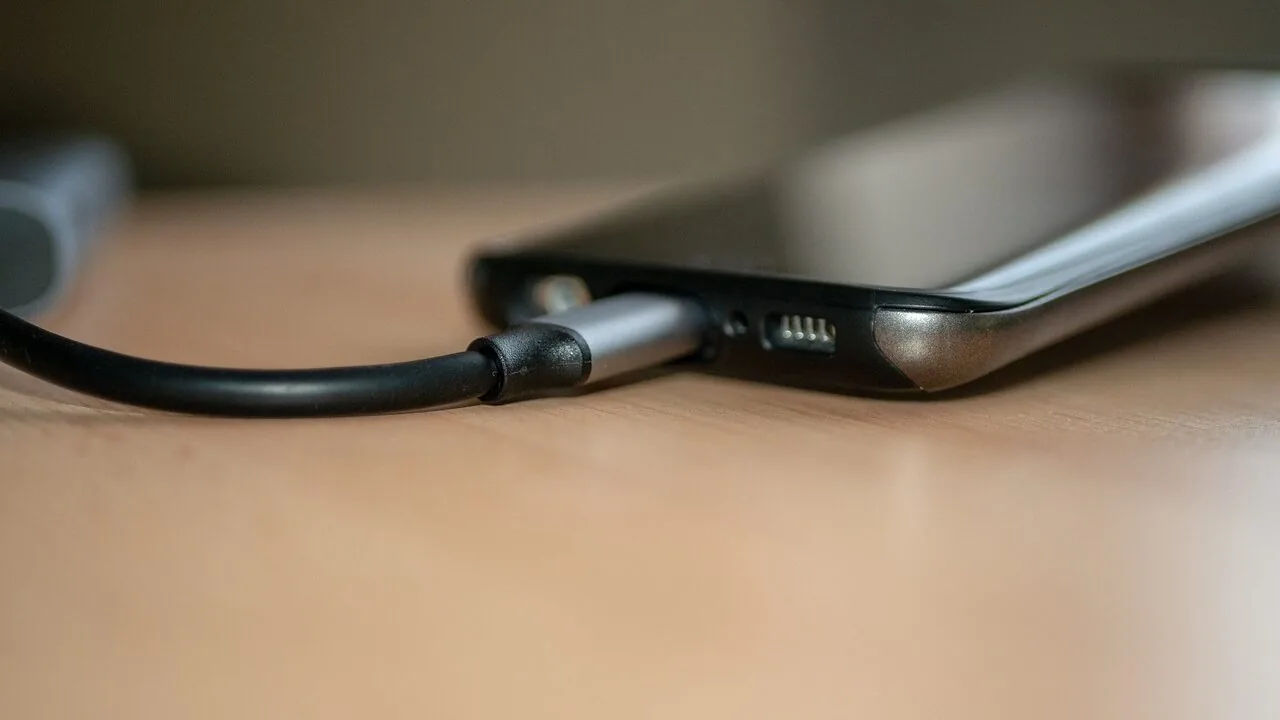
USB-C cables power our phones, laptops, gaming controllers and countless other devices in our daily lives. Yet they seem to fail at the worst possible moments. The frustration of a broken cable is compounded by the inconvenience and expense of replacement. The good news is that extending the lifespan of your USB-C cables is entirely within your control. With intentional care, smart storage practices and mindful usage habits, you can keep your cables functioning reliably for years.
Understand Why Cables Fail
According to USB standards, the connector itself should withstand 10,000 connection cycles. This means the connector is rarely the culprit when a cable stops working. Instead, damage typically occurs where the cord meets the connector, the weakest structural point on most cables. Everyday handling mistakes inflict most of the damage before you even realize a problem exists. By understanding how cables break down, you can adopt preventive measures that make a real difference in longevity.
Grip the Connector, Not the Cord
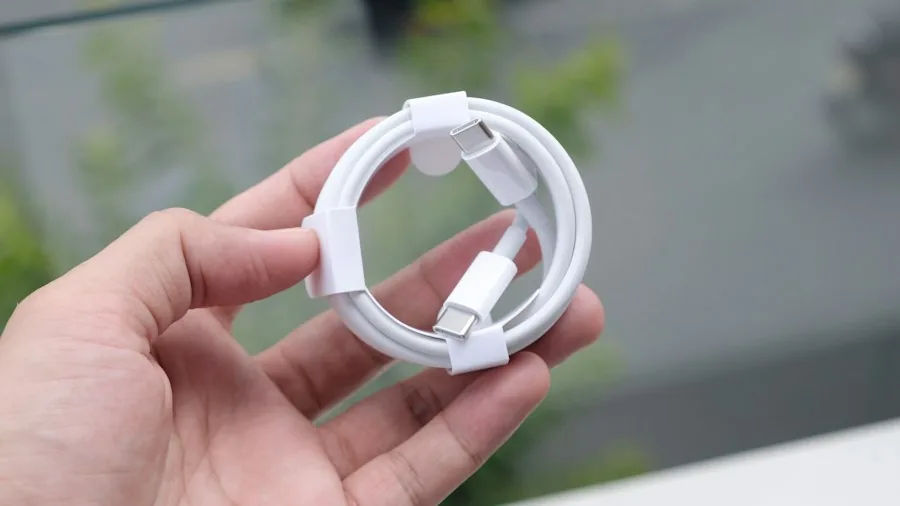
The most damaging habit is yanking the cable to unplug your device. When you pull on the cord itself, internal wires gradually break and separate from the connector. Instead, always grip the plug head firmly and pull straight out. This simple technique removes strain from the vulnerable internal wires and maintains the structural integrity of the connection. The same principle applies when the cable is inserted: never twist or bend the cable while it remains connected to your device. If you need to route the cable differently, unplug it first, then adjust its position gently without sharp creases or severe bends.
Protect Cables from Physical Hazards
Your cable faces threats beyond yanking and twisting. Keeping cables off the floor eliminates the risk of chair wheels, foot traffic or furniture crushing the internal wires while the outer insulation still appears intact. High temperatures accelerate breakdown of the outer protective layer, while cold environments make the cable brittle and prone to cracking when bent. Store and use your cables in moderate temperature ranges whenever possible. Additionally, coiling cables too tightly creates stress points that damage internal wires over time, even when you cannot see the harm from the outside.
Clean Connectors and Ports Regularly
Lint, dust and debris accumulate inside USB-C ports and on connector pins, causing loose connections and accelerating wear. Fortunately, cleaning requires minimal effort and inexpensive tools. Use compressed air as your primary cleaning method: hold the can upright about 15 centimeters away and spray short bursts into the port at different angles to dislodge trapped particles. Never use sharp metal objects or picks, as these scratch the delicate contact pins and risk short circuiting your device. Regular cleaning prevents connection problems and extends the working life of both your cable and your device’s port.
Store Cables Using Proper Techniques
How you store unused cables significantly impacts their longevity. Always unplug cables before storage so the connectors experience no strain while coiled. Create a loose loop about the size of your palm rather than wrapping tightly around the charging brick or making knots, both of which stress internal wires. For people who maintain multiple cables in one location, Velcro straps or silicone cable organizers keep them organized without causing damage. Avoid rubber bands and twist ties, which create pressure points that gradually damage the cable. Keep cables in dry, cool environments, as humidity can cause corrosion inside connectors, particularly on non-waterproof cables.
Invest in Quality Cables from the Start
Purchasing inexpensive cables from questionable sources guarantees short lifespan and potential safety issues. Instead, choose cables from reputable manufacturers that offer reinforced strain relief, braided or thickened outer layers and USB-IF certification. Certified cables perform reliably and meet safety standards, while superior build quality means longer operational life. Quality USB-C docks and accessories also ensure your devices charge and connect properly without damaging your cables through poor design. Cable length matters too: USB4 cables have a recommended maximum length of 0.8 meters. Longer cables may experience power delivery issues, signal degradation and slower data transfer speeds.
Replace Damaged Cables Immediately
Inspect your cables regularly for signs of damage including cracks, fraying, exposed wires or bent connectors. Once damage appears, replacement becomes necessary rather than optional. Continuing to use a damaged cable increases risk exponentially: a small problem can escalate into a serious electrical hazard or device failure. Never attempt DIY repairs on frayed or broken cables, as the Electrical Safety Foundation International strongly advises against self-repair attempts. A damaged charging cable that seems like a minor issue could cause fires or electrical damage costing thousands of dollars. Spending a few dollars on a replacement protects your devices, your home and your safety far more effectively than attempting temporary fixes.
About the author
Ava is REMOVU's laptop writer, balancing speed, battery life, and build quality against price across the whole range. She helps readers find the sweet spot as each new chip shifts what a dollar buys.