VSCO Studio Pro Desktop Launch: What Photographers and iPhone Users Should Know
The photo editing platform debuts its first desktop software, challenging industry standards with accessible pricing and signature presets.
 By Eleanor Garcia
Updated November 17, 2026
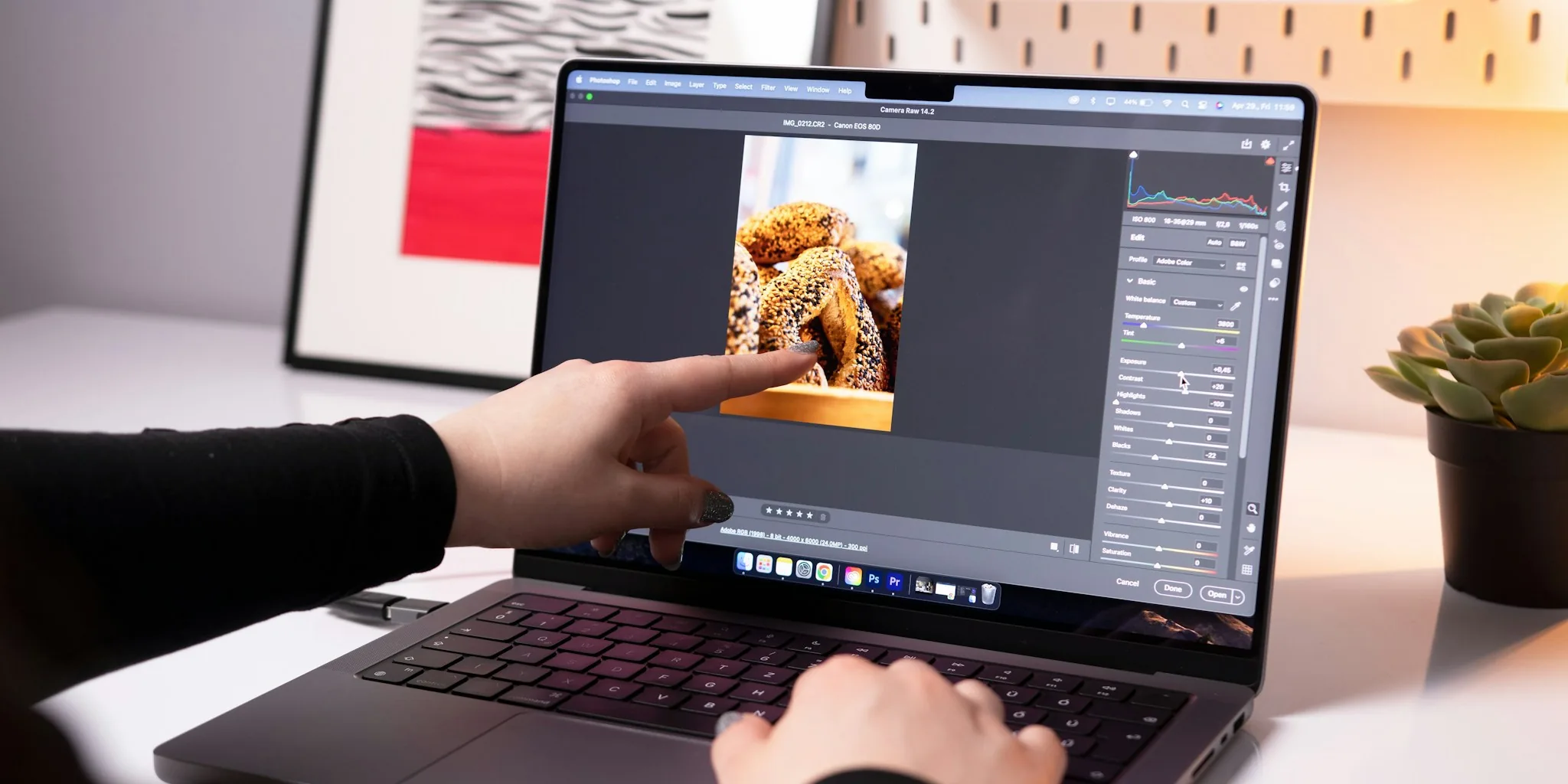
VSCO, the creative photo editing platform beloved by millions of iPhone users worldwide, has taken a major step into professional desktop software. The company recently unveiled VSCO Studio Pro, its first dedicated desktop photo editor for Mac computers. This launch marks a significant moment for the photography community, particularly for enthusiasts who want sophisticated editing tools without committing to expensive subscription services or cloud storage plans.
A Fresh Alternative to Industry Standards
VSCO Studio Pro enters a market dominated by Adobe Lightroom and Capture One, two established names in photo editing software. The new application brings VSCO’s signature approach to a desktop environment, offering photographers access to the brand’s most celebrated feature: an extensive collection of color presets. With more than 200 presets available, the software includes everything from the company’s classic A1-10 color range to authentic black-and-white options and film stock emulations modeled on real scans of classic films like Kodak Gold and Fuji Velvia.
The preset library represents years of creative refinement. Photographers who previously purchased VSCO’s Lightroom preset pack more than a decade ago will recognize the identical color grading profiles, now available directly within Studio Pro’s standalone environment. This familiarity makes the transition straightforward for existing users of iPhone and other VSCO mobile apps.
Core Editing Tools and Current Limitations
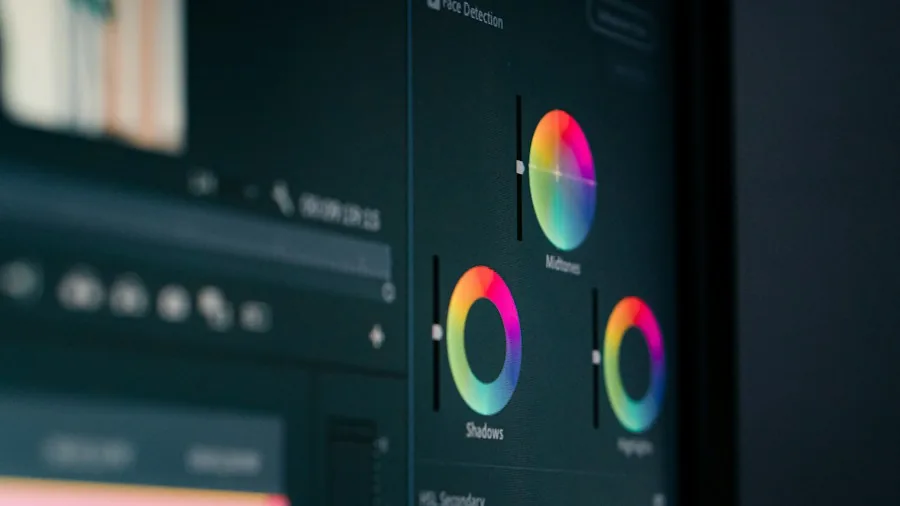
Studio Pro includes standard editing controls familiar to anyone who has worked in professional photo software. Users will find exposure, contrast, highlight, and shadow sliders, along with individual color adjustment tools for white balance and targeted color work. These fundamental features form the foundation of any serious image editor.
However, the application launches in a relatively minimal state. Several advanced features remain absent at release, most notably selective masking capabilities. This means photographers cannot yet apply gradient adjustments to specific image areas, such as toning down highlights only in a sky. VSCO has publicly committed to adding masking functionality soon, along with bloom and halation tools that are already present but grayed out awaiting activation. The spot removal tool for eliminating dust and sensor marks is similarly forthcoming.
The organization system also requires maturation. While Studio Pro includes basic project grouping features coming in an update, the cataloging infrastructure falls short of Lightroom’s cloud-synchronized library system, which allows photographers to access and edit thousands of organized images across desktop, tablet, and mobile devices seamlessly. For photographers managing extensive archives across multiple shoots, this organizational gap presents a real consideration.
Pricing and Target Audience

Studio Pro is available to VSCO Pro subscribers at $70 annually, a price point significantly lower than Adobe Lightroom’s approximately $140 per year subscription. The VSCO Plan includes both desktop and mobile editing tools, while Lightroom adds 1 terabyte of cloud storage to its offering. Currently, Studio Pro is available exclusively on macOS, with no Windows version announced.
These economics position VSCO Studio Pro as an appealing option for enthusiast photographers seeking creative editing capabilities without expensive professional workflows or mandatory cloud storage commitments. Working professionals requiring robust asset management, cloud backup systems, and tethered shooting capabilities will likely find established solutions better suited to their needs. The software shines brightest for creative photographers who prioritize aesthetic quality and preset-based efficiency over complex organizational features.
What This Means for Shoppers
For consumers evaluating photo editing solutions, Studio Pro’s launch introduces a credible middle ground between free mobile apps and premium desktop subscriptions. iPhone photographers who already use VSCO’s mobile app will find the transition natural, with consistent preset behavior and similar editing philosophies across platforms.
The launch also signals VSCO’s strategic direction: rather than competing directly with Adobe’s expanding artificial intelligence integration, the company emphasizes traditional creative controls and color science. This philosophy may resonate with photographers who prefer organic editing methods over generative AI alterations.
VSCO’s entry into desktop editing represents an opportunity for the broader photography community. Additional competition encourages innovation across the category, potentially benefiting consumers through improved features and more competitive pricing structures. As imaging technology continues advancing across consumer devices, the demand for accessible yet powerful editing tools will only increase.
The initial feature set suggests VSCO has prioritized its core strength: delivering beautiful, authentic-looking color adjustments through extensive presets. As the software matures through promised updates adding masking, spot removal, and enhanced organization, its appeal will likely broaden considerably beyond enthusiasts toward semi-professional creators seeking streamlined workflows and distinctive aesthetic capabilities.
About the author
Eleanor covers smartphones for REMOVU, balancing cameras, battery life, and software support against price. She helps readers find the best value as the field shifts with every release.