Apple Watch Taptic Time Feature Lets You Know the Time Without Looking at Your Screen
Your Apple Watch can tell you the time through vibrations alone. Here's how to enable and use this hidden feature.
 By Kristen Jennings
Updated November 14, 2026
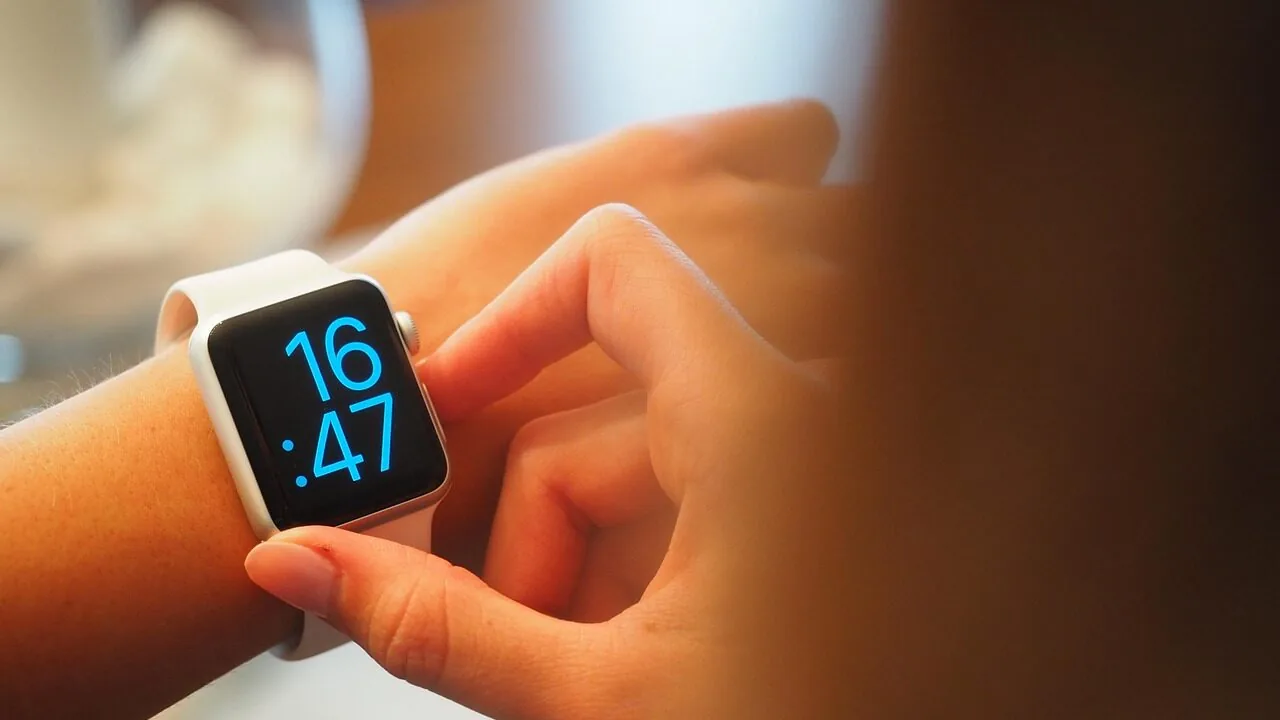
While the Apple Watch has become famous for its advanced health monitoring, fitness tracking, and smart notification features, many users overlook one of its most practical capabilities: a tactile way to tell time. Apple’s Taptic Time feature transforms your wrist into a silent clock, delivering the current time through haptic vibrations rather than requiring you to glance at the display. This hidden gem is especially useful in situations where checking your screen isn’t practical or convenient.
How Taptic Time Works on Your Apple Watch
Taptic Time leverages the Apple Watch’s haptic engine to communicate time information through a series of taps and vibrations on your wrist. The feature offers three distinct modes, each suited to different user preferences and situations. To enable this capability, navigate to Settings on your Apple Watch, select Clock, scroll down, and toggle on Taptic Time to start choosing your preferred mode.
The Digits mode uses a pattern-based approach where long taps represent tens and short taps represent ones. For example, two long taps followed by one short tap, then one long tap followed by two short taps, conveys the time as 21:12 in 24-hour military format. This mode delivers precise time accuracy down to the minute, making it ideal for situations where you need exact timing information.
Terse mode provides a more approximate reading, offering accuracy within a 15-minute window. Long taps indicate five-hour increments since midnight, short taps show remaining hours, and additional long taps communicate quarter-hour intervals. If you receive two long taps, followed by two short taps, and another long tap, the time falls somewhere between 12:00 and 12:15 p.m. This mode works well when you simply need a general sense of the current time without requiring minute-level precision.
The third option, Morse Code mode, communicates time through Morse Code patterns. This choice is only practical if you’re already fluent in Morse Code language.
Setting Up and Using Taptic Time Effectively
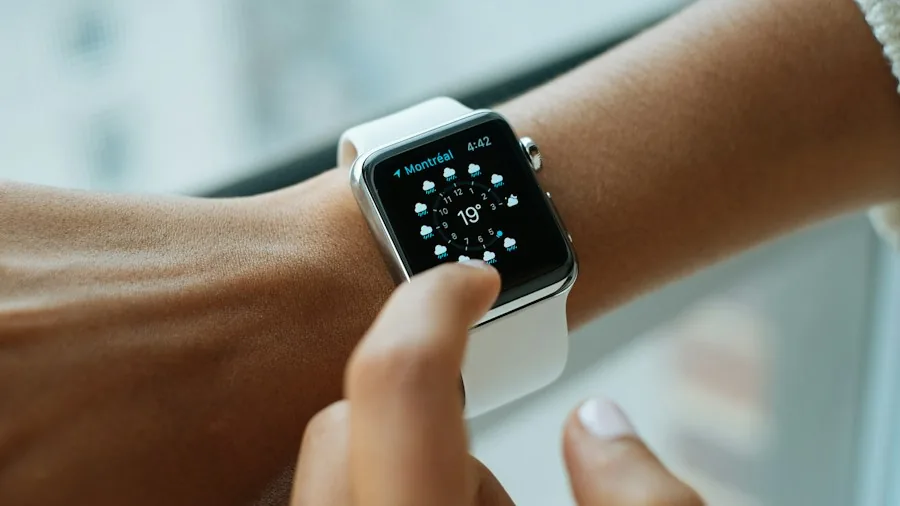
If your Apple Watch isn’t nearby, you can still configure Taptic Time directly from your iPhone. Open the Apple Watch companion app on your phone, navigate to My Watch, scroll to Clock, and enable Taptic Time from there. This remote setup capability means you can customize your wearable’s features even when the device itself isn’t in your hands.
Once enabled, using Taptic Time is straightforward. Simply hold two fingers against the watch face, and the haptic motor will deliver taps corresponding to your selected mode. The vibrations are subtle enough not to disturb those around you, making this feature practical in quiet environments like meetings, libraries, or theaters.
One important configuration note: Taptic Time won’t function if your Apple Watch is set to automatically speak the time aloud when requested. To ensure the haptic feature works properly, open Clock in your Apple Watch Settings, locate the Speak Time option, and enable Control With Silent Mode. This adjustment allows you to choose between silent haptic feedback and voice announcements based on your current situation.
Why This Feature Matters for Apple Watch Users
The Apple Watch ecosystem contains countless features that even long-time owners may not discover. Smartwatches have evolved far beyond simple time-telling devices, and understanding how to leverage their complete feature set can significantly enhance your daily experience. Taptic Time demonstrates how Apple integrates fundamental watch functionality with innovative technology to solve real-world problems.
Beyond time-telling, smartwatches under $200 offer countless capabilities that many shoppers never fully explore. Whether you’re interested in activity tracking, health monitoring, or communication features, spending time reviewing your device’s settings can reveal hidden tools that improve your routine. The Apple Watch’s versatility means that even basic features receive thoughtful implementation backed by years of development.
For anyone considering a wearable purchase, understanding feature depth matters significantly. Smartwatches for swimming represent just one category where specialized capabilities matter. Similarly, practical features like Taptic Time address everyday situations where your smartwatch can outperform a traditional timepiece by eliminating the need to look at a screen while still delivering accurate information.
Making the Most of Your Wearable Investment
The existence of features like Taptic Time underscores why many users find smartwatches such valuable devices. Rather than serving a single purpose, these wearables integrate numerous capabilities designed for different moments throughout your day. Taking time to explore your device’s settings reveals functionality you may not have anticipated when you initially purchased your watch.
Whether you’ve owned an Apple Watch for years or recently received one, discovering forgotten or overlooked features reminds you why these devices have become essential personal technology. Taptic Time stands as a perfect example of Apple’s philosophy: innovation doesn’t always mean adding entirely new features, but rather finding smarter ways to deliver fundamental functionality that works better within your lifestyle.
About the author
Kristen writes about smartwatches for REMOVU, comparing features, battery life, and ecosystem fit. She helps readers tie together health tracking, notifications, and apps on the right watch.