7 Essential Tips to Know About Apple Fitness Plus Gym Strength Plans
Learn how to customize, track, and progress with Apple Fitness Plus new Gym Strength plans for personalized strength training.
 By Kristen Jennings
Updated November 4, 2026
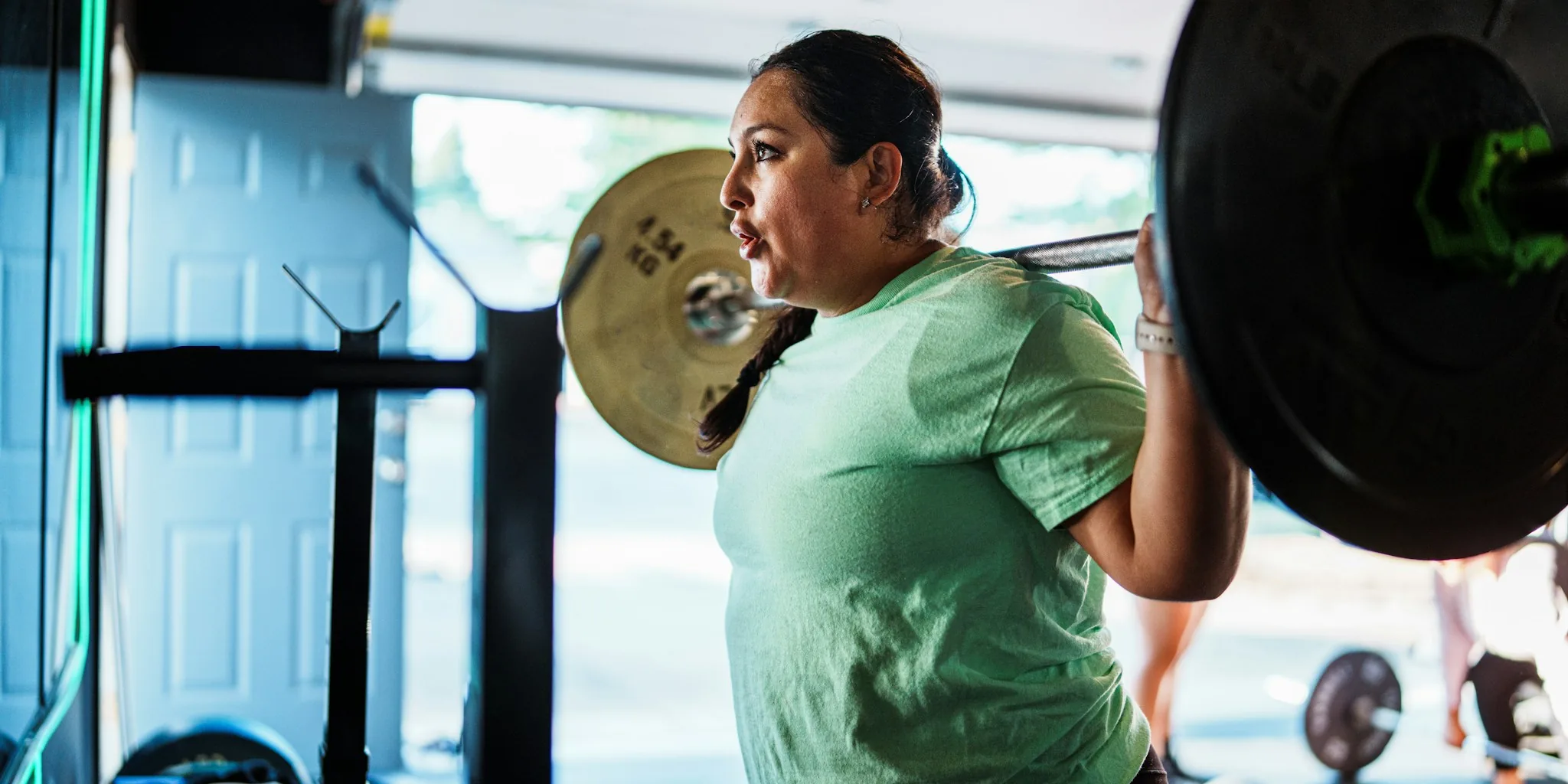
Apple Fitness Plus continues to evolve, and the introduction of Gym Strength plans represents a significant shift in how the platform approaches personalized fitness training. Rather than relying solely on group workout classes, these four-week progressive plans bring customization and adaptive coaching directly to your strength training routine, whether you’re at a commercial gym or exercising at home with minimal equipment.
1. Start by Answering Personalization Questions
The foundation of your Gym Strength plan begins with a straightforward questionnaire. When you access Gym Strength from the Fitness Plus menu, you’ll provide information about your strength training experience level, your primary fitness goal, which muscle groups you want to prioritize, your preferred workout days, and most critically, what equipment you have access to. This data allows the platform’s algorithm to build a program uniquely suited to your circumstances and ambitions. The more accurate your responses, the better your customized plan will align with your actual needs.
2. Leverage Trainer Demonstrations for Proper Form

One of the biggest challenges when working out independently is ensuring you’re performing exercises with correct technique. Gym Strength addresses this by having certified Fitness Plus trainers demonstrate every movement you’ll perform. You can view these demonstrations at your own pace and even expand the video to see the trainer from three different angles, giving you clarity on proper positioning and movement patterns. This multi-angle approach helps you identify whether your form matches what you’re seeing on your device, reducing the risk of injury and maximizing the effectiveness of each repetition.
3. Adjust Exercises and Equipment on the Fly
Real-world gym conditions aren’t always ideal. Machines may be occupied, or you might discover that available equipment differs from your home setup. Gym Strength accommodates these situations by allowing you to swap exercises when necessary. If a particular movement doesn’t suit you or the equipment isn’t available, a single tap lets you replace it with an alternative that targets similar muscle groups. The platform also shows recommended sets, reps, and weight loads based on your previous performance and current goals, so you always know what you should be lifting.
4. Track Progress Directly From Your Wrist
If you own an Apple Watch, you can monitor your workout progress from your wrist. Your watch displays upcoming exercises, current rep counts, recommended loads, your live heart rate data, and calories burned throughout the session. This integration means you don’t need to constantly glance at your phone while resting between sets. The ability to see what’s coming next helps you mentally prepare for the following exercise and manage your workout pacing more effectively.
5. Understand How the Plan Progresses With You
Static workout plans downloaded from the internet or generated by AI tools don’t adapt to your performance. Gym Strength plans, however, evolve based on your actual results. After each session, the system learns from your inputs and performance data. When you encounter an exercise you’ve never done before, the platform provides an estimated starting weight based on your lifting history. More importantly, it uses your session-by-session data to tell you when it’s appropriate to increase the weight you’re lifting, ensuring progressive overload without guesswork.
6. Use Apple Intelligence Summaries to Stay Motivated
The Gym Strength plans include optional Apple Intelligence-powered notes that provide summaries of your training sessions. These summaries highlight your progress and connect your workout activities to your stated fitness goals. Seeing this high-level overview of how your current efforts contribute to your long-term objectives can boost motivation and help you maintain consistency. You can enable or disable these summaries based on your preference for detailed feedback versus a minimalist approach.
7. Choose Your Workout Schedule Based on Your Lifestyle

When setting up your Gym Strength plan, you’ll indicate which days of the week work best for your schedule. The platform then builds your four-week progression around these preferred workout days. This approach respects real-world constraints like work commitments, family responsibilities, and recovery time. Rather than forcing you into a rigid schedule, the platform adapts to your life, increasing the likelihood that you’ll stick with the program long-term. Consistency matters more than intensity, and a realistic schedule is the foundation of sustainable fitness progress.
Getting Started With Your First Plan
Gym Strength represents Apple’s most substantial enhancement to its Fitness Plus platform in addressing a gap that many users had identified. By moving beyond traditional workout classes toward personalized, adaptive strength programming, the platform now serves serious strength enthusiasts who want structured progression. Whether you’re preparing for your first gym experience or you’re a seasoned lifter seeking a fresh approach, these plans provide both beginners and experienced athletes with a practical framework for measurable progress. The combination of professional form coaching, adaptive progression algorithms, and seamless wearable integration creates a comprehensive strength training solution.
About the author
Kristen writes about smartwatches for REMOVU, comparing features, battery life, and ecosystem fit. She helps readers tie together health tracking, notifications, and apps on the right watch.