Mausstudio Custom Mouse Shell Generator Arrives: What Shoppers Should Know
A new tool lets gamers design their own mouse shells using local algorithms, no AI required.
 By Clyde Spencer
Updated October 30, 2026
By Clyde Spencer
Updated October 30, 2026
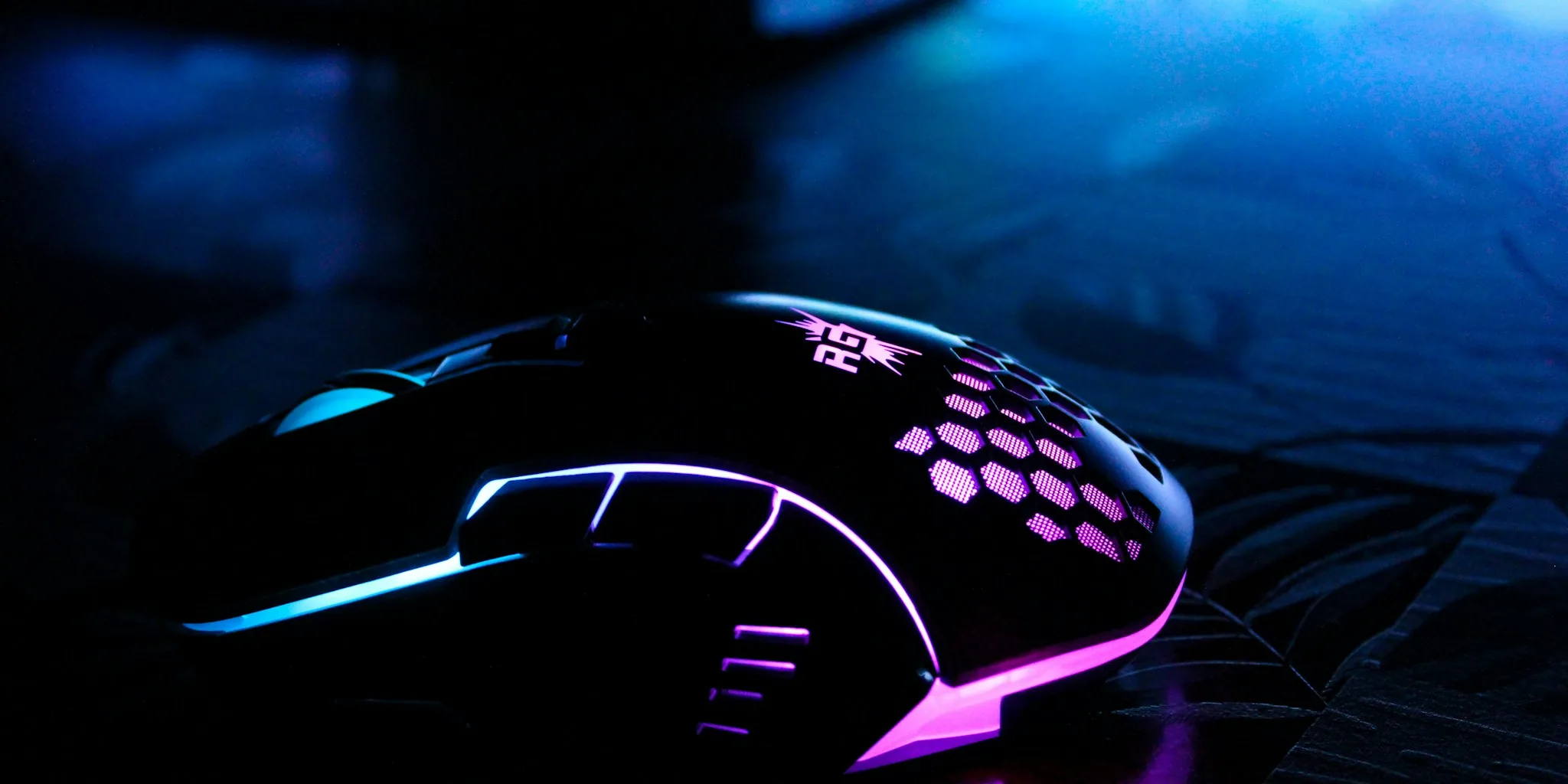
A former esports commentator and tech enthusiast has unveiled Mausstudio, a locally-run software tool that lets gamers design and 3D-print custom mouse shells tailored to their exact preferences. Announced in late October, the project represents a significant shift in how players can personalize their gaming gear without requiring advanced CAD skills or relying on AI-generated designs.
How Mausstudio Works
The software operates by importing a 3D model file (STL format) of a mouse circuit board, or PCB. Once imported, Mausstudio’s algorithms automatically detect critical component locations, including button switch positions, sensor placement, scroll wheel position, and screw hole coordinates. Using this data, the tool generates a custom shell around the PCB while ensuring all mechanical and electronic elements fit properly.
Users can then adjust numerous design parameters. The width, length, and height are all customizable, as is the position of the mouse hump for ergonomic preferences. Additional features include weight-reducing cutouts on the upper and lower shells, fully enclosed shell options, and a battery shelf function. The battery shelf feature lets users specify exact battery dimensions and placement, addressing a gap many custom 3D-printed mice face, where batteries are often secured with adhesive as an afterthought.
What Sets Mausstudio Apart
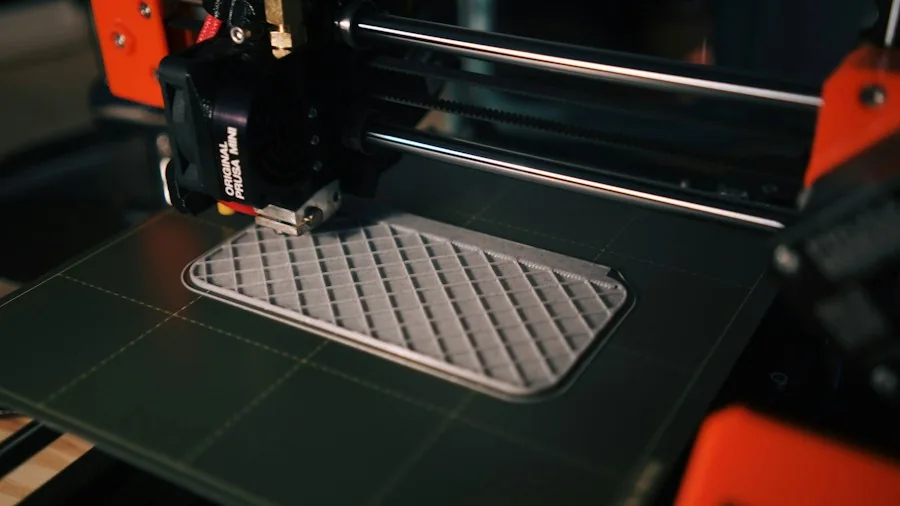
Unlike some emerging design tools, Mausstudio runs entirely on your local computer using mathematics and algorithmic processing. This approach eliminates reliance on generative AI, offering users greater control and transparency over the design process. The creator has emphasized that this design-by-algorithm method provides predictable, precise results.
The tool has already evolved since its initial demonstration. Updates include the ability to manually edit detected component assignments, expanded side button customization, the capacity to save and reuse shell designs across different PCBs, and improved geometry generation for cleaner results.
Why This Matters for Gaming Mouse Shoppers
Quality gaming mice carry premium price tags, often costing $80 to $150 or more. Trying multiple mice to find the perfect shape and feel typically means spending hundreds of dollars. Mausstudio potentially changes this equation by allowing enthusiasts to experiment with different ergonomic designs using their existing mouse PCBs.
This democratizes mouse customization. Instead of hoping a third-party shell designer has created an option for your specific PCB, or learning complex CAD software, players can modify existing quality mouse internals with customized exteriors. The tool supports popular gaming mouse PCBs, with demonstrations already showing compatibility with models like the Razer Viper V2 Pro and Zaunkoenig M2K platforms.
Wireless mice and high-end gaming peripherals represent a substantial investment, which is why customization opportunities appeal to dedicated players. Rather than replacing expensive hardware when the shape doesn’t feel quite right, users can now iterate on their existing equipment.
Current Status and Future Availability
Mausstudio remains in active development, though the creator has not yet announced an official release date or confirmed whether the tool will be free or paid. Since the project’s announcement, substantial updates have been implemented based on user feedback and development priorities.
One area of potential future expansion is support for split PCB designs, like those found in some ultralight gaming mice. Compatibility with a broader range of gaming mouse architectures would further expand the tool’s appeal to enthusiasts with different equipment preferences.
Implications for the Gaming Mouse Market
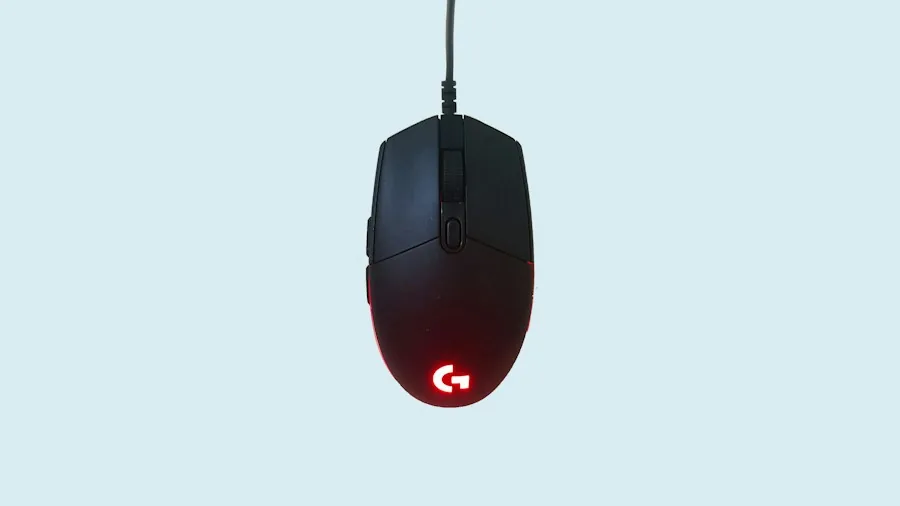
The emergence of Mausstudio reflects growing interest in customization within gaming peripherals. As competitive gaming and streaming culture continues to emphasize personal preference and individuality, tools that enable greater personalization become increasingly valuable to players.
For shoppers evaluating gaming peripherals and input devices, this development suggests that mouse selection criteria may evolve. Rather than choosing between limited off-the-shelf shapes and sizes, players might prioritize the PCB quality and internal components of their preferred gaming mice, knowing they can customize the external form factor later.
This shift could influence how experienced players evaluate gaming mice, focusing evaluations on sensor performance, button responsiveness, and build quality of internal components rather than shell shape alone. Budget-conscious enthusiasts also gain the ability to extend the lifespan and usability of their existing gaming mice through shape modifications.
What Shoppers Should Monitor
Gaming mouse buyers interested in customization should watch for Mausstudio’s official release announcement. When the tool becomes available, early adopters can expect to evaluate its user interface, design options, and the quality of 3D-printed shells produced from its generated files. Future updates will likely expand PCB compatibility and refine the design workflow based on user experiences.
For now, shoppers focused on finding their ideal gaming mouse shape should research reviews from the gaming community, as personal preference for mouse ergonomics varies widely among players and playstyles. The eventual availability of Mausstudio may simply provide an additional avenue for fine-tuning that ideal fit once you’ve settled on your preferred mouse internals.
About the author
Clyde covers wireless mice for REMOVU, weighing comfort, precision, and battery life for work and productivity. He helps readers find a mouse that fits their hand and their desk.