Samsung Galaxy Devices Now Getting Android 17 Update What Shoppers Should Know
One UI 9 adds AI features, redesigned health tracking, and stronger privacy controls to Galaxy phones and tablets.
 By Eleanor Garcia
Updated October 1, 2026
By Eleanor Garcia
Updated October 1, 2026
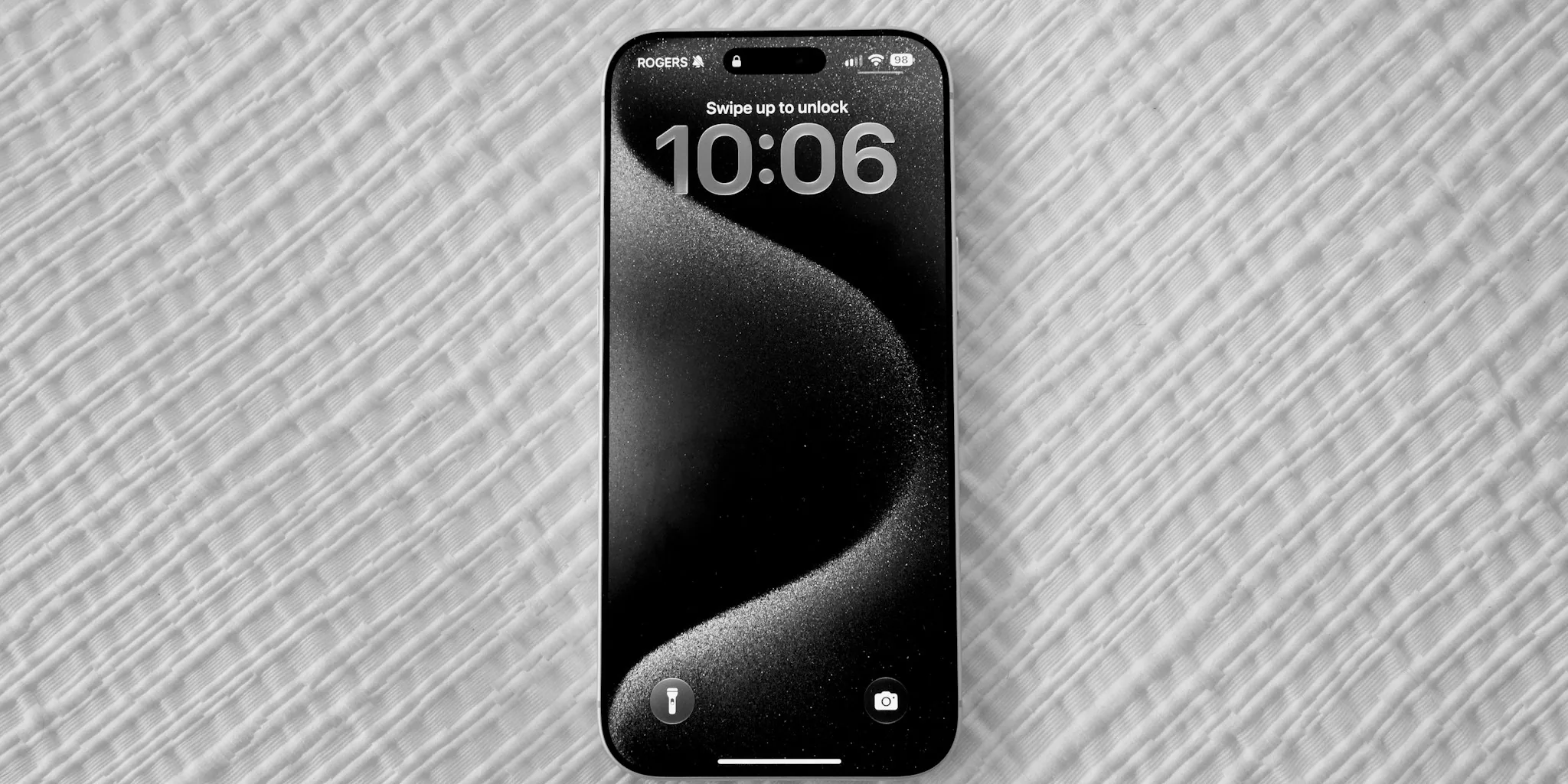
Samsung has begun distributing its Android 17-based operating system update, branded as One UI 9, across a broad range of Galaxy smartphones and tablets worldwide. This marks another significant milestone in the company’s ongoing software support strategy, bringing new features and improvements to millions of users. Understanding what this update includes and which devices are eligible will help shoppers make informed decisions about their Galaxy devices.
What One UI 9 Brings to Your Galaxy Device
One UI 9 continues Samsung’s incremental approach to operating system evolution rather than a complete redesign. The update builds on the visual and functional changes introduced in One UI 7 and refined through One UI 8. Samsung has incorporated several practical enhancements alongside artificial intelligence-powered features that aim to make daily device interaction more intuitive and responsive.
Among the most visible changes is a redesigned lock screen clock that automatically adjusts its appearance to complement your chosen wallpaper. This creates a more cohesive visual experience without requiring manual customization. Users will also notice expanded Quick Panel customization options, allowing you to resize brightness and volume sliders, reorganize controls, and even separate the sound mode button from the volume slider for more granular control.
The My FanCam feature represents one of the more innovative additions. This tool automatically tracks a selected person within a video while cropping out surrounding distractions, making it easier to create focused content from recordings that include multiple subjects. The update also enhances the Interpreter feature, which now keeps your conversation visible on screen while you continue the discussion.
Expanded AI and Smart Assistant Capabilities
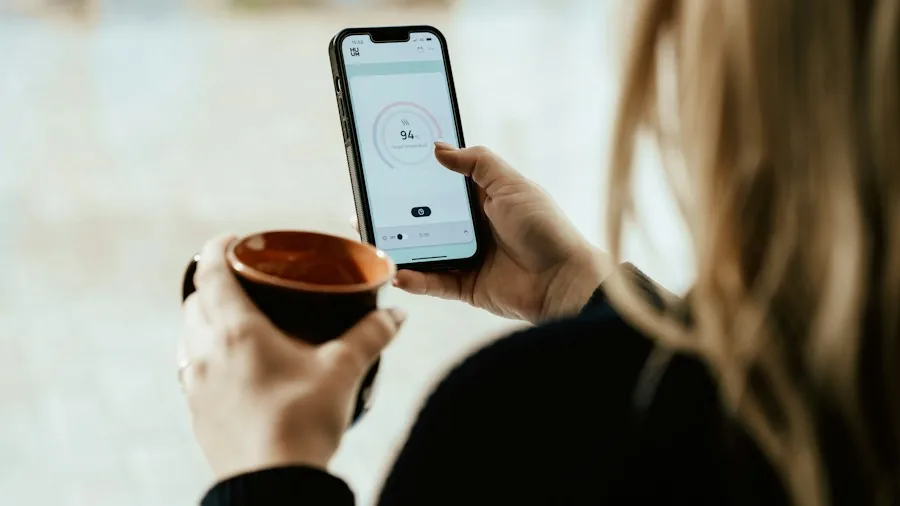
Samsung has substantially upgraded its Bixby voice assistant within One UI 9. Users can now activate Bixby simply by raising their phone near their mouth and speaking, eliminating the need for a wake-word command. The assistant also includes improved conversation management, allowing you to search through past chats, rename conversations, rename them, and pin frequently used ones for quick access.
The AI-driven Nudge feature has expanded beyond keyboard suggestions to appear in conversation notifications and floating buttons during typical usage patterns. This includes helpful prompts for entering reservation information, addresses, and saving locations in mapping applications. Additionally, the system now monitors app permissions in real-time, alerting you when applications request unnecessary access to your personal information.
Health and Wellness Improvements
Samsung Health receives significant enhancements in One UI 9, featuring a completely redesigned interface that emphasizes clarity and usability. The app now allows you to resize and organize health metric cards by category, including Activity, Sleep, Mindfulness, and Nutrition, so your priorities remain easily accessible. The camera integration makes logging meals and mood information faster and more convenient directly from the home screen.
New tracking capabilities include advanced sleep vitals monitoring that identifies meaningful changes in your sleep patterns, particularly when paired with Galaxy Watch or Ring devices. Heart health tracking now provides a daily score based on sleep quality, exercise frequency, body mass index, and blood pressure readings. The Fitness Index calculates an overall wellness score using five key metrics: body composition, cardiovascular endurance, strength, flexibility, and stamina. A new hearing tracker monitors sound exposure through your Galaxy Watch and connected headphones, helping you manage safe audio levels throughout the day. Women’s health features have been expanded with improved cycle tracking that integrates calendar views and provides more personalized insights into body rhythm patterns.
Enhanced Security and Privacy Features
One UI 9 strengthens device security through several meaningful additions. A new security alert system in the Now Brief notifies you about potential malware threats, applications from unknown sources, unnecessary permissions, and other risks to your device. Malicious or vulnerable applications are automatically blocked until you actively decide whether to remove them. Like security cameras without ongoing subscription costs, Samsung’s approach emphasizes user control and proactive protection.
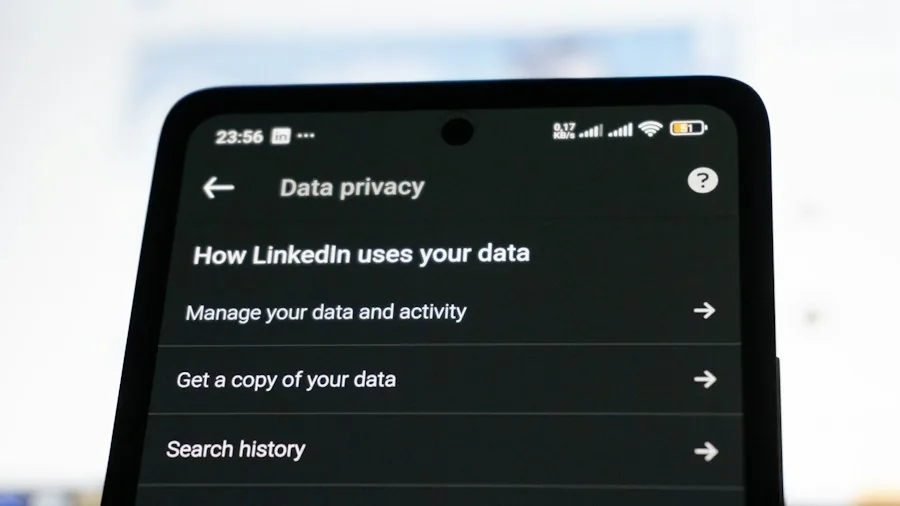
A blue location privacy indicator now appears at the top of your screen whenever an application accesses your location information. You can tap this indicator in the Quick Panel to identify which specific app is using location services. The system also includes keyboard-based shortcuts for accessing accessibility settings without touching the screen, accommodating users with different interaction preferences.
Emergency locking has been simplified: you can now press and hold both the Volume Down and Side buttons simultaneously, or tap the Power button in the Quick Panel, to instantly secure your device. This prevents biometric unlock methods from working until you manually disable this security mode, providing protection if your phone is accessed by someone else.
Accessibility and Productivity Enhancements
The accessibility improvements in One UI 9 deserve particular attention. A new Select to Speak feature lets you highlight any on-screen element, including text or images, and hear it read aloud without enabling full TalkBack screen reader functionality. TalkBack updates can now be applied directly through Google Play Store app updates, ensuring you receive the latest features faster than waiting for major operating system releases. Text magnification has been improved with a dedicated enlarged window that displays selected content while allowing customization of font sizes, colors, and contrast levels.
Multitasking on tablets receives attention through improved desktop management. You can now move app windows between desktops using a menu at the top of each window, and desktop previews appear at the top of the Recents screen for faster switching. Like choosing portable power stations designed for maximum value, Samsung’s updates focus on delivering practical functionality that addresses real user needs.
Rollout Timeline and Device Eligibility
Samsung has not announced a specific global rollout schedule for One UI 9, though updates are already reaching devices in various regions. The company maintains a regularly-updated list of compatible Galaxy devices receiving the stable Android 17 release. Early models receiving the update include the Galaxy Z Flip 7 FE, with additional devices expected to follow based on Samsung’s typical support cycle for flagship and mid-range products.
The timing and availability of One UI 9 may vary depending on your carrier, region, and specific device model. Checking your device’s Settings menu under System Updates will show whether the update is available for immediate installation.
About the author
Eleanor covers smartphones for REMOVU, balancing cameras, battery life, and software support against price. She helps readers find the best value as the field shifts with every release.