5 Storage Drives to Stop Using in 2026 and What to Replace Them With
Five storage technologies need to go. Here's what to replace them with for better speed and reliability.
 By Ava Herrera
Updated September 14, 2026
By Ava Herrera
Updated September 14, 2026
Why Your Old Storage Technology Is Slowing You Down
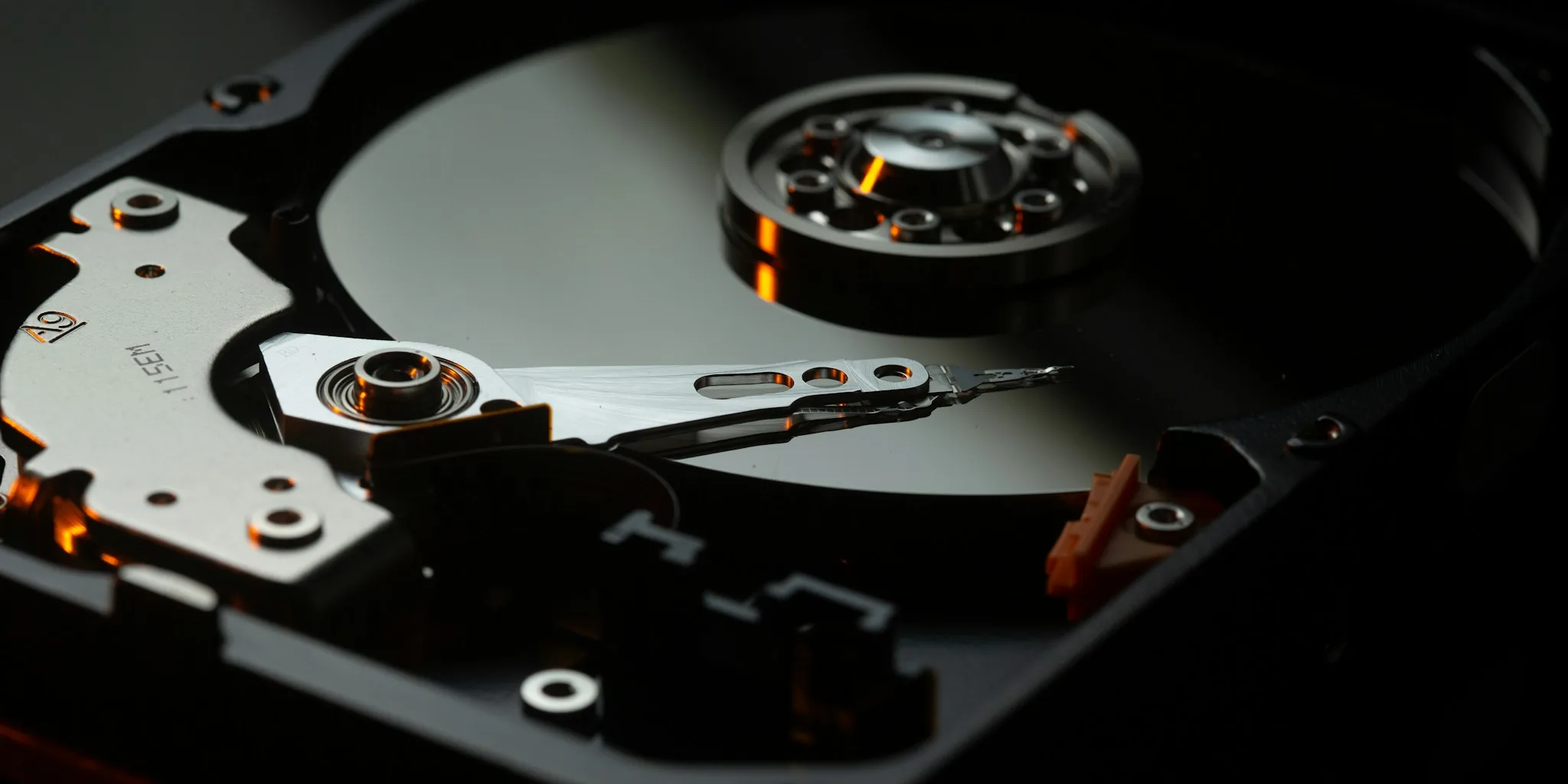
If you haven’t reviewed your computer’s storage setup in the last few years, you might be holding onto technology that’s literally decades old. Many people are still using storage solutions from the 1980s and 1990s without realizing how much they’re compromising their system’s performance and reliability. The good news is that modern storage alternatives are now affordable and dramatically faster than the outdated options you may still have installed.
IDE Hard Drives: It’s Time to Let Go
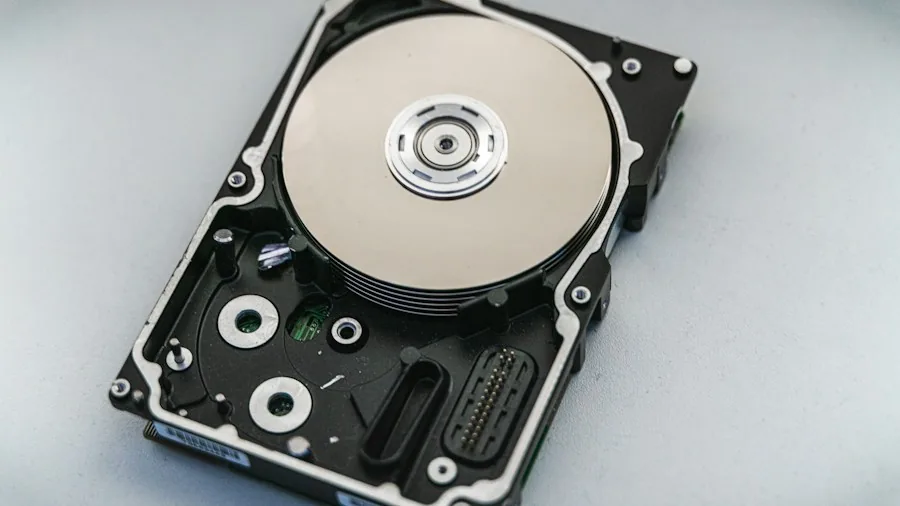
Parallel ATA drives, commonly called IDE or PATA drives, debuted in 1986 and maxed out at 133MB/s transfer speeds by their final iteration. While this was impressive forty years ago, SATA technology arrived in 2003 and completely replaced IDE by 2007. The connector shrunk, drives became more compact, and speed increased substantially. In 2026, there’s simply no reason to keep an IDE drive in your system. They’re incompatible with modern motherboards, offer glacial performance by today’s standards, and SATA or SAS alternatives are cheap and readily available.
SSHDs Are Yesterday’s Compromise Solution
Solid State Hybrid Drives promised a middle ground between expensive solid-state drives and cheap mechanical storage during the mid-2010s. They combined a small SSD partition for frequently accessed files with traditional spinning platters for bulk storage. Back then, spending $600 or more for a 1TB SSD was unrealistic for most users, so SSHDs made sense as a budget option. Today, you can buy a 1TB SSD for roughly $100, making SSHDs completely obsolete. If you’re still running a SSHD, retirement is overdue. Don’t buy a new one either, as the technology simply doesn’t offer any advantage anymore.
eMMC Storage: Too Slow and Too Limited
eMMC, or embedded MultiMediaCard, is technically solid-state storage but performs far below modern expectations. Manufacturers use eMMC in budget computers because it’s inexpensive and allows them to advertise solid-state storage, even though the reality is disappointing. The storage controller in eMMC is significantly less robust than SATA SSDs or even current microSD cards. When compared side by side, modern microSD cards read and write nearly ten times faster than eMMC storage. Smartphones have already moved to UFS technology, which offers better performance and durability. In 2026, purchasing any new computer with eMMC is a mistake you’ll regret.
Low-Class SD and microSD Cards Are Too Slow for Modern Use
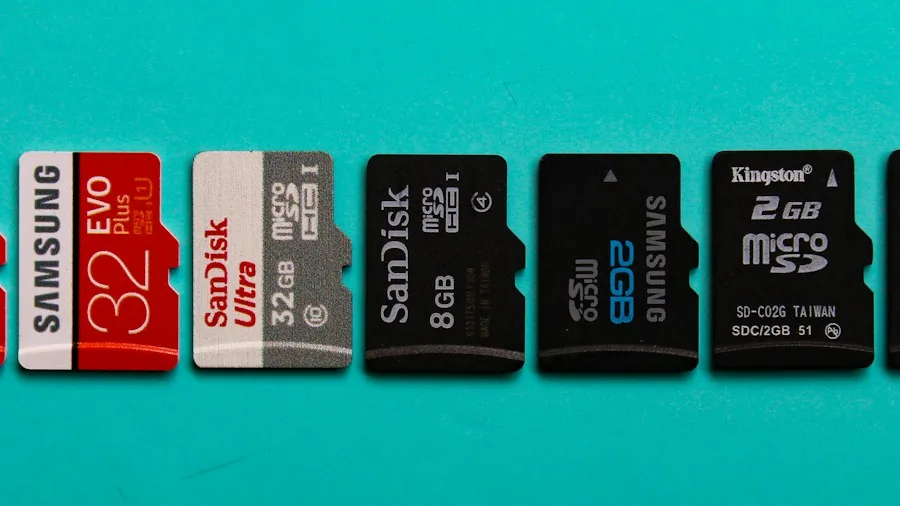
If you still have Class 4 SD or microSD cards lying around, they belong in a drawer, not in your devices. Modern applications demand faster cards, and Class 10 alternatives cost just pennies more. Even specialized equipment like 3D printers and single-board computers struggle with Class 4 cards. The Nintendo Switch abandoned traditional microSD cards entirely in favor of faster microSD Express technology using NVMe and PCIe standards. Your old Class 4 cards might technically work in some situations, but faster Class 10 cards are so affordable that replacement makes immediate sense. Don’t let budget constraints keep you stuck with technology that can’t keep pace with your equipment’s capabilities.
Mechanical Hard Drives as Boot Drives: A Performance Killer
Mechanical hard drives remain excellent for mass storage and backup purposes, but using one as your boot drive is sabotaging your computer’s speed. Modern mechanical drives peak at around 200MB/s, while SATA SSDs deliver closer to 600MB/s, and M.2 NVMe drives exceed 13,000MB/s. That means a standard NVMe drive is over 60 times faster than a mechanical drive for boot operations. If your computer currently boots from a mechanical drive, the performance improvement from switching to even a basic SATA SSD will be immediately noticeable. You don’t need to invest in cutting-edge PCIe 5.0 technology, but moving your boot drive to solid-state storage should be your priority. Use the mechanical drive purely for storing files, videos, and backups where speed matters less.
The Broader Picture: Storage Evolution Continues
These five storage types represent the most common outdated technologies still in use, but they’re far from the only ones. DVDs, CDs, MiniDiscs, and older networking standards have also become impractical for everyday computing. Modern storage solutions are not only faster and more reliable but also significantly cheaper than their predecessors. When evaluating storage options for your system, prioritizing reliability and performance ensures that your devices stay responsive and dependable for years to come. The investment in upgrading outdated storage pays dividends in system responsiveness, data safety, and peace of mind.
Taking Action: Your Storage Upgrade Plan
Start by auditing your current storage configuration. Check what type of drive boots your computer, examine any secondary drives in use, and verify the SD or microSD cards you regularly use. Replacing IDE drives is urgent since they’re incompatible with modern systems anyway. SSHD owners should budget for a SATA or NVMe SSD replacement. Anyone using eMMC storage in a computer should seriously consider upgrading at the next opportunity. If Class 4 SD cards are in rotation, grab Class 10 equivalents immediately. Finally, if you’re still booting from a mechanical drive, make your SSD upgrade the top priority on your technology investment list. Modern storage technology is more accessible than ever, so there’s no reason to drag your system backward with obsolete solutions.
About the author
Ava is REMOVU's laptop writer, balancing speed, battery life, and build quality against price across the whole range. She helps readers find the sweet spot as each new chip shifts what a dollar buys.