Things 3 Update Brings AI Voice Tasks and Smart Search: What Shoppers Need to Know
New Things 3.24 adds voice commands, Spotlight search, and widget improvements for iOS users.
 By Eleanor Garcia
Updated September 14, 2026
By Eleanor Garcia
Updated September 14, 2026
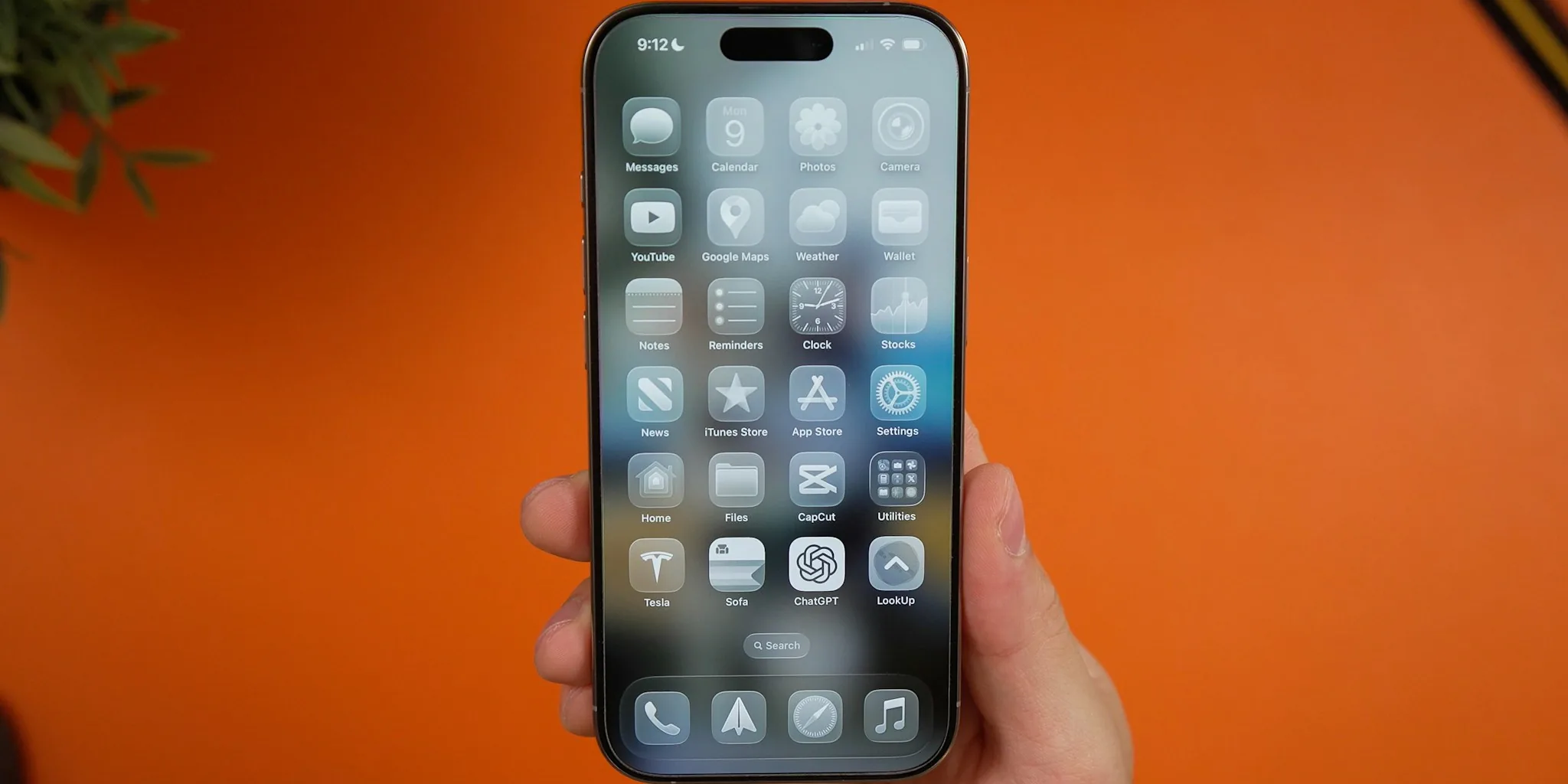
A Major Productivity Update Is Here
Cultured Code has released Things 3.24, a significant update that coincides with the launch of iOS 27. This version introduces features that fundamentally change how iPhone users manage their daily tasks and projects. The update brings capabilities that were previously unavailable, making task management more intuitive and accessible than ever before.
Voice Commands Now Handle Your To-Do List
The standout feature in this release is full integration with iOS 27’s advanced Siri AI system. Users can now create tasks by simply speaking naturally to their devices. Instead of typing out a to-do item, you can tell Siri what you need to remember, and it automatically creates the task in your Things 3 app. Even better, the conversation doesn’t end there. You can continue speaking to add notes, set start dates, and configure alerts, all without opening the app itself. This hands-free approach saves time and makes task creation feel effortless for busy professionals and students alike.
System-Wide Search Puts Everything at Your Fingertips
Another transformative addition is Spotlight integration. Things 3.24 now indexes your entire task database within iOS’s system-wide search function. This means you can find your to-dos and projects instantly by opening Spotlight on your home screen and typing what you’re looking for, rather than launching the Things app separately. The Siri AI system can tap into this same Spotlight index to understand and fulfill your requests more accurately. For those concerned about privacy, the feature can be toggled off in the app’s settings, giving users complete control over whether their task data appears in system searches.
Enhanced Notification Flexibility
The update brings a wider selection of snooze options for notifications. Previously, users had limited choices for postponing reminders. Now the app includes 15-minute, one-hour, and three-hour snooze intervals, along with a convenient “snooze until tomorrow” button. These expanded options mean you can fine-tune when reminders reappear based on your actual workflow, rather than settling for preset intervals that may not match your needs.
Bigger Widget for Better Home Screen Visibility
Things 3.24 introduces a new XL Portrait widget, allowing users to view extended task lists directly from their iPhone’s home screen without opening the full app. This larger widget format is particularly useful for people who like to keep their current priorities visible at a glance. Whether you’re reviewing your day’s tasks during your morning coffee or checking progress at lunch, the expanded widget makes information immediately accessible.
What This Means for Your Productivity Setup
For users already invested in Apple’s ecosystem, this update removes friction from task management workflows. If you use wireless earbuds for calls and daily use, the voice command feature becomes even more practical, allowing you to add tasks while your hands are occupied. The Spotlight integration also streamlines how you search across all your digital information, whether you’re looking for a specific task, a file, or a contact.
The update brings compatibility improvements throughout the app to work seamlessly with iOS 27’s architecture and new system features. Cultured Code has maintained its commitment to delivering substantial free updates rather than forcing users to purchase a new version each time major features arrive. This philosophy means existing Things 3 users automatically gain access to these powerful additions without additional cost.
Timing and Availability
Things 3.24 launched simultaneously with iOS 27 on September 14, 2026. If you already use Things 3, the update is available immediately through the App Store. For those evaluating productivity apps for the first time, this release marks an excellent moment to consider how AI-powered task management might streamline your schedule. The combination of voice commands, intelligent search, and home screen widgets addresses common productivity pain points that many users face.
Beyond task management, the broader ecosystem matters too. If you’re also exploring smart home devices or looking for quality audio solutions for productivity, tools like bluetooth speakers for different environments can complement your digital workflow. The principles of reducing friction and automating routine actions apply across all your devices and apps.
Consider Your Workflow
Whether you’re managing a complex project, tracking personal goals, or juggling multiple responsibilities, this update brings meaningful improvements to how quickly and naturally you can input and find information. The voice-first approach particularly benefits people who work while moving between tasks or locations, where typing on a screen isn’t always practical or safe. The expanded home screen widget ensures your priorities remain visible without requiring you to switch apps constantly.
About the author
Eleanor covers smartphones for REMOVU, balancing cameras, battery life, and software support against price. She helps readers find the best value as the field shifts with every release.