7 Tips for Upgrading Your PC Through Budget PCIe Expansion Cards
Your unused PCIe slot can deliver affordable networking, storage, and connectivity boosts without breaking the bank.
 By Ken Mendoza
Updated October 25, 2026
By Ken Mendoza
Updated October 25, 2026
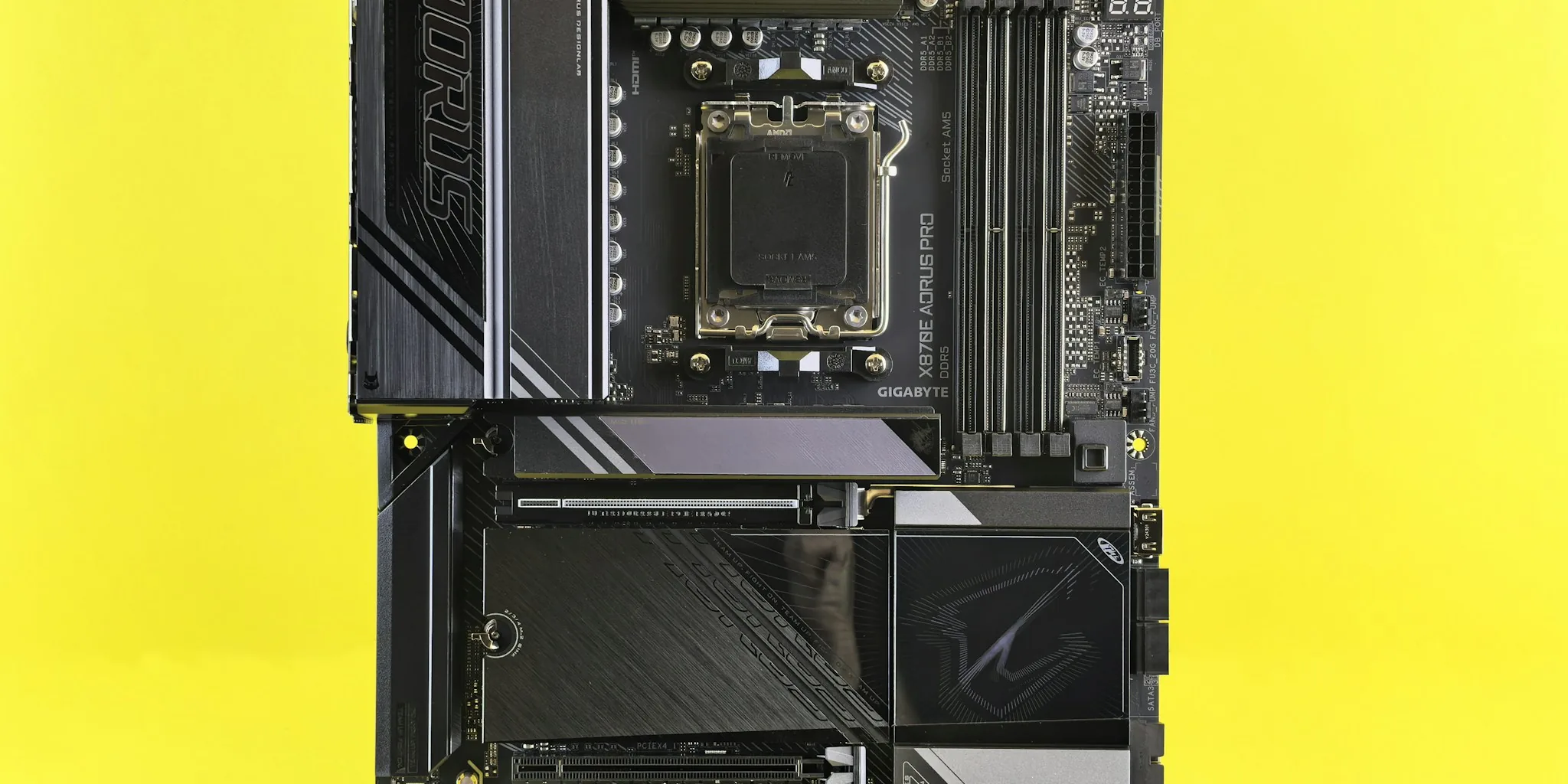
Why Your Unused PCIe Slot Is Your Best Upgrade Option Right Now
If you haven’t looked at your motherboard in a while, you’re probably sitting on one of the cheapest upgrade opportunities available. Hardware prices have climbed dramatically over the past year, making traditional upgrades like new graphics cards, CPUs, or storage drives prohibitively expensive for most people. The solution lies in a part you’ve likely overlooked: that small PCIe x1 slot gathering dust on your board.
PCIe expansion cards offer genuine capability boosts for under $50, without requiring a full system rebuild. Whether you need better networking, additional ports, or improved audio, these affordable accessories can modernize your PC without straining your budget. Here are seven practical tips to help you make the most of this underutilized upgrade path.
Tip 1: Assess What Your Current Motherboard Is Missing
Start by identifying which features your system lacks or has outdated versions of. Check your motherboard’s specifications to see what networking speed you currently support, how many USB ports are available, and whether you have Wi-Fi capability. Many older boards come with 1 GbE Ethernet or basic Wi-Fi solutions that fall short of modern needs. Make a list of what you’d genuinely use, prioritizing features that would improve your daily workflow or gaming experience.
Tip 2: Understand the Bandwidth Limitations of PCIe x1 Slots
The PCIe x1 slot provides adequate bandwidth for most expansion needs, despite being the smallest on your motherboard. A PCIe 3.0 x1 connection delivers 8 Gbps, while PCIe 4.0 x1 offers even more headroom. This bandwidth suffices for networking upgrades, USB expansion, audio cards, and SATA port multipliers. You won’t run into throttling issues with any of these applications because they don’t demand the kind of throughput that full-size GPU slots provide.
Tip 3: Upgrade Your Networking for Under $50
If your motherboard still features a 1 GbE or 2.5 GbE Ethernet port, a networking upgrade delivers immediate real-world benefits. A 5 GbE PCIe card costs around $30 and works perfectly in a PCIe 3.0 x1 slot. If you have a PCIe 4.0 x1 slot available, you can install a 10 GbE card for roughly $50. For wireless connectivity, PCIe Wi-Fi cards priced between $25 and $35 provide dedicated antennas that often outperform integrated motherboard Wi-Fi modules, especially if your board lacks wireless capabilities altogether.
Tip 4: Add Storage Flexibility With SATA Expansion Cards
Running out of SATA ports is a common problem once you’ve populated your drive bays. SATA expansion cards restore this functionality for just $20 to $35, depending on how many ports you need. This approach works far better than squeezing additional drives into your chassis, and it doesn’t consume any of your precious NVMe slots. Keep in mind that these cards are passive in most cases, so power delivery remains simple and reliable.
Tip 5: Expand USB Connectivity for Peripherals and Streaming
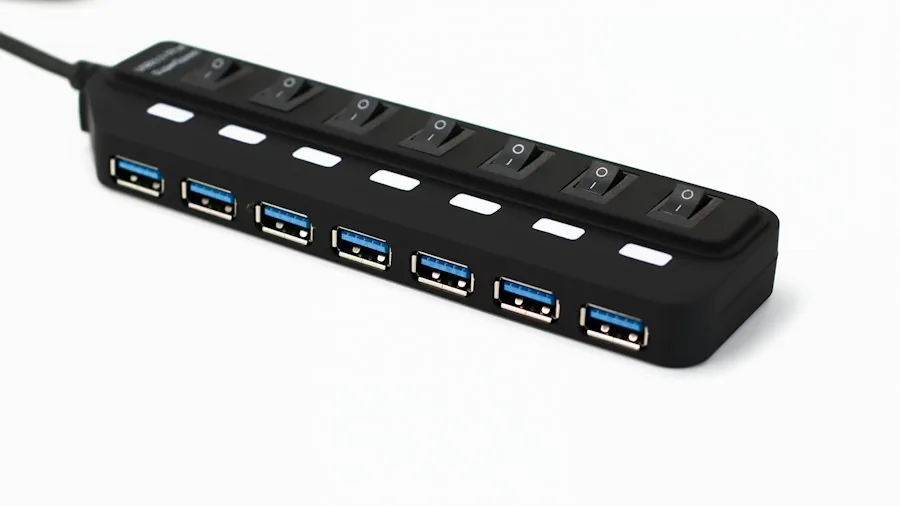
Modern computers never seem to have enough USB ports. A streaming setup or content creation workflow can quickly exhaust your available ports, forcing you to constantly swap cables. PCIe USB expansion cards cost between $15 and $30 and add multiple USB-A and USB-C ports to your system. These cards work reliably across all motherboards and require no special drivers or complicated setup procedures.
Tip 6: Consider Audio and Capture Cards for Specialized Workflows
If you’re interested in content creation or need higher-quality audio output than your motherboard provides, PCIe sound cards deliver noticeable improvements for under $25. Similarly, 1080p capture cards designed for recording gameplay or streaming are available in the same price range. These solutions aren’t for everyone, but if your workflow demands them, the PCIe x1 slot offers a dedicated, power-efficient way to add this capability without cluttering your desk with external boxes.
Tip 7: Choose PCIe Expansion Over M.2 Alternatives When Possible
While M.2 slots can theoretically host expansion cards like Wi-Fi or USB adapters, PCIe slots offer superior advantages. PCIe x1 cards can draw up to 25W of power, while M.2 solutions max out at 5 to 10W, limiting what they can power. PCIe cards also have larger cooling surfaces, preventing the thermal throttling that sometimes plagues cramped M.2 setups squeezed beneath graphics cards. Additionally, most of your M.2 slots will eventually be claimed by NVMe storage, making the PCIe x1 slot a more reliable long-term upgrade option.
The Bottom Line on PCIe Expansion
Your motherboard’s neglected PCIe x1 slot represents genuine upgrade potential at a time when traditional paths have become financially impractical. The bandwidth is sufficient, the price is minimal, and the compatibility is universal across nearly every modern PC. Whether you’re addressing a specific gap in your system’s capabilities or simply want to breathe new life into aging hardware, PCIe expansion cards deliver disproportionate value. Before committing budget to expensive platform upgrades, explore what these compact, affordable accessories can accomplish for your particular setup.
About the author
Ken covers motherboards for REMOVU, comparing features, power delivery, and value across sockets. He helps builders pick a solid foundation with room to upgrade.