5 Ways to Protect Your NAS Data Before Drive Failure Strikes
Protect your NAS from inevitable drive failure with these budget-friendly backup strategies.
 By Ava Herrera
Updated September 9, 2026
By Ava Herrera
Updated September 9, 2026
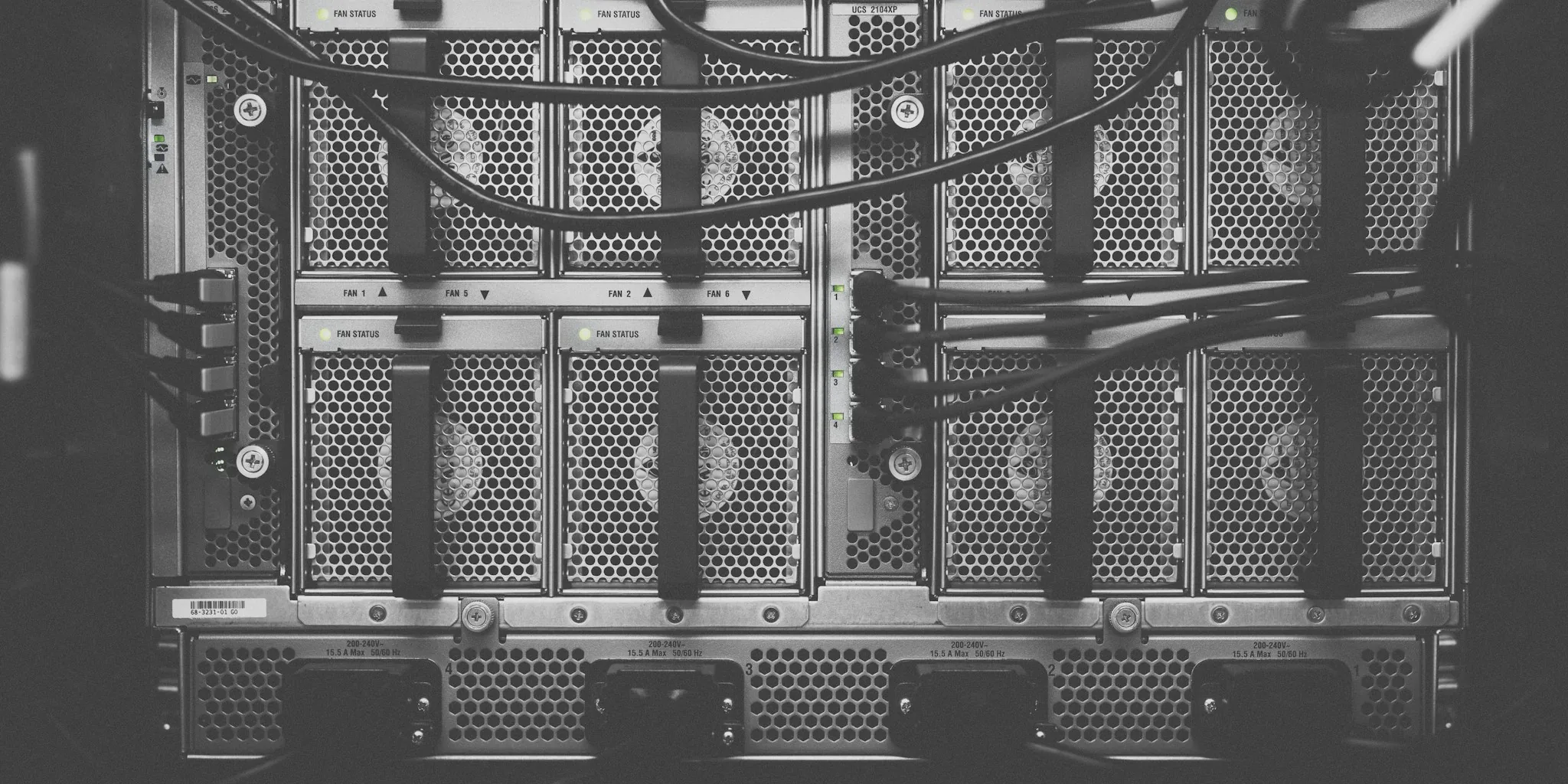
A network-attached storage device is one of the most affordable and convenient ways to keep your files safe and accessible. However, hard drives and solid-state drives don’t last forever. Eventually, hardware failures will occur, and without a backup strategy in place, you could lose everything stored on your NAS. The good news is that securing your data doesn’t require expensive solutions. Here are five practical ways to protect your NAS data that fit most budgets.
Move Backups to Cloud Object Storage
Cloud storage remains one of the most reliable long-term data protection solutions available. While many people purchase a NAS specifically to avoid ongoing subscription costs, cloud providers maintain built-in redundancies that make catastrophic data loss extremely unlikely. This level of protection is difficult to replicate on a smaller personal scale.
Object storage services like Backblaze B2 and Wasabi offer affordable options at less than $10 per terabyte, making them practical for data you absolutely cannot afford to lose. If budget is your primary concern, cold storage solutions cost even less. The trade-off is that retrieving data may take several hours and include a small retrieval fee, but since your files are already safely stored on your NAS, this delay is rarely a problem in a genuine emergency.
Connect an External USB Drive for Automatic Backups
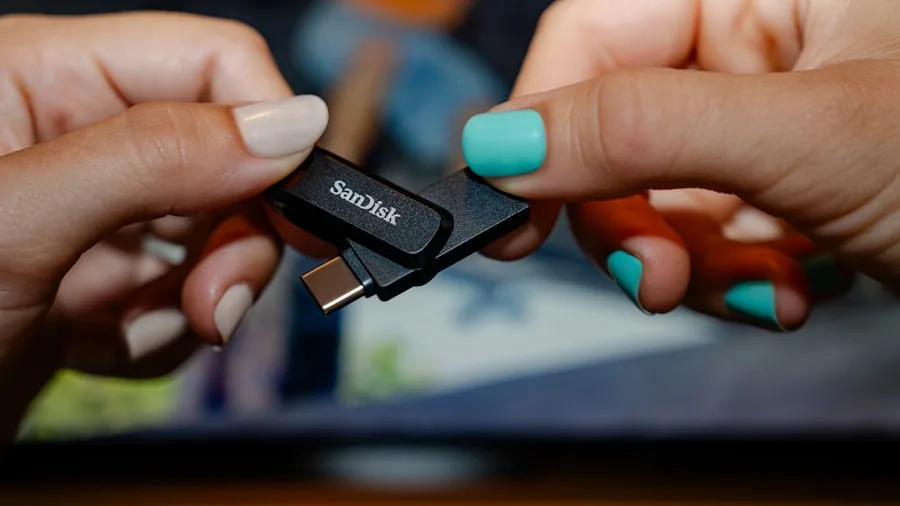
If your NAS device has available USB ports, connecting an external backup drive offers one of the quickest setup options. USB flash drives work, but traditional hard drives provide the best value for large storage capacities. Once connected, use your NAS software or applications like Duplicati to configure automatic backup schedules for your most important files.
Automated backups remove the burden of manual file transfers and ensure you never forget to back up your data. For added security, disconnect the external drive immediately after each scheduled backup completes. This extra step prevents potential malware exposure while keeping your backup isolated. Set a calendar reminder to reconnect it for the next scheduled backup cycle.
Repurpose Old SATA Drives with USB Adapters
If you have unused SATA drives sitting in a drawer, you likely have most of what you need to create an external backup solution. A simple SATA-to-USB adapter costs around twelve dollars and works perfectly for 2.5-inch drives. For larger 3.5-inch drives, an affordable enclosure provides the necessary case and power connection.
Both adapters and enclosures make it simple to swap drives later, giving old hardware a second life. Before using any older drives for important backups, check their SMART health status to ensure reliability. This low-cost approach transforms hardware you already own into functional backup solutions without significant additional investment.
Set Up a Secondary NAS from Spare Equipment
A second NAS dedicated to backup purposes might sound redundant, but it provides robust protection, especially when configured with RAID. The backup NAS doesn’t need to match your primary device’s performance or storage capacity. Consider repurposing an old desktop computer, laptop, mini PC, or even a Raspberry Pi as your backup target.
The critical setup difference is configuration. Instead of simply mirroring your main NAS files, enable versioning or snapshots on your backup NAS. This way, if you accidentally delete files from your primary system, older versions remain safely stored on your backup. This protection layer prevents accidental deletions from destroying all copies of your data simultaneously.
Use Your Personal Computers as Backup Destinations
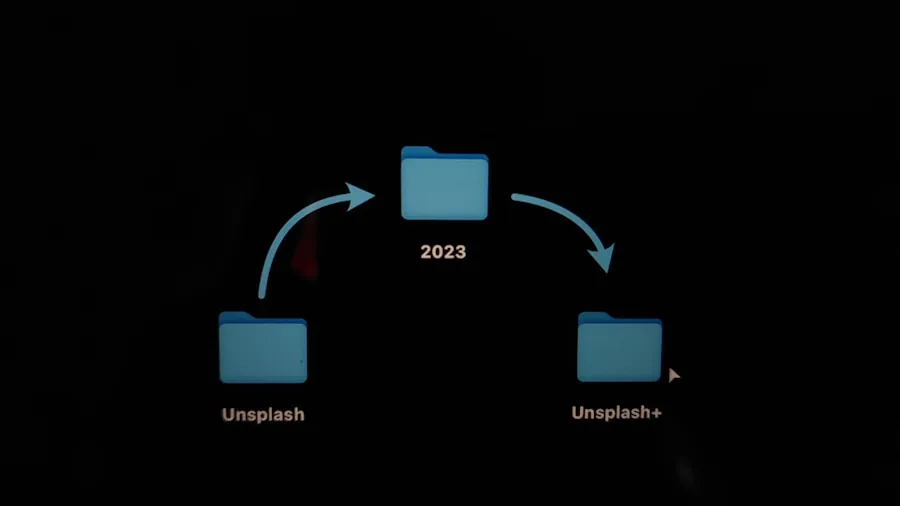
Most people view their NAS as a backup source for personal computers. However, reversing this relationship creates an additional safety layer. While individual PCs typically have limited storage, using them to store copies of critical work documents, essential photos, and irreplaceable personal files makes perfect sense.
Services like Syncthing with file versioning enabled can automatically synchronize important folders across your devices. If one machine fails or files become corrupted, you still have copies elsewhere. Computers that remain powered off most of the time provide added protection since they stay disconnected from your network and potential threats.
Why Multiple Backups Matter
The most important principle for data protection is this: never treat a single NAS as your only backup system. Drives fail without warning, and relying on one device leaves you vulnerable. The most effective protection strategy involves keeping multiple copies across different devices and locations. For truly critical data, cloud backup solutions offer an extra layer of insurance, and many affordable options exist that won’t drain your budget.
About the author
Ava is REMOVU's laptop writer, balancing speed, battery life, and build quality against price across the whole range. She helps readers find the sweet spot as each new chip shifts what a dollar buys.