Ways to Optimize Android Battery Charging for Long Term Health
Discover which battery protection mode on Samsung and Pixel phones suits your lifestyle best.
 By Eleanor Garcia
Updated November 7, 2026
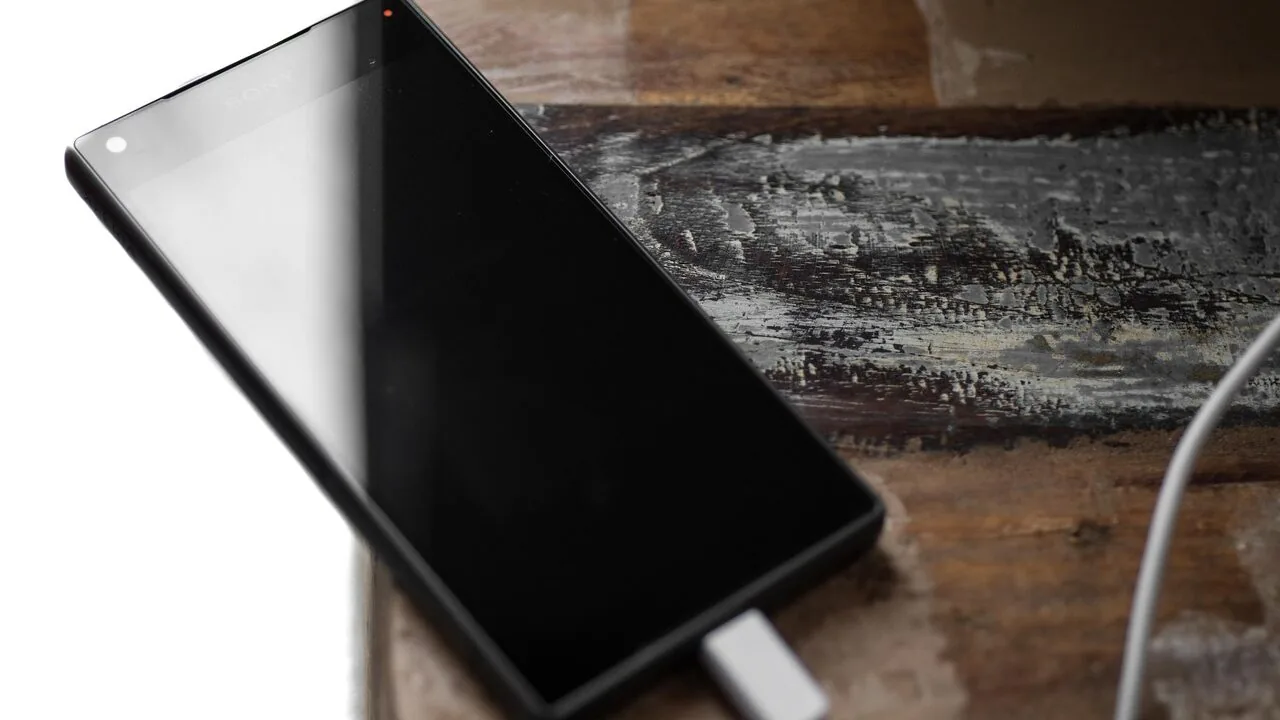
Most people charge their phones without thinking about the long-term consequences. Plugging in your device at night, letting it reach 100%, and unplugging it in the morning feels harmless, but this habit can gradually wear down your battery’s ability to hold a charge over months and years.
The good news is that both Samsung and Google have built battery protection features into their Android phones, giving you control over how your device charges. The challenge is that many people never adjust these settings from their defaults, and each mode involves different trade-offs depending on your lifestyle.
Why Keeping Your Battery at 100% Causes Long Term Damage
Modern smartphones rely on lithium-ion batteries, which naturally lose their capacity to hold a charge as they age. Two factors accelerate this degradation: heat and high state of charge. When your battery sits at 100%, it operates at its highest voltage, placing maximum stress on its internal chemistry.
Consider a typical overnight charging scenario. You plug in your phone at 11 PM, and it reaches full capacity by midnight or 1 AM. For the next six to seven hours until your alarm goes off, that battery remains at 100%, unnecessarily stressed even though you won’t need that extra capacity for hours. Over time, repeatedly keeping your battery at maximum charge reduces its overall longevity.
This doesn’t mean you should never charge to 100%. It’s perfectly fine to do so when you genuinely need maximum battery life, such as before a busy day or travel. The problem emerges when maintaining a fully charged phone becomes your regular routine.
Battery Protection Modes on Samsung Galaxy Phones
If you own a Samsung Galaxy phone running One UI 6.1 or later, navigate to Settings, then Battery, then Battery protection. You’ll discover three distinct modes, each offering different levels of protection.
Basic mode is the factory default. Your phone charges to 100% as quickly as possible based on your charger’s speed. Once the battery drops to 95%, charging resumes. While this prevents constant charging at full capacity, it still allows your battery to remain at 100% for extended periods, offering minimal long-term protection.
Maximum mode takes an aggressive approach with a hard charging cap you can set to 80, 85, 90, or 95 percent. The phone simply stops charging at your chosen limit regardless of how long it’s connected. This provides excellent battery preservation by preventing your phone from reaching that damaging 100% level, but it means your daily battery capacity never reaches its full potential.
Adaptive mode, available on One UI 9.0 and newer, represents a middle ground. It learns your typical sleep schedule and usage patterns, then applies Maximum protection while you’re asleep. Before you typically wake up, it switches to Basic mode, ensuring your battery approaches full capacity right when you need it. This intelligent approach protects your battery during idle hours while still giving you a fully charged phone each morning.
Charging Options Available on Google Pixel Phones
Google simplifies the approach by offering two charging optimization options under Settings, Battery, Battery health, Charging optimization.
Adaptive Charging is the default mode and functions similarly to Samsung’s Adaptive approach. It analyzes your charging patterns, learning when you typically plug in and unplug your device. If you regularly connect your Pixel at 11 PM and disconnect at 7 AM, the phone delays completing the final charging stage, hitting 100% just before your alarm sounds. Google states this feature requires approximately 14 days to learn your habits effectively, so initial results may not be perfect.
Limit to 80% does exactly what the name suggests. Your phone stops charging once it reaches 80%, prioritizing long-term battery health over maximum daily capacity. Google recommends this option if you typically end your day with remaining battery percentage.
Choosing the Right Mode for Your Lifestyle
The most important question is determining which mode aligns with your actual daily routine. The answer depends on how you charge rather than which setting sounds theoretically best.
If you maintain a consistent overnight charging schedule, select Adaptive on either platform. You’ll wake up to a fully charged phone while still providing battery protection during idle hours. This works best for people with predictable sleeping routines.
If you plan to keep your phone for three to four years, consider Samsung’s Maximum mode or Pixel’s 80% limit, assuming your daily battery life can accommodate it. The longer you own your device, the more valuable this long-term protection becomes. You might also want to explore power banks for extended travel days to supplement reduced capacity if needed.
People with unpredictable schedules should skip Adaptive modes entirely, since they depend on consistent charging patterns you don’t have. Instead, rely on Basic or Default modes paired with manual charging discipline.
If you absolutely need maximum battery percentage every single day, stick with Basic or Default mode without guilt. A phone that dies at 6 PM is far less useful than one that experiences slightly faster aging. Real-world usability matters more than theoretical battery longevity.
You don’t need to lock yourself into one mode permanently. Feel free to switch to Limit to 80% during normal weeks, then temporarily disable it before a long travel day when you need every available percent of capacity.
Additional Factors That Protect Battery Health
Battery protection settings alone don’t determine your phone’s lifespan. Your personal charging habits, ambient temperature, and daily usage patterns all significantly impact longevity.
Avoid leaving your phone in direct sunlight or hot environments while charging. If your device becomes unusually warm during charging or video playback, allow it time to cool before resuming use. Additionally, resist the urge to regularly drain your battery to 0% before charging. Constantly cycling from empty to full degrades your battery much faster than moderate charging practices.
By selecting the protection mode that matches your lifestyle and following these additional guidelines, you can significantly extend your Android phone’s useful lifespan while maintaining convenient daily battery capacity.
About the author
Eleanor covers smartphones for REMOVU, balancing cameras, battery life, and software support against price. She helps readers find the best value as the field shifts with every release.