Strava Smartwatch Syncing Problem: What Shoppers Need to Know Right Now
Smartwatch users report Strava connectivity failures. Here's what you need to know and how to fix it.
 By Kristen Jennings
Updated October 6, 2026
By Kristen Jennings
Updated October 6, 2026
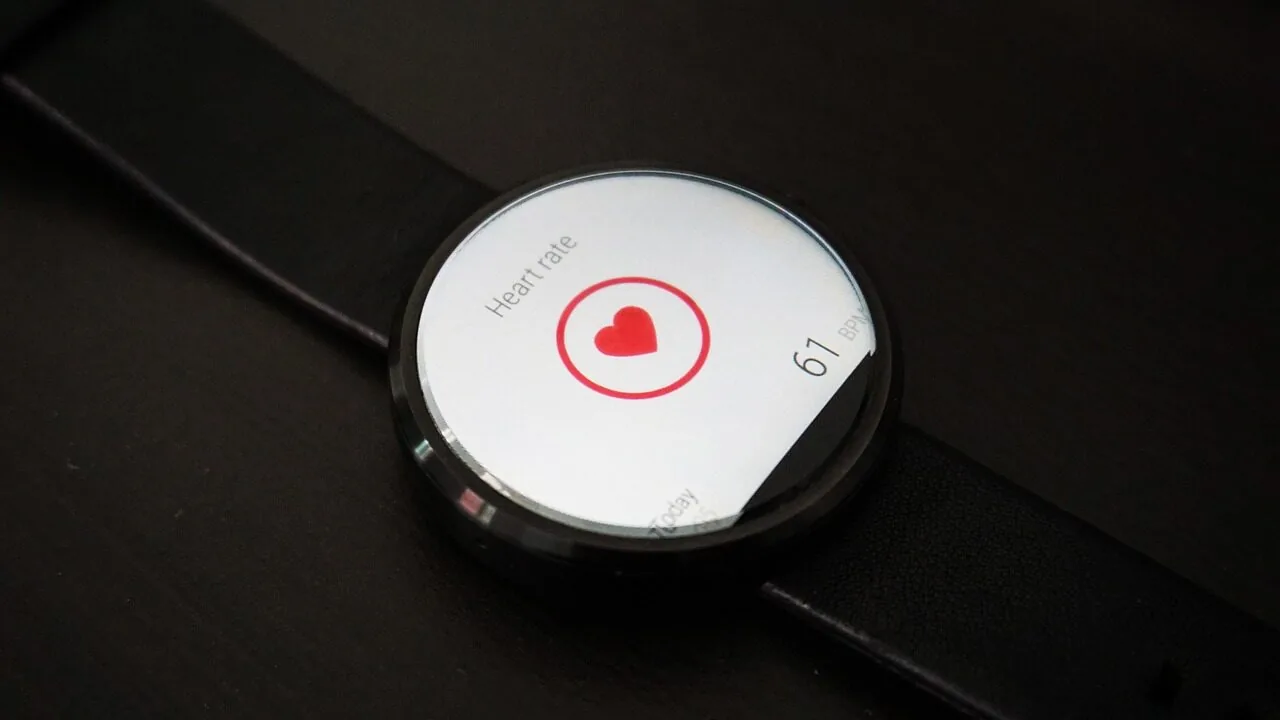
If you own a smartwatch and rely on Strava to track your fitness activities, you may have encountered a frustrating issue over the past week. Multiple users across different wearable platforms have reported that their devices are failing to sync with the Strava app, preventing their workout data from uploading to the service. This widespread connectivity problem has left fitness enthusiasts unable to record their progress, a particularly disappointing situation for anyone working toward a personal milestone.
The Scope of the Strava Syncing Issue
Reports of Strava connectivity problems first emerged on Reddit approximately nine days ago, with users posting in the Strava subreddit about failed syncs after completing their workouts. The issue is not limited to a single smartwatch brand or ecosystem. Users with Apple Watch models, Huawei Watch devices, and Samsung Galaxy Watch units have all reported the same error message: “There was an error connecting your device.” This suggests a problem originating from Strava’s infrastructure rather than individual device manufacturers.
Galaxy Watch users have been particularly vocal, with multiple Reddit threads discussing the syncing failures. When you’re ready to explore smartwatches options, understanding potential connectivity challenges with fitness platforms becomes an important consideration for your purchase decision.
What Strava Has Said About the Problem
Strava released a statement acknowledging the reports but provided limited insight into the root cause or timeline for resolution. According to the company’s official response, the issues are isolated and unconnected to one another, varying by ecosystem. The statement emphasizes that Strava works with device partners to ensure smooth integration, but acknowledged that different platforms have different integration requirements, which occasionally causes problems to surface.
This response has left many users frustrated, as it does not address when users can expect a fix or what steps Strava is taking to resolve the issue. The lack of transparency has prompted affected users to seek workarounds on their own.
Potential Solutions for Affected Users
While Strava has not released an official fix, some users have discovered a workaround that has provided relief. Several Galaxy Watch users on Reddit reported that completely uninstalling the Strava app and then reinstalling it resolved their syncing issues. This straightforward approach has worked for a portion of users experiencing the problem, though results are not guaranteed.
For others, the syncing issue eventually resolved on its own, though the process took considerably longer than usual. Some users noticed their data eventually synchronized after an extended delay, allowing their activities to appear in their Strava feed despite initial failures.
What This Means for Smartwatch Buyers
For consumers evaluating smartwatches under $200 or premium models, this situation highlights an important consideration: reliance on third-party app integration. While smartwatches have become increasingly capable at tracking fitness data independently, many users depend on apps like Strava for social features, detailed analytics, and activity sharing with friends.
If fitness app connectivity is crucial to your workout routine, this incident demonstrates that even established services can experience unexpected disruptions. When shopping for a smartwatch, consider devices that offer strong native fitness tracking capabilities and the flexibility to record activities manually if needed.
Temporary Workarounds While You Wait
If you’re currently experiencing syncing issues with Strava and your smartwatch, you have a few options. First, attempt the uninstall and reinstall method that has worked for other users. Second, manually record your activities within the Strava app itself, ensuring your workout data is captured even if automatic syncing fails. Third, check if your smartwatch’s native fitness app can track your activities independently while you wait for the issue to be fully resolved.
For those considering new smartwatches for swimming or other activities, verify that the device offers reliable independent activity tracking features that do not solely depend on third-party app integration.
Looking Ahead
Until Strava releases an official update addressing the syncing problem, expect ongoing reports from users experiencing connectivity issues across multiple platforms. The company has not announced a specific timeline for resolution, so affected users should prepare for potential continued disruptions to their syncing workflows.
This situation underscores the importance of understanding how smartwatches interact with fitness platforms before making a purchase. A device that works seamlessly with your preferred fitness app during normal circumstances may still encounter compatibility issues beyond your control. Keeping your app updated, understanding backup tracking methods, and staying informed about known issues will help you maintain continuity in your fitness routine despite unexpected technical challenges.
About the author
Kristen writes about smartwatches for REMOVU, comparing features, battery life, and ecosystem fit. She helps readers tie together health tracking, notifications, and apps on the right watch.