Pixel Phone Performance Boost: Switching Away from Google’s Default Apps
Replace Chrome, Gboard, YouTube Music, and Maps with faster alternatives to reclaim storage and boost performance.
 By Eleanor Garcia
Updated October 11, 2026
By Eleanor Garcia
Updated October 11, 2026
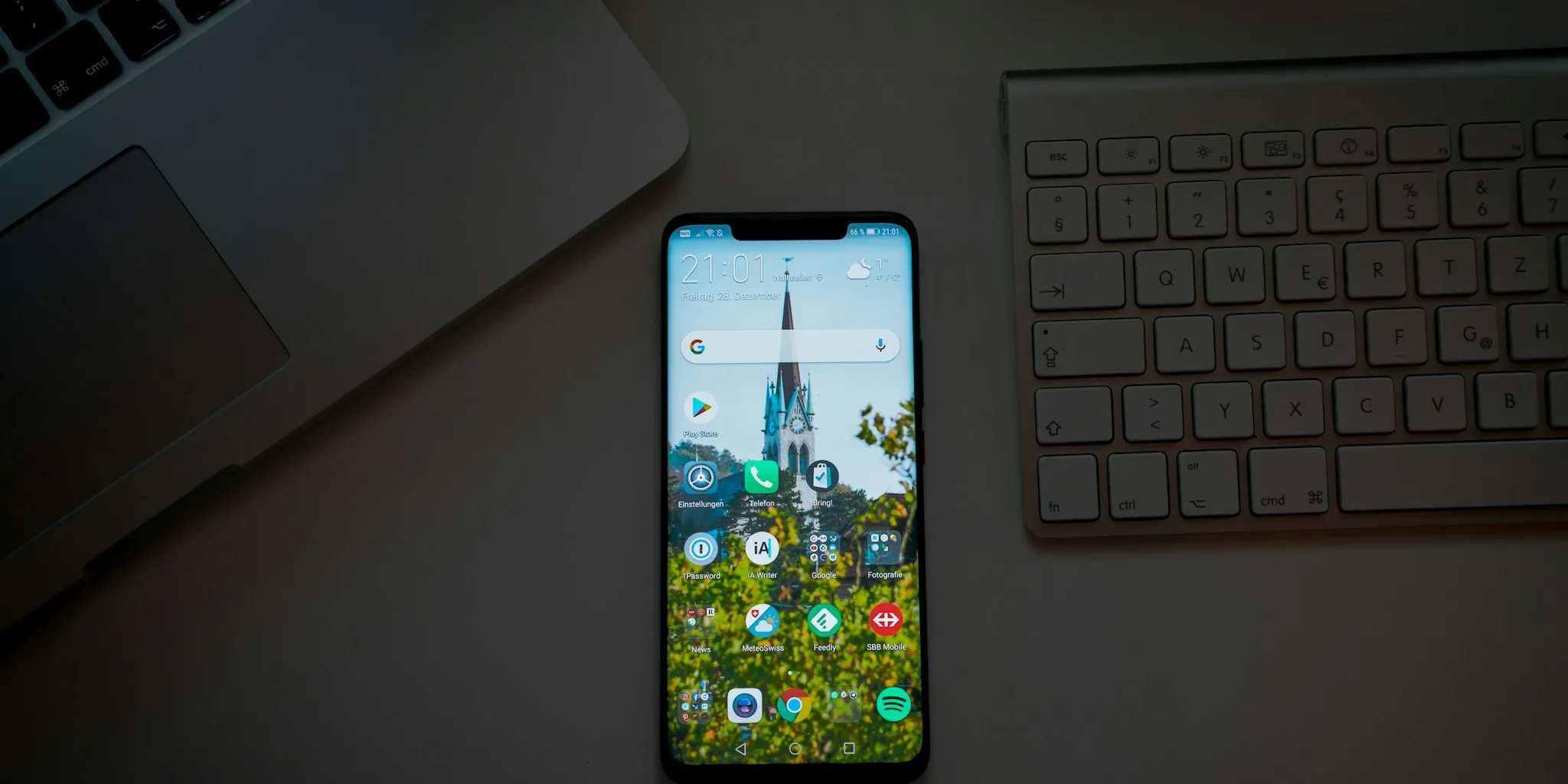
Google has spent years building a comprehensive suite of applications that come pre-installed on every Pixel phone and Android device. While these apps offer convenience, many owners report that their devices slow down noticeably after months of use. The culprit often lies not in hardware limitations, but in how Google’s built-in applications collect data and consume system resources in the background.
Recent analysis reveals that replacing several default Google apps with third-party alternatives can deliver measurable improvements in speed, storage capacity, and battery life. For shoppers considering a Pixel phone or looking to optimize an existing one, understanding which apps drain performance most can make a significant difference in daily device experience.
Chrome Consumes More Resources Than You Realize
Google Chrome arrives as the default browser on virtually every Android device, and most users never switch. Over time, Chrome has expanded with new features, but it has also accumulated increasingly aggressive background analytics and data collection. This continuous telemetry consumes system memory and processor cycles, even when you are not actively browsing.
The performance impact becomes apparent when comparing Chrome side by side with privacy-focused alternatives. Pages load more slowly, scrolling occasionally stutters, and ad-heavy websites feel sluggish. Chrome does not support ad-blocking extensions on mobile, so every banner and script loads fully. Additionally, Chrome can occupy 1 gigabyte or more of storage space on your device.
Switching to Firefox Focus, a privacy-first browser from Mozilla, eliminates these background processes. It runs in isolated private mode by default and aggressively blocks tracking. The trade-off is that it clears all tabs and login sessions when you close the app, making it best suited for casual browsing rather than continuous workflows. Samsung Browser offers another lightweight alternative that supports ad-blocking add-ons while consuming considerably less power and storage. Users report recovering 300 to 500 megabytes of storage immediately after removing Chrome, with potential for more savings depending on usage history.
Gboard Tracks Everything You Type and Say
Google’s Gboard keyboard has long been a standard choice for Android users, but it represents one of the most aggressive data collectors among default apps. The keyboard logs every keystroke and voice input, sending this information to Google’s servers for analytics. These tracking features remain enabled by default, requiring users to dig through multiple menu layers to disable them.
Beyond privacy concerns, Gboard runs background processes that noticeably drain battery life. The app also lacks several requested features, including proper multi-language support and a universal clipboard. Lightweight keyboard alternatives like FUTO and Simple Keyboard offer transparent privacy controls and customizable interfaces without the performance overhead. Simple Keyboard, in particular, prioritizes speed and responsiveness while using minimal storage space, though it offers limited language support and built-in emoji options. Replacing Gboard can recover 400 to 500 megabytes of onboard storage while improving overall device responsiveness.
YouTube Music’s Bloat Problem Requires a Better Solution
YouTube Music started as a sleek streaming service, but has become increasingly bloated over successive updates. The app implements aggressive local caching that can consume several gigabytes of storage within just a few days of regular listening. Combined with persistent analytics, this makes the application feel sluggish, particularly on mid-range and budget devices.
Switching to a music-only streaming service like Deezer eliminates the bloat entirely. Deezer focuses exclusively on audio and implements minimal data collection, logging only your profile and listening history. The app caches a fraction of what YouTube Music does and rarely exceeds one gigabyte even after weeks of continuous streaming. Recommendations remain based on your actual listening patterns rather than complex server-backed algorithms, keeping the experience simple and lightweight.
Google Maps Has Become Too Feature Heavy
Navigation has become increasingly complex as Google Maps accumulated 3D features, AI-powered search, and location history logging. While these features sound useful, they contribute to sluggish performance and unnecessary background tracking. Pixel phone users frequently report that Google Maps drains battery noticeably during navigation.
Here WeGo offers straightforward point-to-point navigation without extra features that slow performance. The app uses approximately half the storage space of Google Maps and has improved significantly in recent updates. Real-time traffic information has become more reliable, making it genuinely useful for daily commuting. While its point-of-interest database is smaller than Google Maps and rural routing can be less accurate, the straightforward interface and reduced resource consumption make it ideal for basic navigation needs.
What This Means for Pixel Phone Shoppers
Smartphone buyers considering a Pixel phone should know that performance can be substantially improved through strategic app choices. Android’s openness allows users to select alternatives to Google’s default applications, though many owners never explore these options. The combination of removing Chrome, Gboard, YouTube Music, and Google Maps can free up several gigabytes of storage, reduce background resource consumption, and extend battery life measurably.
For existing Pixel phone owners experiencing slowdowns, making these substitutions requires only a few minutes of setup time in the settings menu. The performance improvements typically become noticeable within days as the system adapts to lower background processing requirements. Quality alternatives exist for nearly every Google app, giving users genuine choice about which tools best fit their priorities.
About the author
Eleanor covers smartphones for REMOVU, balancing cameras, battery life, and software support against price. She helps readers find the best value as the field shifts with every release.