Old Wi-Fi Router as Network Switch: What Shoppers Need to Know
Can you repurpose an old wi-fi router? Yes, but there are speed and port limits to consider.
 By Armando Washington
Updated August 19, 2026
By Armando Washington
Updated August 19, 2026
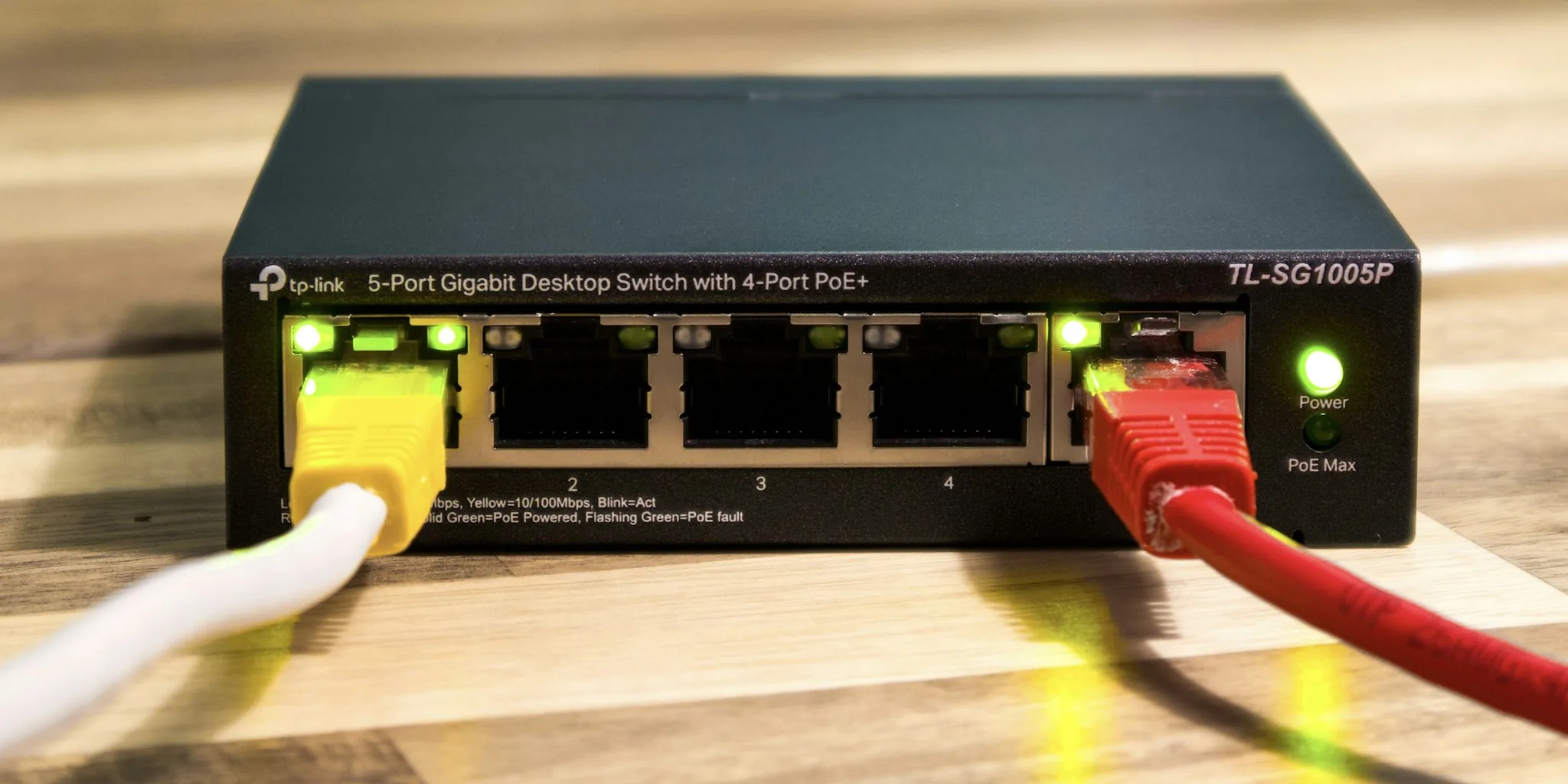
If you’ve upgraded your wireless router recently, your old model may still have plenty of life left in it. Rather than discarding outdated equipment, many homeowners are discovering a practical way to get more use from aging hardware: converting an old wi-fi router into a network switch. This approach can expand your wired connectivity options without requiring a new purchase, though shoppers should understand both the benefits and significant limitations before attempting this conversion.
Why You Might Want to Repurpose an Old Router
Most household routers come equipped with only 4 to 5 Ethernet ports, which quickly becomes insufficient if you rely heavily on wired connections for devices like desktop computers, gaming consoles, or streaming devices. Wired connections consistently outperform wireless links, delivering lower latency, greater stability, and more predictable performance. The natural solution would be purchasing a dedicated network switch, but many people already have an unused router sitting in a closet or storage area. Configuring that equipment as a switch offers a cost-free way to add extra wired ports to your home network without spending additional money.
How the Conversion Actually Works
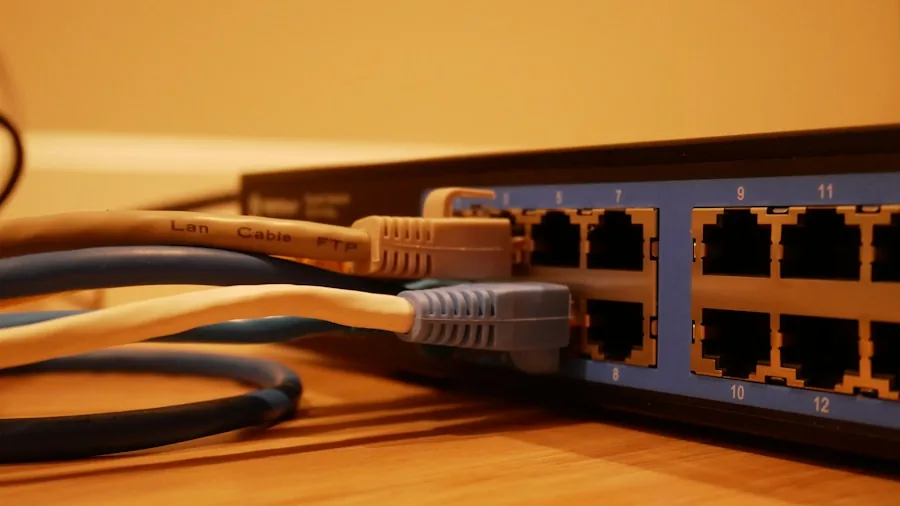
The technical process involves several straightforward configuration steps. Start by resetting your old router completely, then connect it to a computer using an Ethernet cable, making sure to use one of the LAN ports rather than the WAN port. Access the router’s admin panel by entering its default IP address, typically 192.168.1.1 or 192.168.0.1, in your browser. You’ll find these credentials on the label attached to the device itself.
Once you’re in the settings, disable the DHCP function, which normally hands out IP addresses to connected devices. Since your main router already performs this job, having DHCP active on both units creates network conflicts. Next, assign a unique IP address to your old router, making sure it falls outside the DHCP range of your primary router. For example, if your main router is set to 192.168.1.1 with a DHCP range ending at 192.168.1.150, you’d assign the old router something like 192.168.1.151. After that, disable NAT, the firewall, and DNS server features if your model offers them. Finally, connect your configured old router to your main router using an Ethernet cable, plugging into LAN ports on both devices. Your old equipment now functions as an expanded port hub for additional wired devices.
Real Limitations You’ll Face
While this repurposing strategy sounds appealing, it comes with substantial drawbacks that matter for your home network’s performance. The biggest issue is speed compatibility. Many older routers feature Ethernet ports limited to 100 Mbps speeds, which becomes a genuine bottleneck if your internet plan delivers faster connections. This speed cap prevents you from actually using the full bandwidth your service provider offers, effectively wasting your monthly subscription.
You also gain fewer additional ports than you might expect. If your old router has four LAN ports, you can only use three of them, since one must connect back to your main router. A five-port router gives you four usable ports. A dedicated network switch, by contrast, comes with many more port options, ranging from five ports all the way up to 48 or more, depending on your needs and budget.
When to Buy a Real Network Switch Instead
A proper dedicated switch is simpler to set up and requires almost no configuration. You plug in cables and it works immediately. Unlike a repurposed router, it’s designed specifically for this role, handles more ports, supports faster speeds, and provides advanced controls if you need them for more sophisticated network management. For anyone planning a permanent home network expansion rather than a temporary solution, a purpose-built switch offers superior reliability and performance.
The repurposing approach makes sense only if you already own the old equipment, have the necessary cables lying around, and don’t mind the minimal setup effort. This works fine for casual use and is genuinely free. However, if you’re concerned about speed, convenience, maximum port availability, or building a long-term network setup, investing in a quality network switch is the smarter choice. Evaluate your specific situation carefully. Do you need just a couple extra ports right now, or are you building something more permanent? Is your internet speed fast enough that the 100 Mbps limitation matters? Will you be frustrated by fewer total ports than a dedicated switch offers? Your answers to these questions will guide whether repurposing makes sense for you.
About the author
Armando covers Wi-Fi routers for REMOVU, balancing speed, range, and features for homes of every size. He helps readers match a router to their space and their devices.