Meta AI Now Available as Native Mac Desktop App: What You Should Know
Meta's new native Mac app brings AI assistance directly to your desktop with keyboard shortcuts and smart integrations.
 By Ava Herrera
Updated August 19, 2026
By Ava Herrera
Updated August 19, 2026

Meta is making a significant push into the AI assistant market with a new dedicated desktop application for Mac users. The company has released Meta AI as a native Mac app, marking another major milestone in its broader AI expansion strategy. Unlike many competing AI tools that rely on outdated frameworks, this application is purpose-built for Apple’s ecosystem and delivers a streamlined experience directly on your Mac.
A Purpose-Built Mac Application
The Meta AI desktop app launches as version 1.0 beta and installs as a compact 16MB application. Rather than relying on generic web wrappers or recycled tablet interfaces, Meta engineered this tool to run natively on Apple silicon Macs running macOS 15 or later. The app uses AppKit and SwiftUI for its user interface, with WebKit handling rich chat interactions. This native approach means you get desktop-specific functionality that feels genuinely integrated into macOS rather than ported from another platform.
The application includes several Mac-specific features designed to enhance productivity. Quick Invoke lets you summon the Meta AI composer using Option-Space, overlaying a compact interface over whatever you are currently working on. A dictation mode allows you to hold a keyboard shortcut, speak naturally, and have your words transcribed into any application, whether you are drafting emails, writing documents, or even editing code.
Contextual Intelligence and File Integration
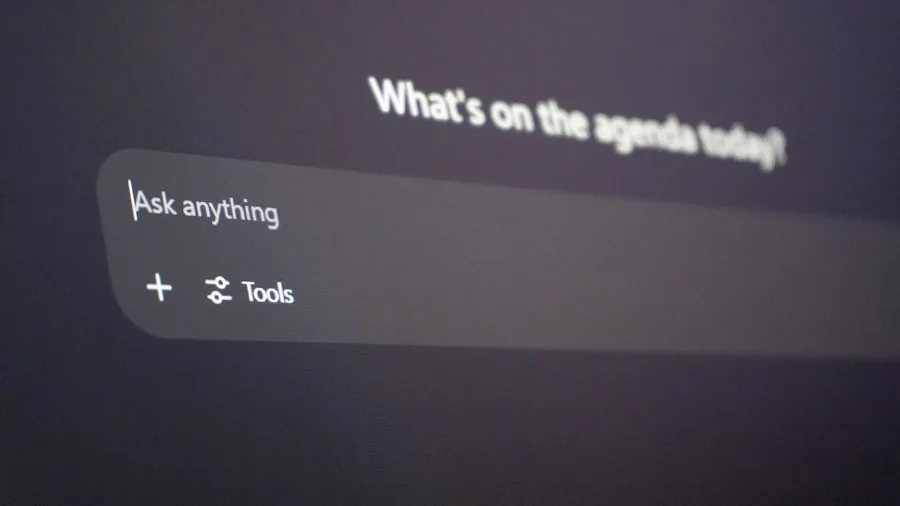
One of the standout capabilities is the ability to attach another Mac window directly to a conversation. With Screen Recording and Accessibility permissions enabled, the app can read visible text from that window and capture screenshots for reference during your next question. This contextual understanding helps the AI provide more relevant and accurate responses without requiring manual copying and pasting of information.
Beyond basic chat functionality, the sidebar organizes several useful features. You can browse Media files, manage Artifacts, schedule recurring tasks, revisit conversation history, and customize an About Me section for personalization. The app supports multiple thinking modes, file attachments, media generation, and the ability to create briefings or reminders that recur on a schedule you define. For users who prefer a cleaner desktop, you can disable the Dock icon and rely entirely on the keyboard shortcut for access.
Part of Meta’s Accelerating AI Strategy
This Mac app represents the latest chapter in Meta’s rapid AI development cycle. The company has been introducing new capabilities at a brisk pace over the past several months. In April, Meta upgraded its underlying model from Llama to Muse Spark, bringing improved reasoning and response quality. May saw expanded voice conversation features and camera-based assistance capabilities. July introduced Muse-powered image generation across Meta AI, WhatsApp, and Instagram, alongside new functionality in Threads for private messaging. Most recently, Meta released Muse Code, a terminal-based AI coding agent for macOS and Linux that helps developers write and debug software more efficiently.
This consistent stream of updates demonstrates Meta’s commitment to positioning its AI technology as a competitor to other popular desktop AI assistants currently available for Mac users. The crowded market includes several well-known alternatives, but Meta’s approach emphasizes tight integration with Apple’s hardware and software standards.
What This Means for Mac Users
For Mac owners seeking an AI assistant that feels native to their system rather than borrowed from web browsers or mobile platforms, Meta’s new application offers a compelling option. The combination of Quick Invoke keyboard shortcuts, dictation support, and contextual window attachment creates a workflow that complements how many people already work on their Macs. If you frequently use communication apps, document editors, or development tools, the ability to inject AI assistance without leaving your current window could meaningfully improve productivity.
The app is also refreshingly small, consuming minimal disk space compared to many Electron-based alternatives. Since it uses native macOS frameworks, it should integrate smoothly with your existing applications and system settings. Those interested in exploring AI-powered productivity tools should note that this beta version is available now, though ongoing development may introduce additional features and refinements.
Whether you are looking to explore AI assistance for the first time or evaluating options for network infrastructure to support your productivity apps, understanding what different AI tools offer helps you make informed decisions about your digital workspace. For those already invested in the Apple ecosystem, Meta’s native approach may feel more natural than installing yet another browser-based service or wrapper application.
The arrival of this dedicated Mac app signals that major tech companies view Mac users as a serious market segment worth developing for specifically, rather than treating macOS as an afterthought or secondary platform. If you have been waiting for Meta AI to arrive as a genuine desktop application on your Mac, it is now ready for you to evaluate.
About the author
Ava is REMOVU's laptop writer, balancing speed, battery life, and build quality against price across the whole range. She helps readers find the sweet spot as each new chip shifts what a dollar buys.