iPhone Optimization in iOS 27 What Shoppers Need to Know About the Search Update
Your iPhone is reorganizing itself after the iOS 27 update. Here's what that means for you.
 By Eleanor Garcia
Updated September 14, 2026
By Eleanor Garcia
Updated September 14, 2026
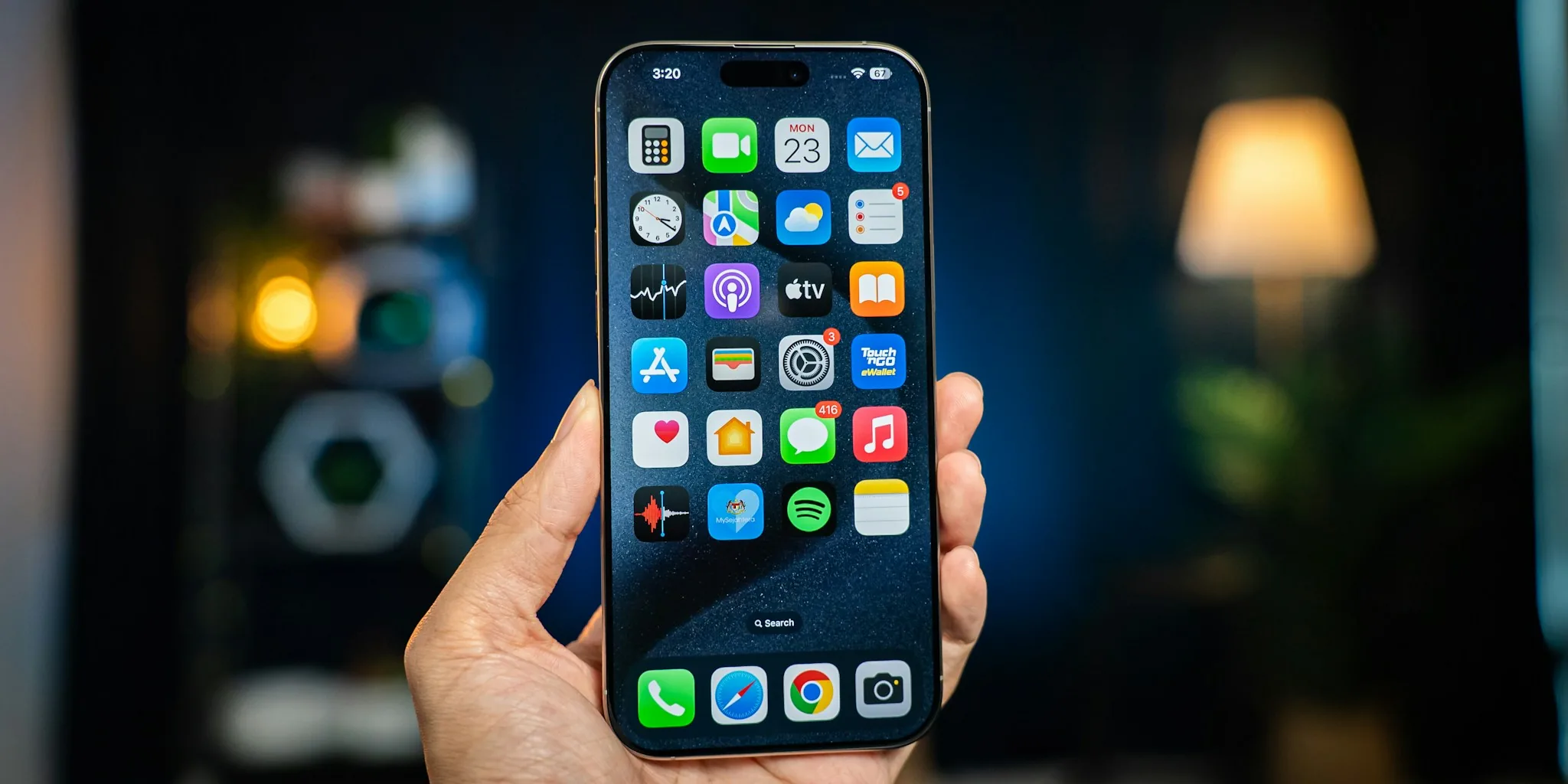
Apple’s latest iOS 27 update introduces a completely rebuilt search system for iPhone, and that means your device will spend some time reorganizing its internal files after you install it. If you’ve recently upgraded and noticed a banner in Settings saying “Optimizing Search and Siri,” don’t worry, that’s exactly what should be happening. Understanding what this process does and how long it takes can help you make the most of your phone during the transition.
What’s Actually Happening Under the Hood
The search optimization you’re seeing is part of Apple’s effort to make searching across your device faster, more reliable, and more accurate. When you upgrade to iOS 27, the system needs to reindex everything stored on your iPhone. Think of indexing like creating a detailed map of your phone’s contents. Rather than searching through every single file when you look for something, the index acts as a guide that points directly to what you need, similar to how a book’s index helps you find information without reading every page.
This isn’t the first time Apple has asked your iPhone to reindex itself. The system does this automatically whenever you first set up a device, when data changes, and after major updates. In previous upgrades, most users never even noticed it was happening. This time, however, the process is more noticeable because Apple rebuilt the entire search interface rather than simply updating existing code.
How Long Will This Take
According to Apple’s official guidance, the optimization process could take anywhere from a couple of hours to several days, depending on how much content you have stored. Users with photos, apps, documents, and other files taking up significant storage space should expect the longer end of that timeline. The good news is that you don’t have to wait for the process to finish before using your phone.
If you want to speed things up, Apple recommends plugging your device into a power source. This allows the system to allocate more resources to indexing rather than managing battery consumption. Setting your phone aside during the process also helps it move faster, since the system can focus entirely on reorganizing your data instead of handling your regular usage.
Can You Still Use Your iPhone
Yes, you can continue using your iPhone normally while it optimizes. The indexing happens in the background and won’t prevent you from checking email, browsing the web, using wireless earbuds and other iPhone accessories, or running any of your apps. However, there’s a tradeoff. While the process is running, your Spotlight search results might be incomplete because the system hasn’t finished cataloging everything yet.
Once the banner in Settings disappears, indexing is complete and your search results should be fully comprehensive. At that point, if you’re still experiencing any issues with finding files or apps, you’ll want to check your Spotlight settings and make sure the search feature has permission to access all your applications.
What to Do if Something Feels Wrong
After indexing finishes, verify that Spotlight has access to the apps where you need it most. You can manage these permissions by going to your Search settings. From there, you can see a list of all your apps and choose which ones Spotlight is allowed to search. Unfortunately, you’ll need to grant or revoke permission for each app individually, rather than making a blanket adjustment across everything.
This new search system represents a significant upgrade over previous versions. If you own multiple smartphones or use other Apple devices, it’s worth noting that your search index stays entirely on your iPhone and isn’t shared with Apple’s servers or synced to your other devices. This design keeps your information private while still delivering faster performance.
What This Means for Your Daily Experience
Once the optimization completes, you should notice that finding apps, files, and information on your device feels snappier. The rebuilt search interface is designed to be more intuitive and deliver more relevant results faster. If you frequently use Spotlight to launch apps or locate documents, this update should make that experience noticeably smoother.
The iOS 27 search improvements are part of a broader effort to make iPhones more responsive and efficient. Combined with other enhancements rolling out in this version, your device should feel more refined overall. Whether you use smartwatches paired with your iPhone or rely on standard phone features, a better search system benefits everyone.
The optimization banner will eventually disappear, and you’ll move forward without thinking about it much. But knowing what’s happening behind the scenes can help you understand that this temporary slowdown is actually preparing your device for improved performance moving forward.
About the author
Eleanor covers smartphones for REMOVU, balancing cameras, battery life, and software support against price. She helps readers find the best value as the field shifts with every release.