iOS 27.3 Brings Major StandBy Mode Upgrades What Shoppers Need to Know
New clocks, Calendar, and Weather faces arrive in iOS 27.3, offering better bedside customization for iPhone owners.
 By Eleanor Garcia
Updated November 4, 2026
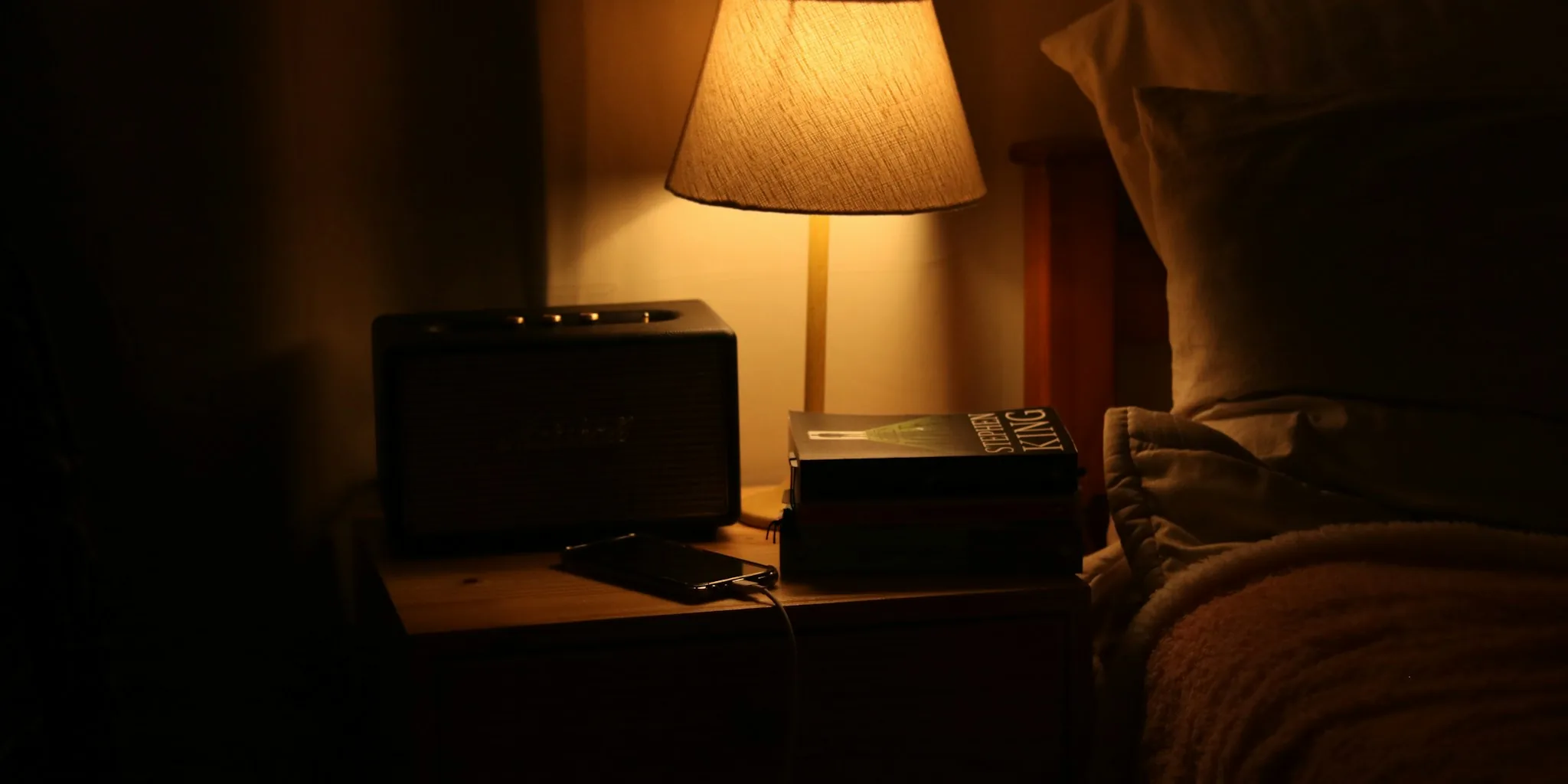
Apple is rolling out significant improvements to StandBy mode with the first iOS 27.3 developer beta, giving smartphone owners more reasons to use their iPhone as a bedside companion. The update introduces fresh clock designs, new Calendar and Weather display options, and enhanced customization tools that transform how users interact with their device while charging.
What’s New in StandBy Mode
StandBy has always functioned as a quick-glance display when your iPhone rests on a charger in landscape orientation, but Apple’s customization options were previously limited. iOS 27.3 dramatically expands what you can do with this feature.
The most visible change comes through redesigned clock faces. Both the Analog and Digital clock options now offer a broader range of colors, letting you match the display to your bedroom decor or personal preference. Apple has also added complications, which are scaled-down widgets that show specific information like weather conditions or upcoming events. For the first time, you can customize which complications appear alongside your clock.
Beyond clocks, Apple is introducing entirely new face types specifically suited for nightstand use. A dedicated Calendar face makes sense for anyone who starts their day by checking their schedule, while the new Weather face provides at-a-glance conditions without unlocking your phone. The Photos face has been enhanced too, now capable of displaying Shared Albums so your nightstand effectively becomes a slideshow of family photos or friend updates throughout the night.
Better Flexibility and Control
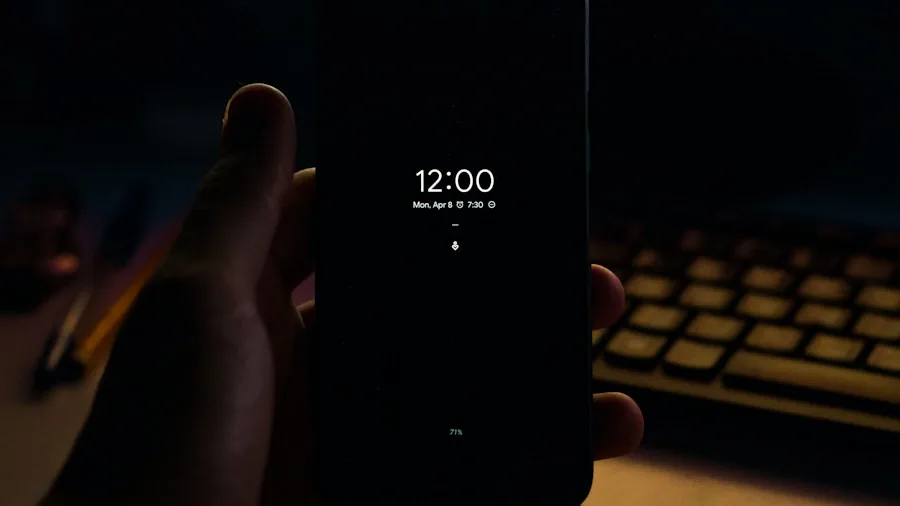
One of the quietest but most useful improvements is the ability to save multiple versions of each face and switch between them with a single swipe. This means you could display a minimal clock for bedtime and switch to a Calendar view for your morning routine without constantly reconfiguring your display.
The new StandBy capabilities come as Apple continues expanding iPhone compatibility features across its ecosystem. These additions make the device increasingly valuable as a bedside tool for anyone who wants quick access to information without picking up their phone.
Who Can Use These Features
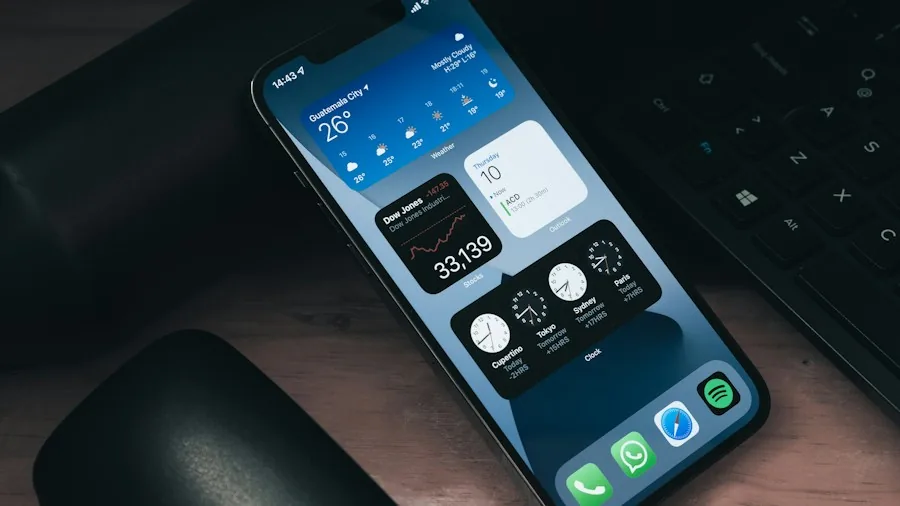
The best news for most iPhone owners is that you don’t need to purchase the latest iPhone Duo to access these StandBy improvements. If your current iPhone already supports StandBy mode, you’re the intended audience for this update. You’ll still need to keep your device plugged in and positioned sideways, but the feature works across multiple iPhone models.
The iPhone Duo does maintain one exclusive advantage: it can run StandBy while folded open like a book or propped like a tent, even without charging. For everyone else, the charger requirement remains, but the expanded customization options make the experience significantly more practical.
When to Expect These Updates
The iOS 27.3 developer beta is currently available to enrolled developers, but a public release is expected sometime in December. Those who prefer stability over early access should wait for the final version rather than installing beta software on their daily driver. Beta releases occasionally contain bugs that can affect everyday usability, so most people benefit from waiting for the official launch.
Beyond StandBy, iOS 27.3 brings other notable improvements. Apple’s redesigned Health app is returning after being temporarily removed from an earlier beta, and it now includes personalized Fitness+ gym plans that recommend exercises, sets, and repetitions based on your fitness level and goals. Safari is also receiving its most significant tab management upgrade in years, with new Vertical Tabs, Adaptive Dark Mode, and Siri commands designed to help users organize their browsing more effectively.
The iPhone Duo itself is receiving improvements too, with new Reachability features that let you shift content across its massive display with a swipe, making one-handed use far more practical. This broader update cycle suggests Apple is committed to refining the user experience across its entire iPhone device lineup.
For shoppers evaluating their next iPhone purchase, these StandBy enhancements suggest Apple views the device increasingly as a multi-functional home companion, not just a mobile computer. If you frequently keep your phone on your nightstand, the expanded customization options could genuinely improve your daily routine.
About the author
Eleanor covers smartphones for REMOVU, balancing cameras, battery life, and software support against price. She helps readers find the best value as the field shifts with every release.