Comcast Xfinity WiFi Routers Now Detect Motion: What Shoppers Need to Know
Comcast introduces WiFi Motion on Xfinity Gateways, turning routers into motion detectors. Here's what homeowners should know.
 By Armando Washington
Updated August 19, 2026
By Armando Washington
Updated August 19, 2026
Comcast Launches Motion Detection Feature on Gateway Routers
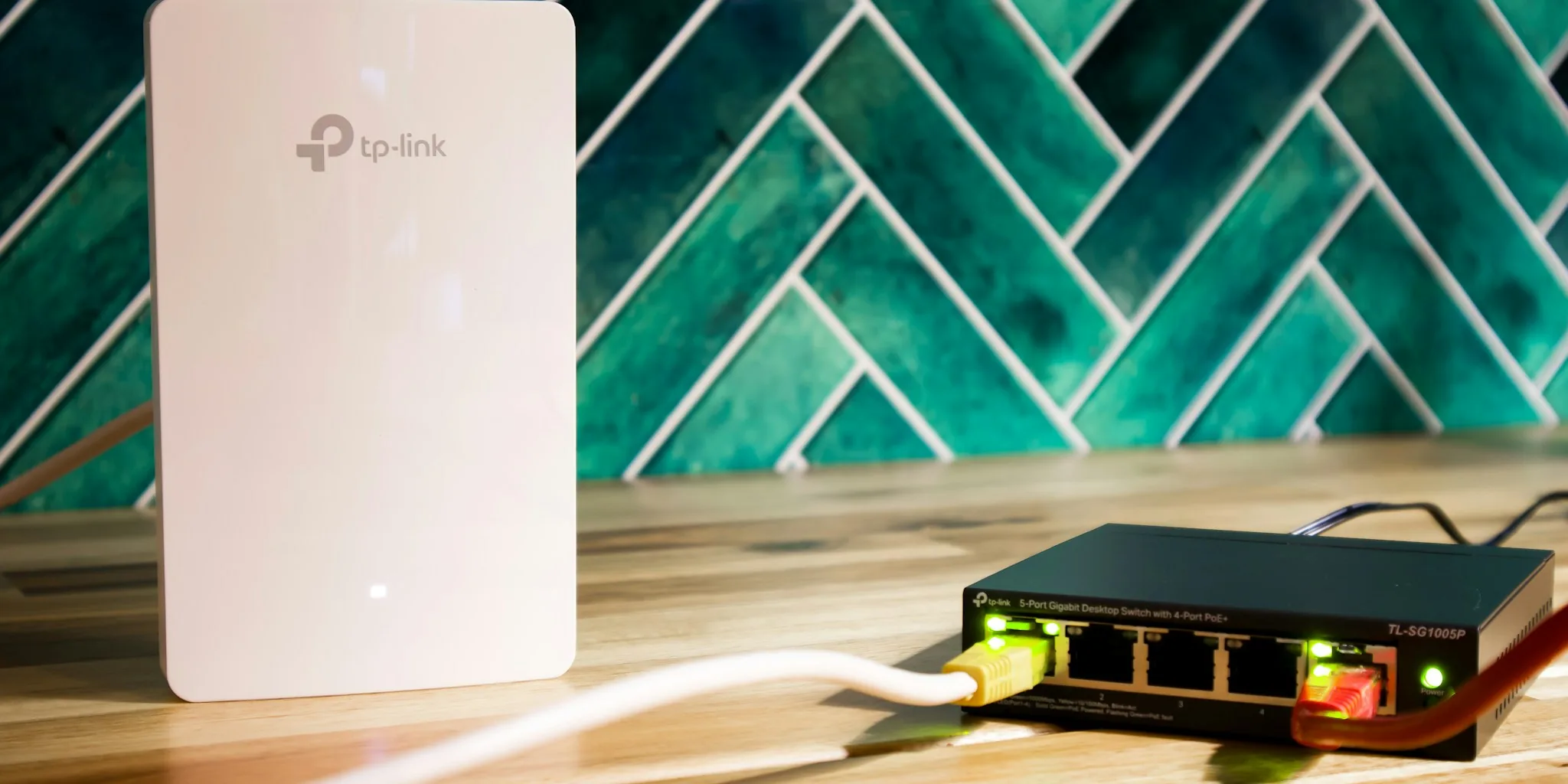
Comcast has introduced a new capability that transforms its Xfinity Gateway wi-fi router into a motion-sensing device for home security. The feature, called WiFi Motion, is part of Comcast’s broader Xfinity Shield system, which bundles cybersecurity, home protection, and family safety tools into a single app. The motion detection works by monitoring changes in radio frequency signals between connected devices and the eligible gateway, allowing the system to identify movement inside the home without requiring dedicated cameras or motion sensors.
This development represents a significant expansion in how wi-fi routers are being leveraged for home security purposes. Rather than purchasing separate motion detection equipment, Xfinity customers with compatible gateways can activate this feature at no additional cost. The system sends push notifications through the Xfinity app whenever unexpected activity is detected, providing homeowners with an extra layer of awareness about what is happening inside their residence.
How the Technology Works for Homeowners
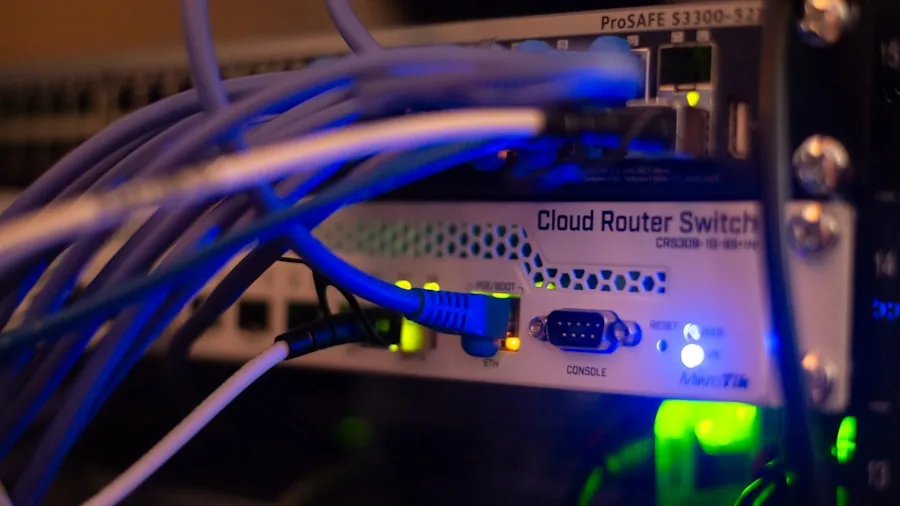
The motion detection capability operates by analyzing disruptions in the wireless signal patterns between your gateway and connected devices throughout your home. When movement occurs in areas with strong wi-fi coverage, the system recognizes the changes and alerts you instantly. This approach avoids the privacy concerns associated with camera-based monitoring, as no video or images are captured or stored.
Compatible gateway models include the Technicolor XB7, XB8, XB9, XB10, MXB1, and XER10. Customers can customize the sensitivity levels to high, medium, or low depending on their preferences. The system also includes a pet-detection setting, allowing homeowners to exclude their animals from triggering motion alerts. This flexibility makes the feature adaptable to different household situations and layouts.
Performance does come with limitations, however. The motion detection only functions reliably in areas where strong wi-fi signals are present between your gateway and connected devices. Comcast does not guarantee or warrant performance across all home environments, meaning results may vary depending on your home’s layout, construction materials, and device placement.
Privacy Concerns and Law Enforcement Access
While the feature offers convenience and added security awareness, privacy advocates have raised concerns about how the data could potentially be used. According to Comcast’s support documentation, the company may disclose motion data to third parties without prior notice to customers in connection with law enforcement investigations, disputes involving Comcast, or pursuant to court orders and subpoenas.
This disclosure policy has sparked debate among security-conscious consumers. Although the motion detection data is not professionally monitored by Comcast, the possibility that law enforcement could access this information during investigations represents a new dimension of home surveillance that many users were not aware existed. The practical value of motion-sensing data for law enforcement purposes remains unclear, though concerns about potential surveillance overreach persist among privacy advocates.
The feature is entirely opt-in, meaning customers must actively enable WiFi Motion through their Xfinity app to use it. Those uncomfortable with the privacy implications can simply leave the feature disabled and continue using their gateway as a standard wi-fi router without any motion detection capabilities.
What This Means for Your Home Security Strategy

For shoppers evaluating home security options, this development expands the landscape of available tools. Instead of investing in dedicated motion sensors or security systems, Xfinity customers now have a built-in alternative. This could be particularly appealing for renters or those hesitant to install traditional security equipment.
However, the limitations are worth considering. The technology’s reliance on strong wi-fi signals means it may not work effectively in all areas of your home, and Comcast provides no performance guarantees. Comparing this feature against dedicated wi-fi routers under $200 with advanced features or standalone security systems requires weighing convenience against reliability and coverage needs.
The motion detection capability also does not replace professional monitoring or camera-based security. It serves as a supplementary awareness tool that notifies you when movement is detected, but it cannot identify who or what is moving or record evidence for later review. For comprehensive home security, many consumers may still need additional layers of protection.
Broader Implications for Smart Home Technology
This move reflects a broader trend of manufacturers embedding additional functionality into networking hardware. Wi-fi routers have evolved from simple connectivity devices into intelligent hubs that manage security, privacy, and home automation tasks. As gateways become more capable, the question of data access and privacy protections becomes increasingly important.
Consumers shopping for new wi-fi equipment should now consider not just connection speeds and coverage, but also what additional features their gateway includes and how manufacturers handle data collected through those features. Even budget-friendly options available under $100 may soon include similar capabilities, making it essential to understand the privacy policies behind these tools.
For current Xfinity customers, evaluating whether to enable WiFi Motion depends on individual comfort levels with data privacy and actual security needs. Those prioritizing privacy can continue using their gateway as a standard router, while others may find the motion detection feature a useful addition to their existing home security approach.
About the author
Armando covers Wi-Fi routers for REMOVU, balancing speed, range, and features for homes of every size. He helps readers match a router to their space and their devices.