Apple Security Update: What Buyers Should Know About Protecting Your Devices
Recent security updates highlight why keeping all your Apple devices current matters more than you think.
 By Ava Herrera
Updated October 20, 2026
By Ava Herrera
Updated October 20, 2026
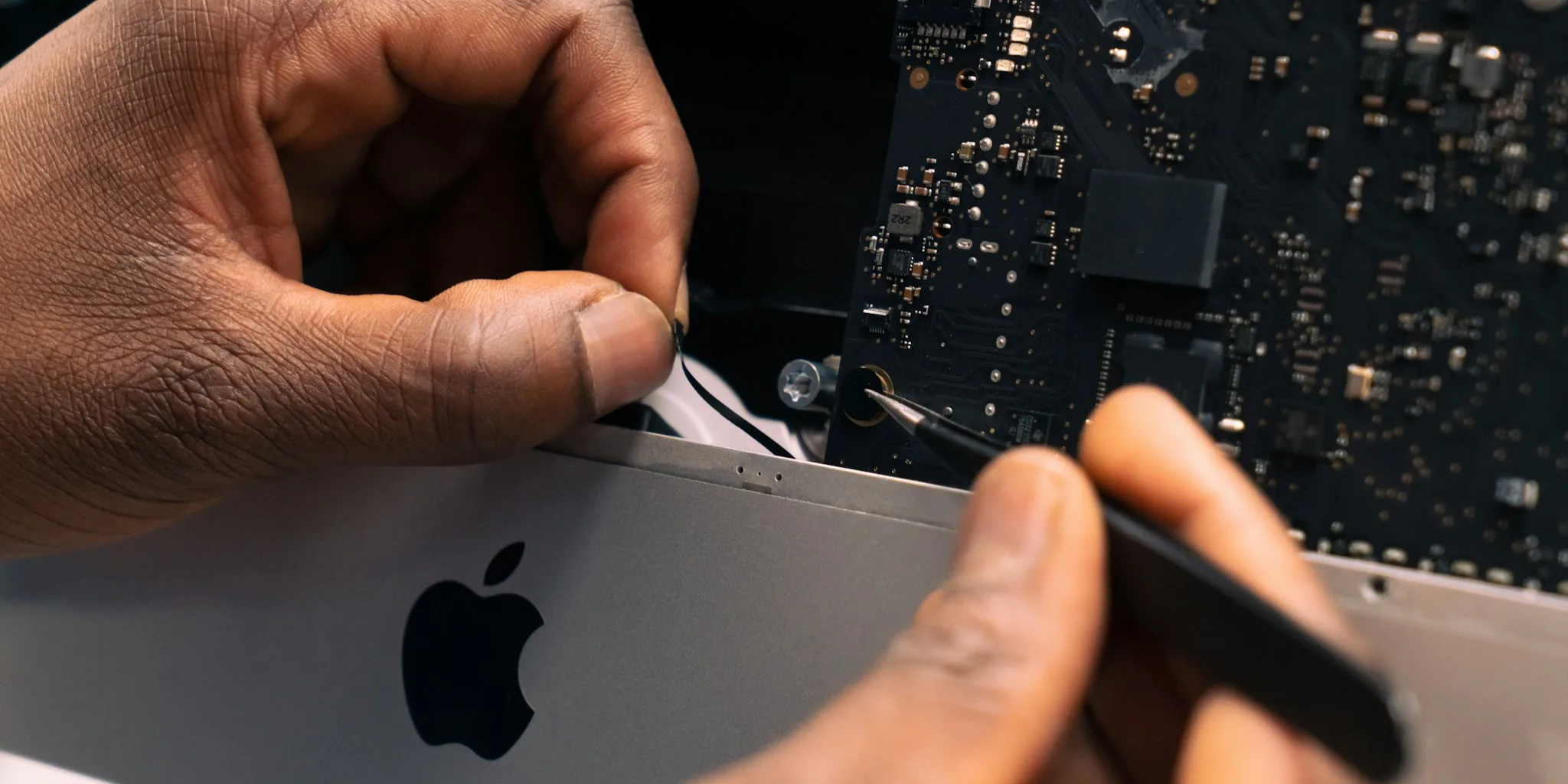
Apple has released a series of security updates designed to address vulnerabilities across its ecosystem of devices. For anyone who uses an iPhone, iPad, Mac, or other Apple products, understanding these updates and their importance is critical to keeping your personal data safe and your devices secure.
Why Apple Security Updates Matter
Security updates are patches released by manufacturers to fix weaknesses that could allow hackers, malware, or other threats to access your device or personal information. Apple regularly identifies vulnerabilities in its operating systems and applications, then releases updates to close those gaps before criminals can exploit them. These updates are not optional conveniences, they are essential maintenance that protects your digital life.
When a security vulnerability goes unpatched, you become vulnerable to data theft, unauthorized access to your accounts, and compromise of sensitive personal information. In today’s connected world, staying current with security patches is as important as locking your front door.
The Importance of Timely Installation
One of the most critical insights from recent discussions among Apple device management experts is the necessity of patching devices promptly, particularly older models. Many users delay updates because they worry about compatibility issues, performance impacts, or simply forget to install them. However, waiting to apply security patches creates an extended window of vulnerability.
Older devices are particularly at risk because they may no longer receive regular maintenance, yet they still connect to the same networks and services as newer equipment. A single unpatched older device can become an entry point for attackers to access your home network, work environment, or connected systems. This risk applies whether you use your older device frequently or keep it as a backup.
What Buyers Should Do Right Now
If you own multiple Apple devices, prioritize applying the latest security updates across your entire collection. Check your device settings for pending updates and install them as soon as possible. Most updates can be installed overnight or during times when you are not actively using the device.
For those managing multiple devices across a household or small business, consider setting up automatic updates where possible. This ensures that security patches are applied without requiring manual intervention. Device management platforms can help organize and streamline this process, particularly if you maintain several older devices alongside newer ones.
Beyond software updates, layered security practices strengthen your overall protection. For instance, many users combine device security with home network protection through systems that monitor connected devices. The best indoor security cameras for every home often include integration with broader smart home security ecosystems, creating multiple layers of protection for your digital and physical space. This holistic approach means your devices are protected not just by software patches but also by network-level monitoring.
Understanding Device Lifecycle and Support
Apple typically supports devices with security updates for several years beyond their initial release. However, this support window does eventually close. Understanding when your specific device will reach the end of its security update lifecycle helps you plan future purchases and decide whether to retire older equipment.
Devices that are no longer receiving security patches should ideally be removed from networks handling sensitive information. If you use an older device primarily for entertainment or non-critical tasks, the risk level decreases, but the security considerations remain important. The best home security cameras for every home and budget can help you maintain awareness of network activity, ensuring that all connected devices, whether old or new, are functioning as intended.
The Bigger Picture for Consumers
The ongoing emphasis on security updates reflects a fundamental reality of modern technology: connected devices require continuous maintenance. Purchasing a device is not the end of the security story, it is the beginning of an ongoing responsibility to keep that device protected.
When evaluating your technology investments, factor in not just the purchase price but the long-term commitment to maintenance and updates. Devices that receive longer security update windows provide better value over time because they remain protected for extended periods. This consideration should influence purchasing decisions, particularly for devices that handle sensitive information or connect to important accounts.
For households with multiple devices of varying ages, regular security audits help identify which equipment needs urgent updates and which devices may be approaching the end of their supported lifecycle. Security cameras under $100 worth buying can serve as part of a broader home technology strategy that includes keeping all connected devices current and secure.
Moving Forward
Apple security updates will continue to be released regularly throughout the year. Building a habit of checking for and installing these updates promptly is one of the most effective steps you can take to protect your data and devices. Whether you own a single device or maintain a collection of equipment across your home or business, staying current with security patches is non-negotiable in today’s threat landscape.
About the author
Ava is REMOVU's laptop writer, balancing speed, battery life, and build quality against price across the whole range. She helps readers find the sweet spot as each new chip shifts what a dollar buys.