Acer Swift Air 14 Launch: What MacBook Shoppers Need to Know
New $699 Windows laptop mimics MacBook design but stumbles on trackpad and audio quality.
 By Ava Herrera
Updated November 17, 2026
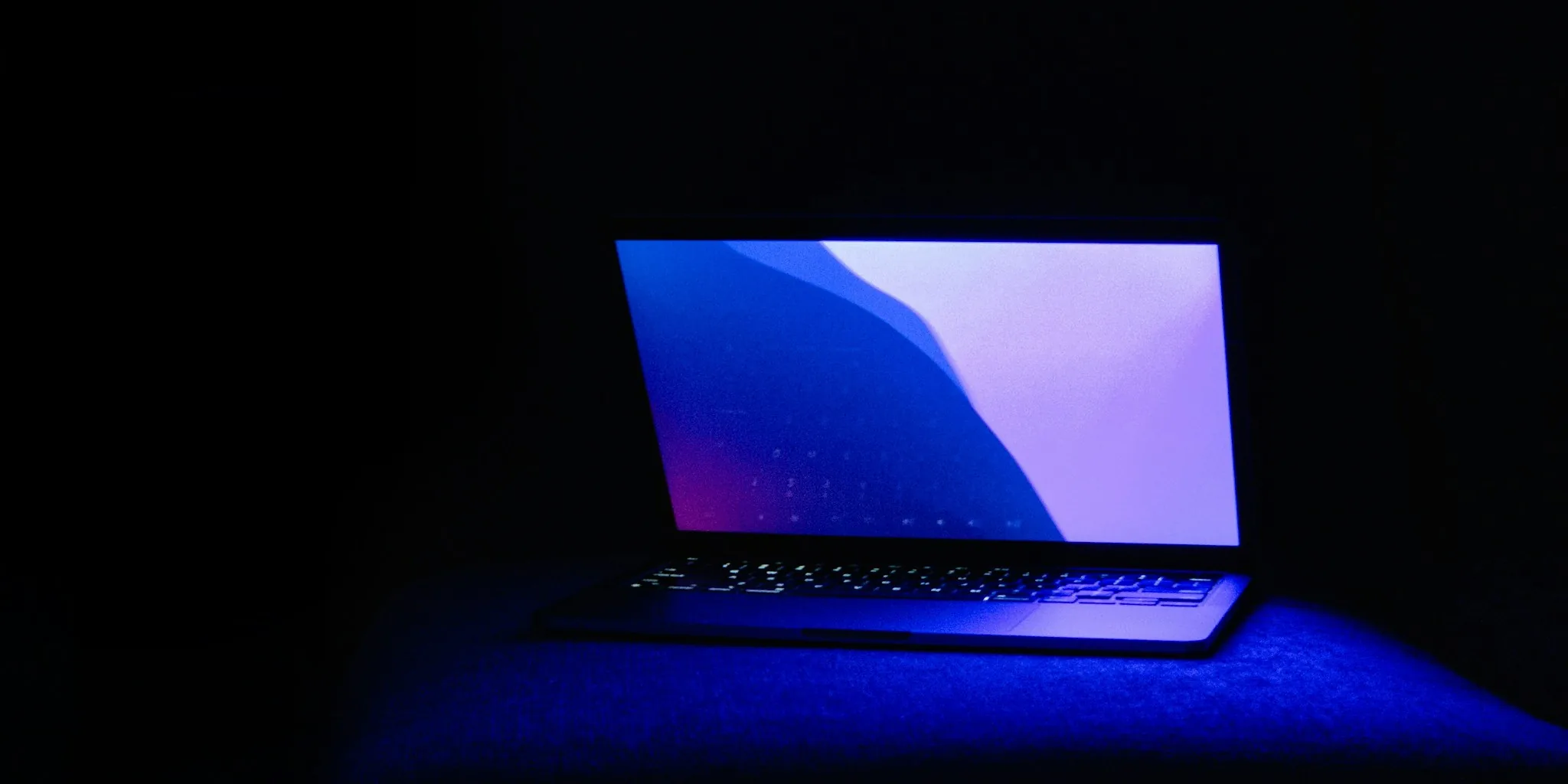
Acer has entered the competitive world of ultraportable laptops with its new Swift Air 14, a $699 Windows machine designed directly to challenge Apple’s MacBook Air in the budget-friendly segment. This move represents the latest volley in an increasingly crowded market where multiple manufacturers are racing to offer compelling alternatives to the MacBook at the same entry price point. For consumers weighing their laptop options, understanding how this new arrival stacks up matters significantly.
A Design That Mimics MacBook Aesthetics
The Swift Air 14 arrives with a minimalist design philosophy that clearly draws inspiration from Apple’s playbook. The all-metal chassis feels premium, with clean lines and carefully aligned panels that project a sense of polish. At its thin profile, the laptop prioritizes portability without sacrificing build quality. The darker colorway adds sophistication, though multiple color options are available for those seeking variety.
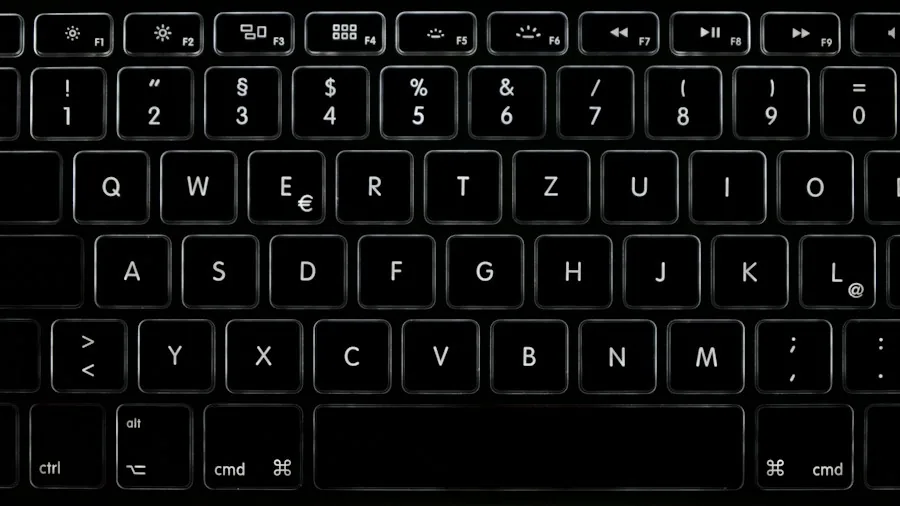
Opening the lid reveals a backlit chiclet-style keyboard and an impressively spacious trackpad positioned centrally. The keyboard delivers a quiet, tactile typing experience that many users will find satisfying for daily productivity work. This represents one area where Acer actually outpaces the MacBook Air, which at this price point lacks keyboard backlighting.
Display and Battery Life Tradeoffs
The 14-inch 1080p display is where compromises become apparent. While the 120Hz refresh rate ensures smooth scrolling and animations, the lower resolution means less pixel density at this screen size compared to competing offerings. Brightness levels also fall short of what other $699 laptops in this category deliver. However, there is a silver lining: the modest resolution contributes to exceptional battery endurance.
Real-world usage reveals approximately 19 hours of battery life on a single charge, an achievement that actually surpasses what the MacBook Air manages. For shoppers prioritizing all-day mobility without charging anxiety, this extended endurance is a meaningful advantage. The inclusion of Windows Hello facial recognition for biometric login is another practical win that the MacBook Air lacks at this price tier.
Performance and Practical Features
Under the hood, the Intel Core 5 320 processor handles everyday productivity tasks admirably. Web browsing, email, Microsoft Office applications, video calls via Teams or Slack, and even light photo editing are well within reach. The 8GB of RAM does impose limits on simultaneous multitasking, so users juggling many browser tabs or running multiple demanding applications may feel constraints.
Connectivity deserves recognition: two USB-C ports on the left side, a traditional USB-A port, and a 3.5mm audio jack on the right ensure compatibility with existing peripherals and accessories. This port selection surpasses many competitors in this segment. Those considering docking solutions for a stationary workspace will find adequate connectivity options.
Significant Drawbacks for Consideration

The trackpad experience represents a substantial weakness. Users report frequent failures to register clicks, occasional phantom clicks, and even self-activation when holding the laptop in certain positions. The trackpad also sits misaligned within its housing, sitting higher on one side. For anyone who relies heavily on trackpad navigation rather than external mice, this is a critical deficiency.
The speakers produce tinny audio with virtually no bass response, making music listening or multimedia consumption less enjoyable than on competing models. The webcam generates excessive noise across various lighting conditions and delivers relatively low resolution, limiting video call quality. The microphone performs adequately, so voice-only conversations should proceed without issue.
Windows 11 arrives heavily laden with pre-installed bloatware and unnecessary applications, requiring users to perform a fresh Windows installation immediately after purchase to restore a clean system experience. Additionally, Acer applies prominent manufacturer stickers directly to the keyboard area, an aesthetic choice that many find unnecessary and prefer to see on packaging instead.
Market Position and Shopping Considerations
The Swift Air 14 enters a marketplace where ASUS and Dell have already launched their own $699 alternatives to the MacBook Air. This model delivers genuine strengths in design aesthetics, keyboard quality, battery life, and biometric security. However, the trackpad problems, weak speakers, and subpar webcam represent genuine liabilities that place it below competitors offering similar pricing.
Shoppers researching ultraportable Windows laptops should prioritize their specific needs. Those seeking extended battery life and an attractive design will appreciate what Acer delivers. Those requiring reliable trackpad accuracy, superior audio quality, or frequent video calling should explore alternatives or plan to use an external mouse and peripherals.
The Swift Air 14 is available directly through Acer’s online store and third-party retailers including Best Buy. The single configuration offers 8GB RAM, 512GB SSD storage, the Intel Core 5 320 processor, and the 120Hz 1080p display at the $699 price point. No higher-tier SKUs exist, so customization options are limited to cosmetic color choices. Consider your actual usage patterns and prioritize features that match how you work before deciding whether this entry aligns with your laptop needs.
About the author
Ava is REMOVU's laptop writer, balancing speed, battery life, and build quality against price across the whole range. She helps readers find the sweet spot as each new chip shifts what a dollar buys.