Smart Thermostat Humidity Features: What Shoppers Need to Know
How smart thermostats prevent mold, save energy, and protect your home from moisture problems.
 By Lisa Nelson
Updated September 1, 2026
By Lisa Nelson
Updated September 1, 2026
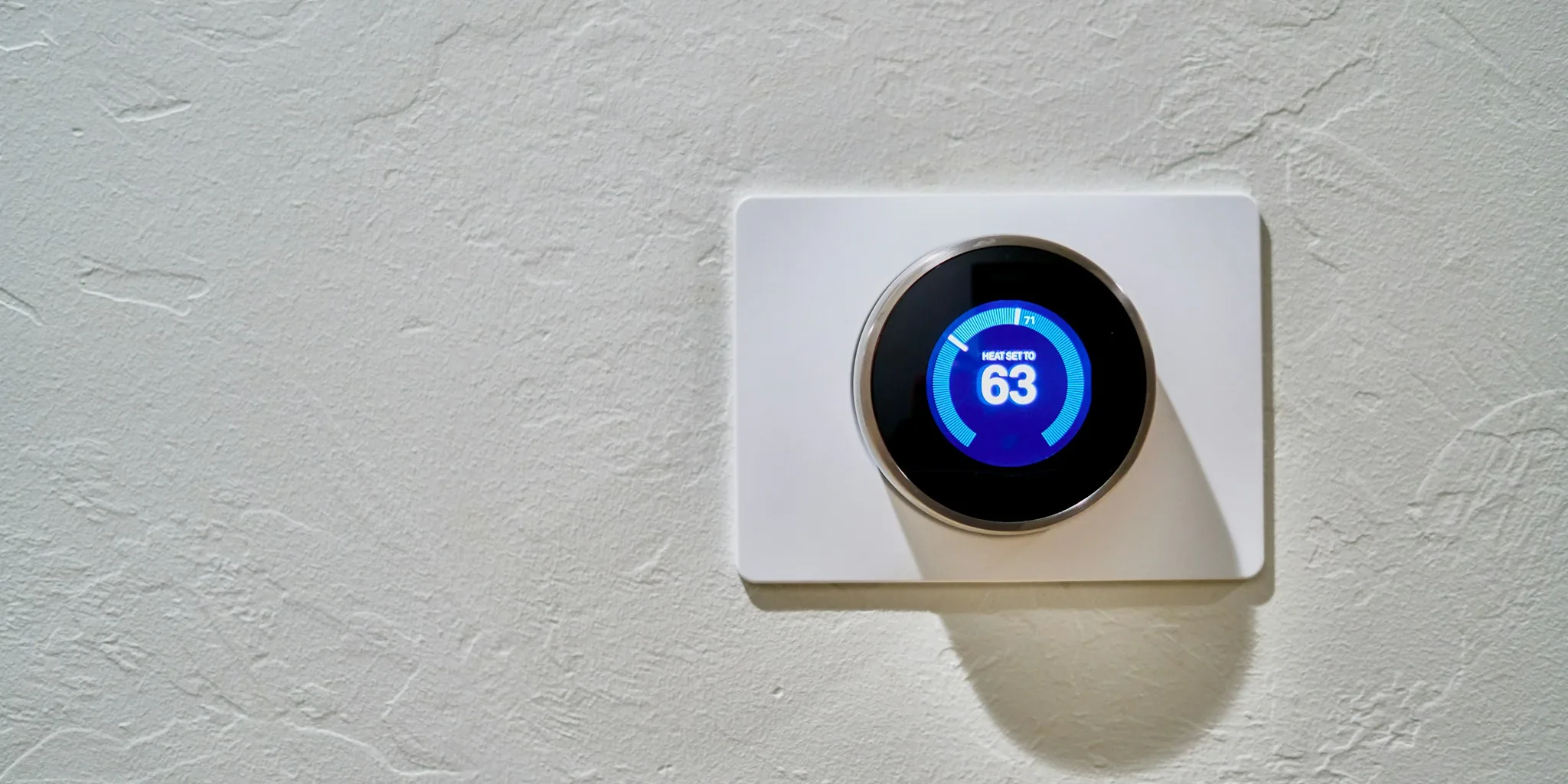
Smart Thermostats Now Fight Humidity Problems Automatically
Indoor humidity imbalances create real problems for homeowners. Too little moisture can lead to nosebleeds, cracked wood floors, and stressed houseplants. Excessive humidity encourages mold growth, warps wood, damages paint, and harms delicate indoor plants. A growing number of smart thermostats now include built-in humidity sensors that detect these problems before they worsen, giving shoppers a practical way to maintain healthier home environments.
Most traditional thermostats tell you nothing about your home’s humidity levels. Smart thermostats with humidity sensors change this equation entirely. Popular models like Ecobee Premium and Google Nest include sensors that continuously monitor moisture levels. Homeowners can check these readings anytime via smartphone apps connected to platforms like Google Home and Alexa, whether they’re at home or away. Many models allow you to set alerts that notify you when humidity crosses certain thresholds, prompting action before damage occurs.
A key insight from HVAC experts: comfortable temperature and comfortable humidity are separate matters. A home may feel stuffy, clammy, or dry even when the thermostat shows a pleasant temperature. Monitoring both metrics simultaneously helps homeowners make better adjustments to their living environment.
Adding Humidity Sensors to Any Thermostat
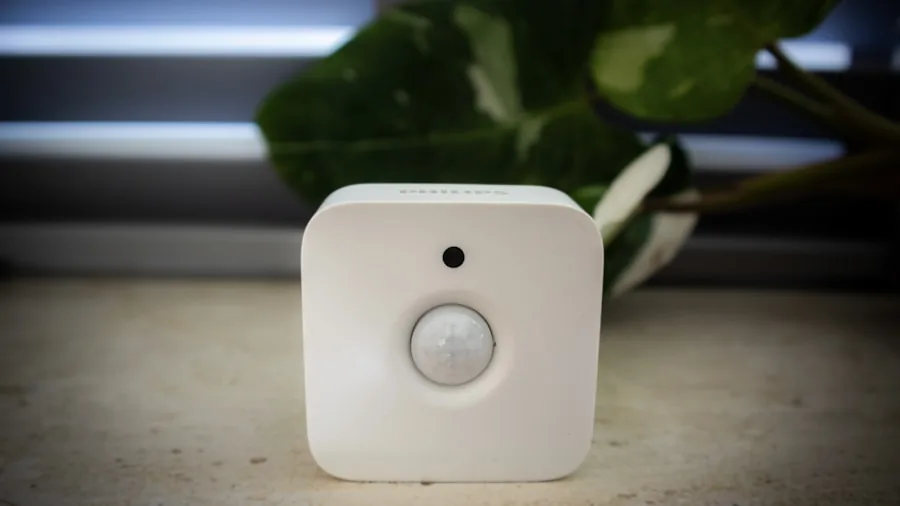
If your current smart thermostat lacks a humidity sensor, affordable solutions exist. Standalone humidity sensors from brands like SwitchBot, Wyze, Aqara, and Ikea can pair with nearly any smart thermostat. These devices provide readings to their own apps and integrate with major smart home platforms. Some shoppers prefer standalone sensors because they can relocate them to specific problem areas, a bathroom prone to moisture, a basement, or a room with delicate plants, for more precise monitoring than fixed thermostat sensors offer.
Automating Humidity Control with Smart Devices
Once you’re tracking humidity, the next step is automatic response. Smart humidifiers and dehumidifiers connected to your home automation platform can activate based on simple rules you set: when humidity hits a certain level, the device turns on. The EPA recommends keeping indoor humidity between 30 and 50 percent, a range that supports comfort, protects building materials, and allows HVAC systems to operate efficiently.
Setting up these automations typically takes just minutes through your thermostat’s app, usually in an “Automations” or “Routines” section. Larger devices respond fastest and work best, though they require regular refilling or water drainage. Whole-house dehumidifiers from companies like AprilAire and TCL offer advanced smart capabilities, and some thermostats like Ecobee can connect directly to these systems.
Budget-conscious shoppers have another option: smart plugs. These small devices, priced around $10 to $15, can make existing non-smart humidifiers or dehumidifiers controllable through automation rules. Before purchasing a smart plug for an appliance you already own, check online reviews to confirm that your specific model or brand works reliably with smart plug on/off commands.
Using Air Conditioning and Heat Pumps for Dehumidification
Many smart thermostats can integrate with existing air conditioning units and heat pumps (whether smart or conventional) to control humidity passively. When AC runs, it naturally removes moisture from air. Features like Google Nest’s “Cool to Dry” mode activate this dehumidifying action with minimal effort and work with any compatible AC system. Newer capabilities like Nest’s “Humidity Helper” even automate rule creation for connected humidifiers and dehumidifiers. Honeywell Home smart thermostats offer similar integration with AC units, and AprilAire provides whole-home setups controlling AC, air purifiers, and other systems through one interface.
Manual Humidity Management Still Works

Comprehensive automations aren’t necessary. Humidity readings alone help homeowners make smarter decisions about when to open windows, run the air conditioner, activate a humidifier, or adjust ventilation. Having accurate information leads to better outcomes, even without setting up complex automations.
Potential Energy Savings
Smart humidity management can reduce energy consumption. Excess humidity makes homes feel warmer than they actually are, often prompting homeowners to lower thermostats and force AC units to work harder. By addressing humidity directly, you may operate heating and cooling systems less frequently, lowering utility bills. However, constant AC or humidifier use can backfire energetically. Finding the right balance between comfort and efficiency requires attention to both metrics over time.
Humidity needs vary seasonally. Cold, dry climates might require humidification in winter, while humid regions benefit from dehumidification in summer. Smart thermostats with humidity features let homeowners adjust their strategies with the seasons, responding to actual conditions rather than guessing.
About the author
Lisa is REMOVU's smart thermostat writer, weighing energy savings, features, and system compatibility. She helps readers add comfort and remote control while trimming their bills.