Lenovo Legion Go BIOS Update Caused Device Failures: What Shoppers Need to Know
Lenovo confirms firmware update caused device failures. Here's what you should know before buying.
 By Levi Carlson
Updated August 24, 2026
By Levi Carlson
Updated August 24, 2026

Lenovo has acknowledged a serious problem affecting some Legion Go handheld gaming devices after customers reported their units became completely unresponsive following a firmware update. The company confirmed that BIOS version V42 caused blank screens on affected devices, leaving owners frustrated and facing steep repair bills. This incident raises important questions about product reliability and manufacturer accountability when software updates go wrong.
What Happened with the Legion Go Software Update
The issue emerged when owners of the original Legion Go 8APU1 model downloaded BIOS version V42 directly from Lenovo’s website over a two-month period before the company removed the update. The firmware installation process left some devices completely unresponsive, with blank screens appearing during the update sequence. Several customers reported receiving repair estimates approaching $300 to restore their devices to working condition. Lenovo did not distribute this problematic update through its standard update channels like Windows Update or Legion Space, suggesting the issue may have been identified during broader testing before wider rollout.
Not every Legion Go owner experienced problems, however. The issue appears to have affected specific batches of devices or required particular circumstances to manifest. According to statements from Lenovo personnel, teams in Europe were able to reproduce the problem with three out of three devices they evaluated, while other regional teams could not replicate the issue at all. This inconsistency suggests the problem may be tied to specific hardware components used in certain manufacturing batches rather than a universal flaw in the update code itself.
Lenovo’s Response and Repair Policy
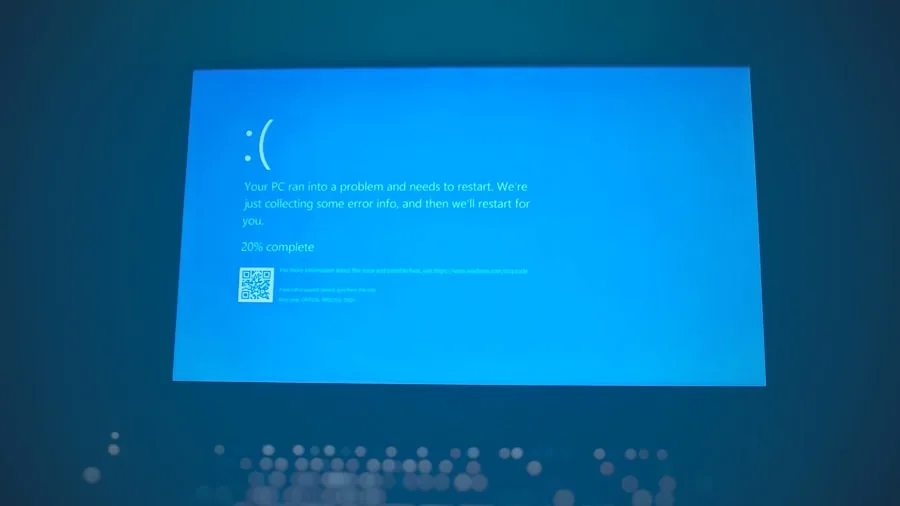
Lenovo’s official statement acknowledged the problem but offered only basic troubleshooting steps: holding the power button for approximately ten seconds, waiting one minute, and attempting to power the device on again. The company advised customers whose devices remained unresponsive to contact Lenovo Support directly. While the company’s investigation continues, it removed V42 from its support website to prevent additional devices from being affected.
A statement attributed to a Lenovo forum moderator suggested that affected devices should receive free repairs regardless of warranty status, though the wording included a caveat about local laws potentially affecting the repair policy. Lenovo has not yet provided a formal company-wide confirmation of this repair commitment, leaving significant uncertainty for customers already dealing with bricked units. This contrasts sharply with how other manufacturers have handled similar situations. For example, Framework handled a device-bricking BIOS update by committing to free repairs without hesitation or qualification.
What This Means for Shoppers Considering Legion Go

This incident highlights the risks associated with downloading firmware updates directly from manufacturer websites rather than waiting for official release channels. Consumers evaluating the Legion Go or other handheld gaming devices should consider how different manufacturers handle quality assurance before pushing updates to customers. Understanding how brands manage device software reliability has become increasingly important as electronics become more interconnected and firmware-dependent.
The Legion Go S and Legion Go 2 models were not affected by the V42 update issue, making these newer versions potentially safer choices for risk-averse buyers. Current Legion Go owners should avoid manually installing BIOS updates until Lenovo completes its validation work and provides clear guidance on which versions are safe. The company has committed to continuing evaluation and validation of future BIOS updates, but this comes after the damage has already been done for affected customers.
Looking Forward: Warranty and Support Considerations
For anyone currently experiencing a blank screen on a Legion Go after attempting the V42 update, contacting Lenovo Support remains the official path forward. Keep documentation of any communication regarding the issue, as this may prove valuable if disputes arise over warranty coverage or repair costs. Like other technology purchases, protecting your investment through clear documentation of manufacturer support interactions can make a significant difference in outcomes.
The Legion Go update failure serves as a reminder that not all device problems stem from user error or physical damage. Sometimes manufacturers release updates that cause serious problems, and customers deserve clear accountability and free remediation when that happens. As you shop for handheld gaming devices, consider each manufacturer’s track record with software updates and their willingness to stand behind their products when issues occur. Asking about repair policies and update safety records before purchasing can help you make more informed decisions about which brands to trust with your technology budget.
About the author
Levi writes about handheld gaming consoles for REMOVU, weighing processing power, battery life, and library depth. He helps players pick a handheld that fits both their backlog and their commute.