Things 3.25 Update Brings Touch Gestures to MacBook Pro: What Shoppers Should Know
New swipe gestures and touch controls make task management faster on Apple's touchscreen MacBook Pro.
 By Ava Herrera
Updated November 24, 2026
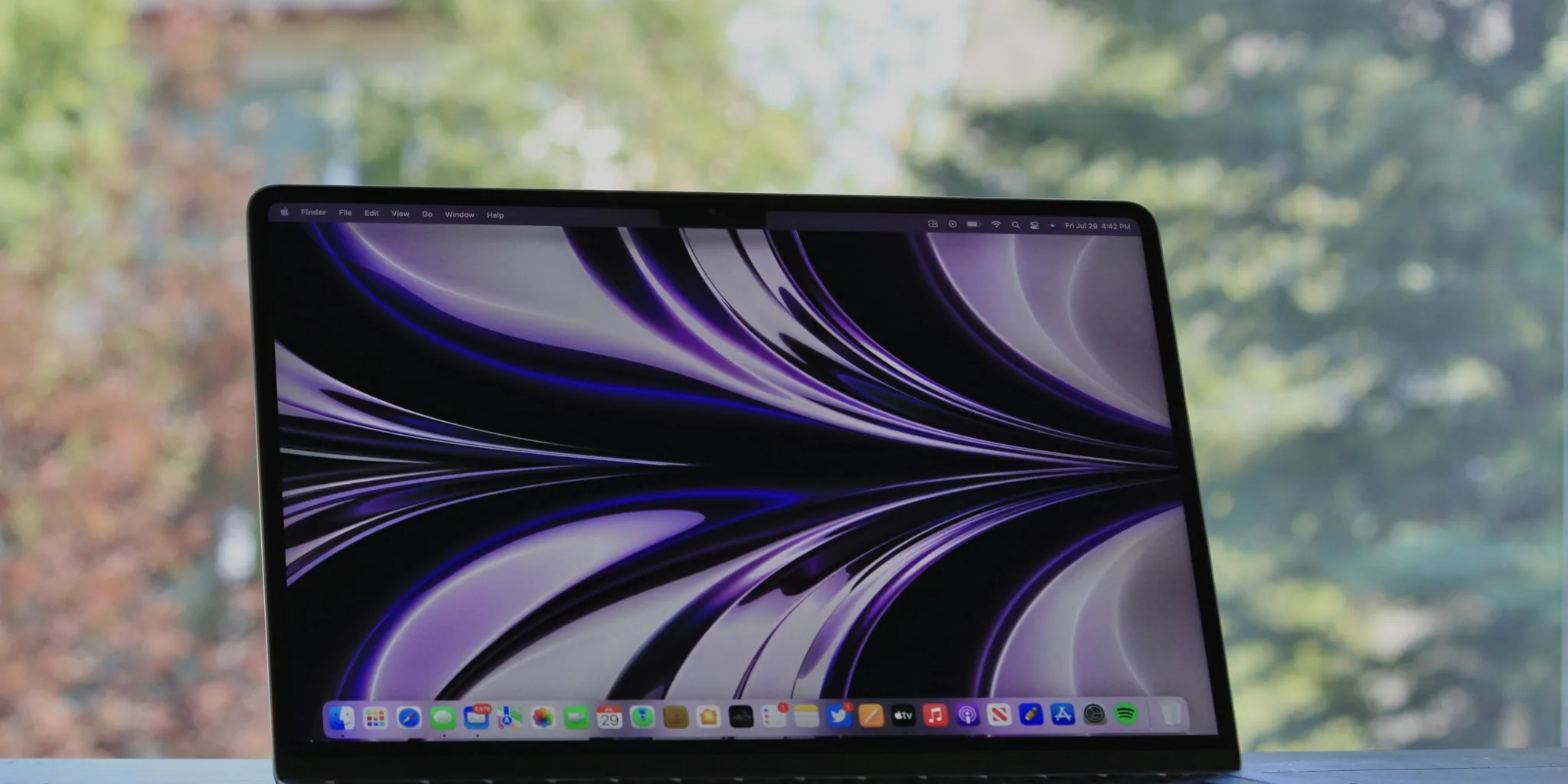
Cultured Code has released Things 3.25, a significant update that transforms how users interact with the popular task management app on Apple’s touchscreen MacBook Pro models. The new version introduces comprehensive touch gesture support, making it substantially easier to manage to-do lists directly with your fingers instead of relying solely on the trackpad or keyboard.
Swipe Gestures Simplify Task Management
The core of this update centers on intuitive swipe actions that streamline common workflow tasks. When you’re reviewing your daily agenda and need to reschedule something, simply swipe right on a to-do item to access the date picker. The interface responds with expanded row heights, making dates significantly easier to tap with precision. Custom menus receive the same treatment, ensuring consistency throughout the app.
For users managing multiple tasks at once, two-finger swiping upward or downward selects several items simultaneously. Once selected, you can touch and hold any selected item to grab the entire group and move them together, even if some tasks extend beyond your visible screen area. This capability eliminates the frustration of handling long to-do lists where individual item management would otherwise require multiple interactions.
Enhanced Touch Controls for Daily Use

Single taps now select individual to-do items, while a second tap expands the full details view. For users who prefer conventional interaction patterns, double-tapping also works as an alternative expansion method. Inside individual tasks, managing checklist items by touch has become more intuitive, allowing you to reorder them with simple finger movements. Users can also quickly cancel checklist items or entire to-dos by pressing and holding the checkbox, eliminating accidental completions.
Swiping left selects a to-do, and swiping left again deselects it, creating a logical and discoverable interaction pattern. This reversal of common platform conventions might feel unexpected initially, but it prioritizes efficiency once you internalize the gesture. The sidebar itself is now easier to resize with a finger, and buttons throughout the application feature larger tap targets that accommodate various hand sizes and grip positions.
What This Means for MacBook Pro Owners
The MacBook Pro touchscreen has remained underutilized by many app developers since its introduction. Things 3.25 demonstrates how thoughtful touch implementation can genuinely enhance productivity rather than feeling like a superficial addition. If you spend significant time reorganizing tasks, delegating work, or reviewing your schedule, touch gestures offer a faster alternative to traditional input methods.
This update particularly benefits users who frequently use their MacBook Pro in tablet mode or in situations where trackpad usage is uncomfortable. Creative professionals who already embrace touch interfaces on iPad will find the gesture language immediately familiar, reducing the learning curve substantially.
Part of a Larger Development Strategy

The 3.25 release follows Things 3.24, which introduced Siri voice integration and Spotlight search capabilities, allowing users to access tasks through Apple’s system-wide search. Version 3.23 previously expanded scheduling flexibility for recurring to-dos, giving users more granular control over task repetition patterns. This progression shows Cultured Code’s commitment to leveraging Apple’s latest technologies and platform features.
When comparing task management solutions like productivity apps that sync across your Apple devices, things like gesture support and voice integration represent key differentiators. The seamless integration with MacBook Pro’s touch capabilities positions Things as a forward-thinking choice for users who want their tools to evolve alongside hardware capabilities.
Availability and Compatibility
Things 3.25 is available now through the Mac App Store. The update applies exclusively to MacBook Pro models featuring the touchscreen display, as earlier MacBook models lack this hardware. Users running current versions of macOS will find the update straightforward to install through the standard app store update mechanism.
For anyone considering whether to upgrade their MacBook Pro or invest in a comprehensive task management system, knowing that apps like Things actively develop for touch represents a meaningful consideration. It suggests the platform will continue receiving meaningful updates that justify the premium associated with touch-enabled hardware.
The addition of native touch support in Things 3.25 represents the kind of thoughtful software engineering that justifies adopting newer hardware capabilities. Rather than treating touch as an afterthought, Cultured Code has integrated it as a primary interaction method alongside traditional inputs, creating flexibility for different work styles and contexts.
About the author
Ava is REMOVU's laptop writer, balancing speed, battery life, and build quality against price across the whole range. She helps readers find the sweet spot as each new chip shifts what a dollar buys.