7 Tips Before You Buy an OLED MacBook Pro: What You Need to Know
Everything you need to know about display tech, touch features, and real-world limitations before spending $2,899.
 By Ava Herrera
Updated October 29, 2026
By Ava Herrera
Updated October 29, 2026

The arrival of OLED technology in MacBook Pro laptops represents a significant shift in Apple’s laptop strategy. Before making this substantial investment, understanding the key features and capabilities will help you determine whether this device aligns with your needs and workflow.
1. Understand the Exceptional Display Technology
The standout feature of the new MacBook Pro is its tandem OLED display, which delivers a contrast ratio of 10 million to 1. This dramatically exceeds what you’ll find in competing Windows laptops, which typically offer 1 million to 1 contrast. The practical benefit is striking: images display perfect black levels while maintaining detail in darker areas. When viewing content off-angle, you won’t experience the cloudy appearance common in other OLED laptops. This superior contrast makes the display particularly valuable for creative professionals working with photo editing, video production, or graphic design.
2. Consider the Brightness Advantage

Peak brightness reaches 2,000 nits, placing this MacBook Pro 25 percent brighter than the most luminous Windows OLED alternatives on the market. What makes this especially noteworthy is that this brightness level applies to both HDR content and standard SDR video. Most competitors reserve peak brightness ratings exclusively for HDR content, making this a genuine advantage for everyday viewing and professional color work.
3. Evaluate the Touch Integration
Touch functionality is now available on the MacBook Pro, but the implementation differs significantly from standard touchscreen laptops. Apple integrated touch sensors directly into the OLED panel rather than adding a separate digitizer layer. This approach eliminates the typical lag associated with touchscreen laptops and improves overall display efficiency. The direct integration means you can expect longer battery life compared to other touchscreen devices. However, keep in mind that the selection of touch-optimized applications is still expanding, though creative software like music production and 3D design applications are increasingly offering touch support.
4. Assess Weight and Portability
The 14-inch model weighs just 3 pounds, making it surprisingly comparable to the 13.6-inch MacBook Air at 2.7 pounds. Apple redesigned the entire laptop structure to eliminate unnecessary weight without sacrificing performance or durability. If you frequently work remotely, travel between locations, or need a device you can comfortably carry throughout your day, this lightweight profile is a practical advantage worth considering.
5. Examine the Hardware Innovations Behind the Scenes
The display incorporates a TFT oxide layer, a first for any manufacturer. This technology increases pixel density and improves efficiency because the transistors consume minimal current when maintaining a static image. Additionally, the refresh rate can drop to very low levels without visible flickering, which means reduced power consumption during everyday tasks. The redesigned hinge was engineered specifically to handle touch input, with additional stability to prevent wobbling when you tap the screen. Better camera stabilization was also added to ensure video calls remain clear even when you’re interacting with the display.
6. Review Your App Ecosystem Needs
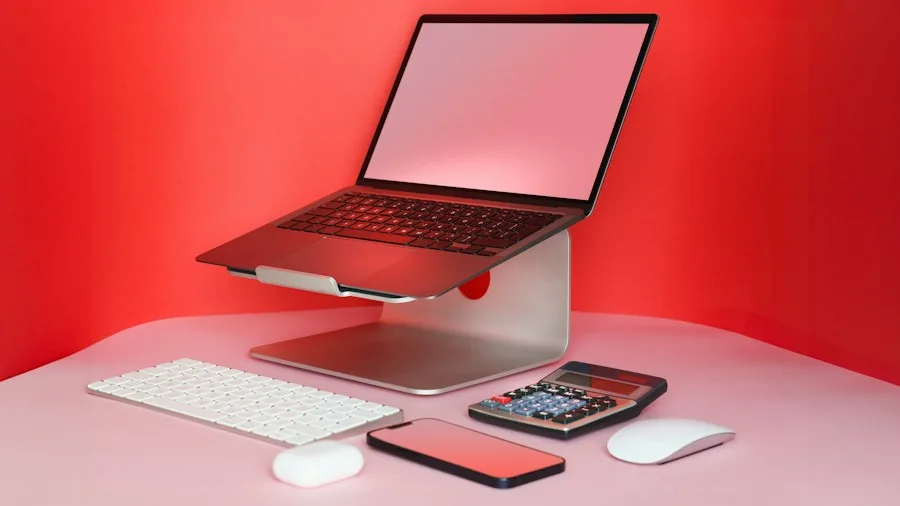
Touch capability is only valuable if the applications you use regularly support it. While major software providers are optimizing their applications for touch interaction, availability varies by industry and use case. Logic Pro, for example, allows you to add chords and bass elements through touch input, while 3D design applications enable finger-based manipulation of renders. If your workflow relies on specialized software that hasn’t yet adopted touch optimization, this feature may not provide immediate practical value. Before purchasing, verify that your essential applications support touch functionality or work effectively with traditional input methods. Resources like best microphones for content creators can help you evaluate your complete setup if you’re planning a professional workstation.
7. Understand the Remaining Limitations
While this MacBook Pro introduces touchscreen capability, Apple deliberately chose not to include Apple Pencil support. The company intentionally maintains clear boundaries between MacBooks and iPads, so stylus input remains unavailable. If you frequently sketch, annotate documents, or perform detailed design work with a stylus, this limitation may influence your decision. Additionally, the Dynamic Island provides visual notifications and quick controls for active tasks, but it does not house Face ID technology. You’ll continue using Touch ID through the power button for security authentication.
The glowing Apple logo on the rear uses a dedicated backlight rather than drawing from the OLED display, meaning Apple engineered an additional lighting system into the chassis. While visually appealing, this adds marginal weight and complexity to the overall design. The logo brightness automatically adjusts with your screen brightness settings, providing a cohesive visual experience.
Evaluating these seven factors will provide a comprehensive foundation for your purchasing decision. Consider how each feature aligns with your specific workflow, budget constraints, and long-term computing needs. The OLED MacBook Pro represents a substantial investment, and understanding both its innovations and limitations ensures you make an informed choice that maximizes value for your particular situation.
About the author
Ava is REMOVU's laptop writer, balancing speed, battery life, and build quality against price across the whole range. She helps readers find the sweet spot as each new chip shifts what a dollar buys.