Apple iWork Suite Rolling Out Intelligent Assistant Feature for Subscribers
Apple adds AI-powered assistant to Pages, Keynote, Numbers. Here's what subscribers need to know.
 By Ava Herrera
Updated October 22, 2026
By Ava Herrera
Updated October 22, 2026

Apple is expanding the capabilities of its productivity suite with a significant artificial intelligence upgrade. The company announced new features arriving in Pages, Keynote, and Numbers that introduce an Intelligent Assistant designed to streamline document creation, presentation building, and spreadsheet management. These updates mark Apple’s effort to integrate advanced AI directly into tools that millions of professionals and casual users rely on daily.
What’s Rolling Out in iWork Apps
The Intelligent Assistant feature is now becoming available to subscribers of Apple Creator Studio across all three iWork applications. This AI-powered tool operates independently from Siri and offers context-aware suggestions tailored to each app’s specific function. In Pages, the assistant helps users draft initial content, refine writing quality, adjust tone, and even generate supporting images and shapes through natural language commands. The feature also enables users to search for current information on topics and seamlessly incorporate that research into their documents.
Keynote users gain similar advantages with the new Intelligent Assistant. The tool can help build presentation stories, add animations to slides, and refine overall slide design. Users can generate complete slides, create presenter notes, produce relevant images, and incorporate shapes using conversational language. Like the Pages integration, it allows presenters to pull in up-to-date information on specific topics directly into their slides without switching applications.
Numbers gets its own version of the assistant focused on data analysis and spreadsheet work. The tool helps users uncover insights from their data, construct complex formulas, and visualize information effectively. Users can generate tables, receive chart recommendations, and get guidance on formula writing through natural language interactions. This makes spreadsheet creation more accessible to users who may not have advanced Excel or spreadsheet knowledge.
Availability and System Requirements

The Intelligent Assistant is currently rolling out in beta form and is available in US English only. To access these features, users need to have iOS 27 or later installed on their devices and maintain an active Apple Creator Studio subscription. The rollout appears to include both a direct app update and a server-side component that Apple is systematically activating. This means some users may see the feature immediately after updating, while others might experience a slight delay as Apple activates the capability on its servers.
Beyond the Intelligent Assistant, Apple is introducing a new file format feature in Keynote that benefits all users regardless of subscription status. The application now supports an open interchange format with the .keyx extension, making it easier to export presentations and edit them in third-party applications. This change addresses a long-standing limitation that required users to stick with Apple’s ecosystem if they wanted seamless editing and compatibility.
What This Means for Shoppers and Content Creators
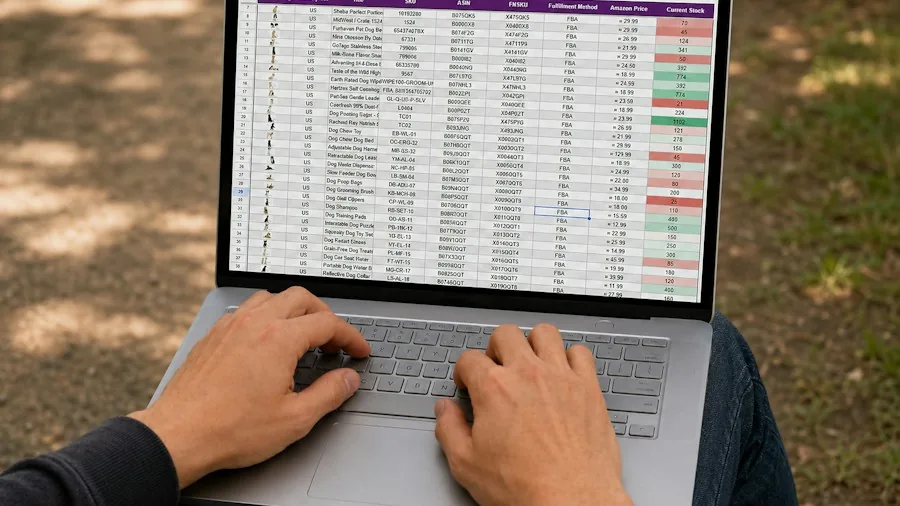
For creative professionals and business users, this development represents a meaningful shift in how productivity software can enhance workflow efficiency. If you spend considerable time writing documents, building presentations, or analyzing data, an AI assistant that understands context and your specific use case could eliminate repetitive tasks and reduce time spent on drafting and formatting. The feature eliminates the need to switch between applications or copy-paste content from separate AI tools.
The natural language capabilities mean users don’t need to memorize complex syntax or advanced features to accomplish sophisticated tasks. Someone creating a business presentation can request animated slides with specific visual elements without diving into menus and settings. A researcher writing a comprehensive report can instruct the assistant to find current information and incorporate it automatically, saving hours of manual research and editing.
For those considering whether to invest in Apple Creator Studio subscription, the Intelligent Assistant represents new value in that commitment. The subscription grants access to these advanced AI capabilities across all three major productivity applications. However, users should note that this is a beta feature still being refined, so occasional limitations or improvements may occur as Apple refines the technology based on user feedback.
The introduction of the .keyx format for Keynote also matters for team collaboration. Organizations with mixed software environments can now use Keynote without worrying that exporting presentations will limit editing options for colleagues using non-Apple applications. This interoperability reduces friction when working across different platforms and different software preferences within teams.
Looking Ahead
As AI integration becomes standard in productivity software, Apple’s move positions its iWork suite more competitively against other tools that have already begun adding similar capabilities. The timing of this rollout shows Apple recognizing user demand for intelligent features that make complex tasks simpler. Since the feature is currently in beta, users should anticipate refinements and expanded availability beyond the current US English limitation.
For shoppers evaluating productivity software or considering an Apple Creator Studio subscription, the Intelligent Assistant is worth monitoring closely. By automating routine aspects of document creation, presentation design, and data analysis, these tools could meaningfully impact how efficiently you work. Whether you’re a freelancer managing multiple client projects, a student preparing research papers, or a business professional building quarterly reports, having an AI assistant built directly into your primary productivity apps represents tangible added value.
About the author
Ava is REMOVU's laptop writer, balancing speed, battery life, and build quality against price across the whole range. She helps readers find the sweet spot as each new chip shifts what a dollar buys.