7 Ways to Remove Ads and Bloatware from Your Smart TV
Discover how to debloat your Android TV and eliminate sponsored content without breaking your warranty.
 By Maxine Hansen
Updated October 20, 2026
By Maxine Hansen
Updated October 20, 2026
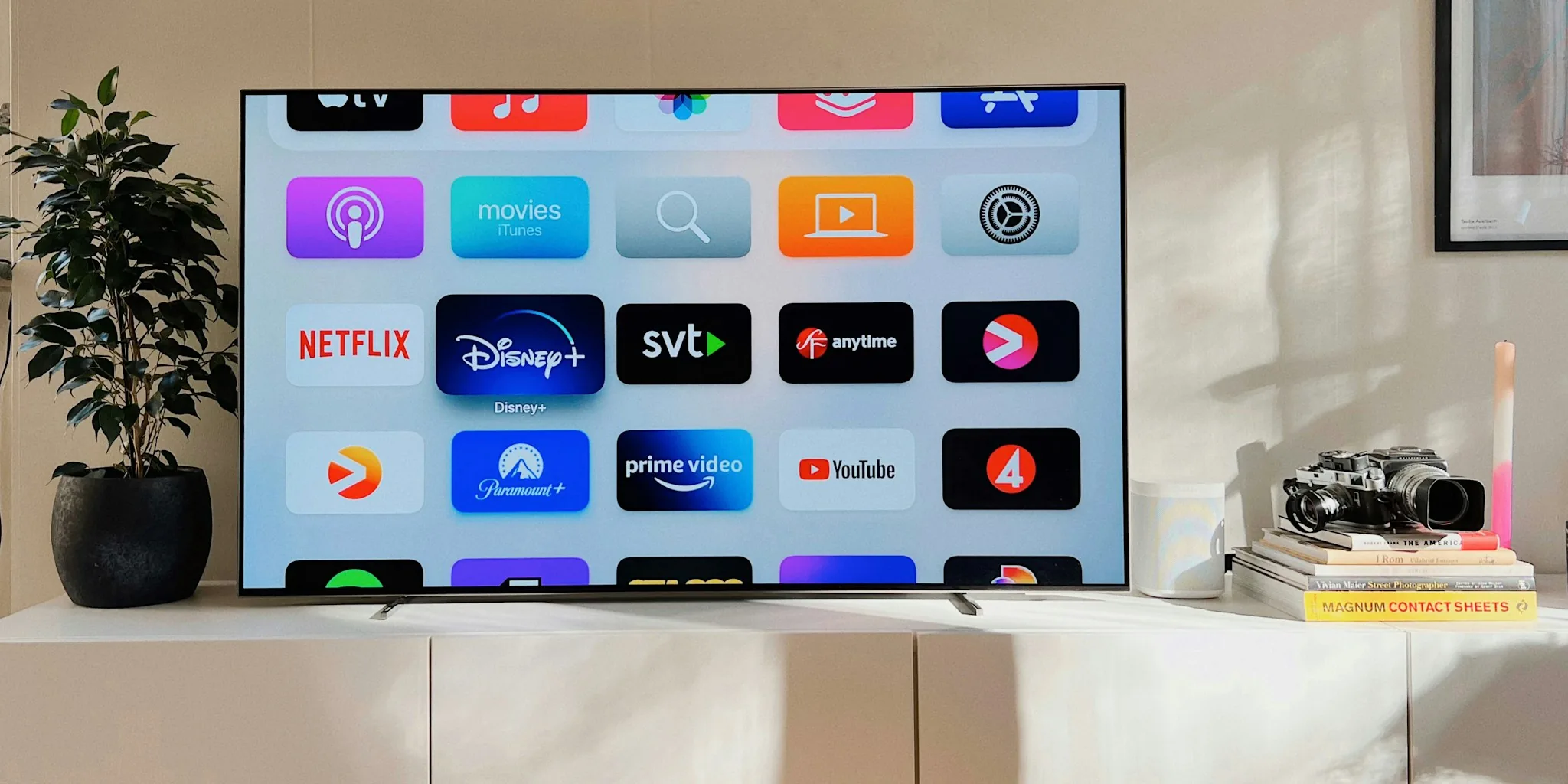
Smart TV manufacturers pack their devices with ads, bloatware, and background services that clutter your viewing experience and slow down performance. If you’re tired of sponsored content interrupting your streaming or unnecessary apps consuming system resources, you have several options to reclaim control of your television. Here are practical, actionable ways to clean up your smart TV and enjoy a more streamlined interface.
1. Use AI-Powered Debloat Tools for Android TV
Modern AI assistants can help you rebuild your Android TV from scratch, removing unwanted software and advertisements in the process. Tools like Claude Code or ChatGPT can connect to your television through Android Debug Bridge (ADB), a wireless protocol that links your TV to your computer. Once connected, the AI system analyzes your device model and generates custom removal scripts tailored to your specific TV hardware.
This approach strips away background ad-tracking services, sponsored notifications, and resource-heavy apps. Many users report that their TVs run noticeably faster after using these tools because unwanted processes no longer consume CPU and memory in the background. The result is a clean home screen displaying only the apps you actually use, without preview cards or promotional content.
2. Explore Community-Built Solutions

Several open-source projects have emerged that automate the debloat process across multiple TV models and brands. Projects shared on platforms like GitHub provide pre-configured scripts and prompts you can run without extensive technical knowledge. These community solutions have been evaluated across dozens of TV manufacturers and operating system versions, giving you confidence that your specific model is likely supported.
Before attempting any modification, check whether your TV model appears in the compatibility list for the solution you plan to use. Projects that have gained significant traction tend to have more thorough documentation and larger communities ready to help if something goes wrong.
3. Replace the Default Launcher with a Cleaner Alternative
Instead of removing apps entirely, you can replace your TV’s home screen with a minimal launcher that hides bloatware behind the scenes. Free alternatives exist that present only essential applications and eliminate sponsored content from your primary viewing area. This approach is less invasive than modifying system software and typically poses minimal risk to your device’s core functionality.
Custom launchers like an Apple TV-inspired interface or a retro bookshelf design can transform how your TV looks and feels. You’ll still have access to the underlying apps if needed, but they won’t clutter your daily experience.
4. Use DNS-Level Ad Blocking
Another approach involves configuring your network’s DNS settings to block ad servers at the source. By directing ad-serving domains to null addresses, you can prevent sponsored content from loading on any device connected to your home network. This method doesn’t modify your TV’s software at all, making it completely safe and reversible.
You can implement DNS blocking through your router settings or by using services designed specifically for this purpose. This solution also protects other devices on your network simultaneously.
5. Know the Risks Before You Start Modifying
Before attempting any debloat procedure, understand that modifying your TV’s original software will void the manufacturer’s warranty. This matters significantly if you own a newer model with extended coverage. If your TV is several years old, warranty protection may be less of a concern, but the risk assessment changes with device age.
There are also documented cases of devices becoming unresponsive during modification attempts. While rare with well-supported solutions, bricking is possible. Additionally, vibe-coded or AI-generated solutions prioritize functionality over security considerations, potentially exposing your device to vulnerabilities or prompt injection attacks. For non-Android TVs like Samsung or LG models running proprietary systems, modifying software can be particularly risky and may require forceful methods that increase the chance of permanent damage.
6. Choose Solutions with Proven Track Records

Not all debloat tools are equally reliable. Before applying any modification, research whether thousands of users have already run it successfully on your specific TV model. Projects that have widespread adoption and active community discussion tend to be safer and more thoroughly evaluated than experimental tools.
Look for solutions that specify exactly which TV models and software versions they support. If your TV model isn’t explicitly mentioned, the risk of incompatibility increases substantially.
7. Have a Backup Plan Ready
If something goes wrong during the debloat process, you may need to perform a factory reset or contact the manufacturer for recovery options. Some TVs have bootloader modes that allow you to reinstall the original firmware if the modification fails. Familiarize yourself with your specific TV model’s recovery procedures before making any changes. Additionally, keeping backup power solutions nearby ensures your TV won’t lose power unexpectedly during the modification process, which could corrupt system files.
Taking these precautions means you can move forward confidently if you decide to debloat your television, knowing exactly what could go wrong and how to respond.
About the author
Maxine is REMOVU's TV writer, comparing OLED, QLED, and LED sets on picture quality, gaming features, and value. She helps readers cut through a crowded field to the right screen.