7 Tips to Discover Hidden Features You’re Missing on Google TV
Discover the Google TV capabilities that most people miss, from free entertainment to AI-powered photo tools.
 By Maxine Hansen
Updated October 20, 2026
By Maxine Hansen
Updated October 20, 2026
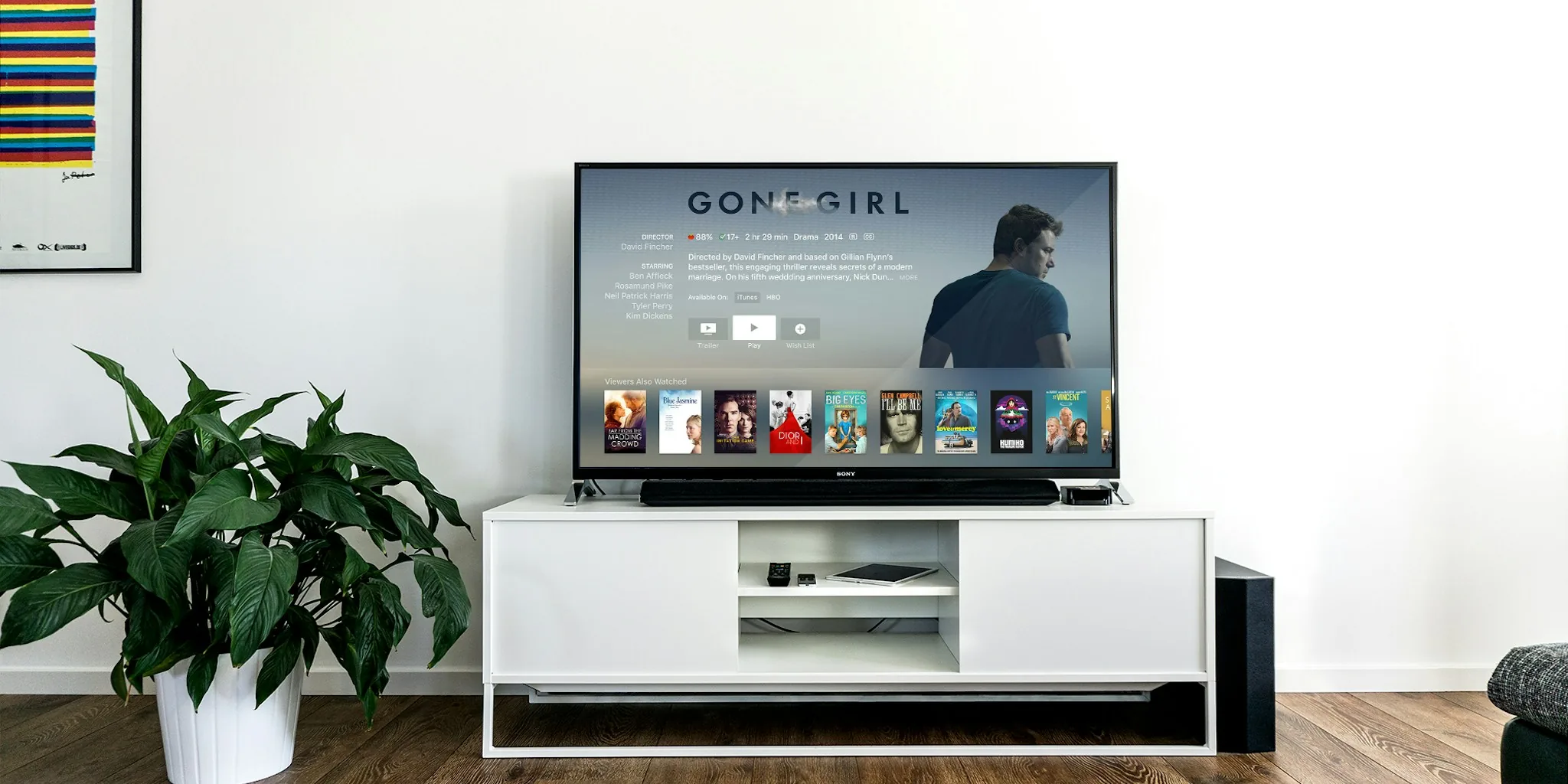
Google TV is packed with capabilities that can transform your streaming experience, but many users never discover them. The platform periodically highlights features that have been quietly rolled out over months, reminding viewers that there’s far more to explore than what appears on your home screen at first glance. If you’re not taking full advantage of what your Google TV device offers, you’re missing out on convenience and entertainment options that could enhance your daily viewing.
1. Explore the Freeplay Library for Budget-Friendly Entertainment
One of the most valuable features Google TV offers is the Freeplay service, which provides access to movies and shows without requiring a subscription. This free on-demand content expanded significantly with the addition of over 60 Freeplay channels, giving you thousands of options across multiple genres. Whether you’re interested in classic films, documentaries, or series, the Freeplay ecosystem delivers legitimate entertainment at zero cost. Start by opening the Google TV Freeplay app and browsing by category or use the search function to find specific titles.
2. Use Voice Commands to Search Your Photo Library

If you have a massive collection of photos stored in Google Photos, voice-activated search is a game-changer. Instead of scrolling endlessly through your library, simply speak a description of what you’re looking for. You can ask for photos by location, subject, color, or people in the image. This voice-powered search capability makes accessing specific memories faster and more intuitive, especially when you’re relaxing on the couch with your remote in hand.
3. Master the Watchlist Feature for Curated Viewing
The Watchlist function, accessible through your profile icon, centralizes all the movies and shows you’ve marked for later viewing. Rather than bookmarking titles across different apps or trying to remember what caught your interest, the Watchlist keeps everything organized in one location. This is particularly helpful when you’re browsing multiple streaming services and want a single place to track your queue. Check your Watchlist regularly to prioritize what you want to watch next.
4. Leverage Dynamic Slideshows for Creative Photo Displays
Google TV’s screensaver options have evolved beyond standard photo galleries. Dynamic slideshows allow you to display your photos with creative effects and transitions, turning your TV into a living piece of art when it’s not actively being used. You can customize how your images appear and transition between them, creating a personalized visual experience. This feature is particularly appealing if you have a Google TV Streamer or other compatible device that will be visible throughout your home.
5. Transform Photos with Gemini-Powered Remix
The Photo Remix feature, powered by Gemini, takes your existing images and transforms them into different artistic styles. You can convert photographs into drawings, anime-style illustrations, or other creative variations. While currently available only to users in certain regions, this AI-driven enhancement offers a fun way to repurpose your photo collection. If you enjoy creative projects or want to generate unique images for social sharing, this tool provides surprising versatility. For additional creative content creation, consider exploring complementary tools, like the best webcams for YouTube creators in 2026, if you’re interested in content production beyond what Google TV offers.
6. Check for Updates on Your Device Regularly
Google TV continuously introduces improvements, but these updates don’t always announce themselves prominently. Make a habit of checking your device settings and home screen periodically to see if new options have appeared. Sometimes features roll out gradually, and your specific device might receive updates on a different timeline than others. By staying aware of what’s available, you can adopt new capabilities as soon as they reach your hardware.
7. Customize Your Home Screen for Faster Access
Your Google TV home screen is customizable, allowing you to arrange apps, shortcuts, and recommendations according to your preferences. Pin frequently used apps at the top, organize your watchlist prominently, and arrange your layout in whatever way makes sense for your viewing habits. A personalized home screen reduces the time you spend hunting for content and makes the most-used features immediately accessible. Take time to reorganize your layout whenever you discover a feature you want to use more often.
Why These Features Matter

Many Google TV users treat the platform as a simple content portal, unaware of the conveniences built into their devices. The features highlighted above address real viewing challenges: finding affordable content, discovering images quickly, organizing entertainment choices, and personalizing your experience. By implementing these tips, you can streamline how you interact with your device and discover entertainment options you might otherwise miss.
Additionally, understanding your TV’s capabilities helps you make informed decisions about your streaming setup. When you’re evaluating whether to upgrade or add devices to other rooms in your home, knowing what Google TV offers gives you a clearer picture of its value. For related evaluation of other smart home devices, such as the best smartwatches for swimming in 2026, you can apply similar research principles: explore all built-in features before deciding whether the platform meets your needs.
Take Action Today
Start with just one or two of these tips. Enable voice search for your photos, check out the Freeplay library, or organize your Watchlist. Once you’ve integrated these into your routine, move on to the others. Google TV’s power lies not in any single feature but in how you combine them to create your ideal entertainment experience. The capabilities are already on your device, waiting for you to discover them.
About the author
Maxine is REMOVU's TV writer, comparing OLED, QLED, and LED sets on picture quality, gaming features, and value. She helps readers cut through a crowded field to the right screen.