7 Tips for Maintaining Your Robot Vacuum and Preventing Common Issues
Keep your robot vacuum running smoothly with these practical cleaning and maintenance strategies.
 By Beverly Morrison
Updated October 10, 2026
By Beverly Morrison
Updated October 10, 2026
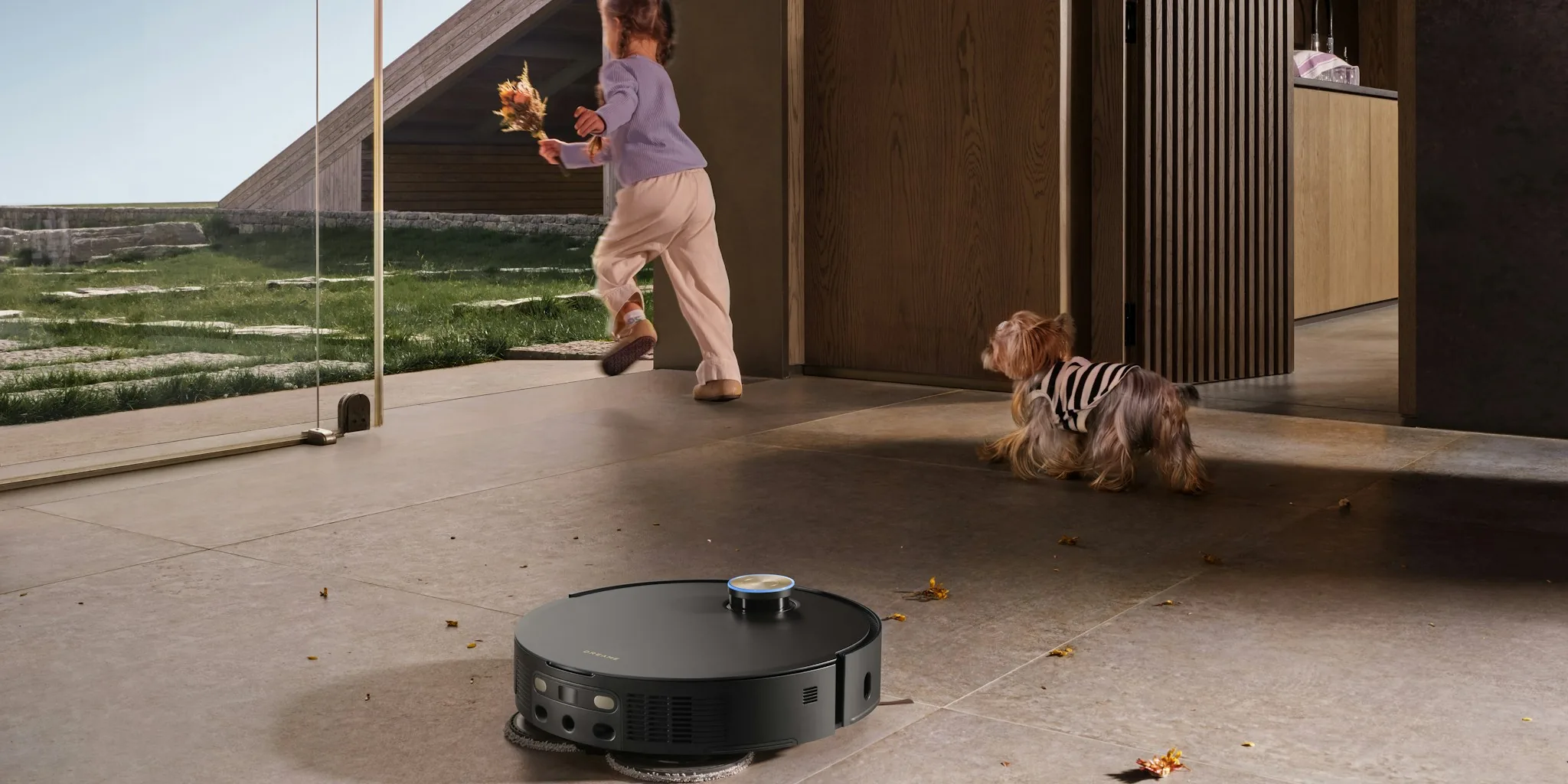
Robot vacuums have revolutionized how many homeowners tackle floor cleaning, offering a convenient alternative to traditional vacuuming. However, like any appliance, these devices require regular maintenance to operate at peak performance. Neglecting upkeep can lead to reduced suction, navigation problems, and unexpected breakdowns. The good news is that maintaining your robot vacuum is straightforward when you understand what needs attention and how often.
Tip 1: Power Down and Remove From the Dock Before Cleaning
Always start by powering off your robot vacuum completely and placing it away from its charging dock. This simple safety step prevents accidental activation while you work on the unit. Never attempt maintenance while the device is powered on or docked, as this can damage both the vacuum and the charging station. Taking this precaution ensures you can work safely and effectively without interruption.
Tip 2: Empty the Dustbin Regularly
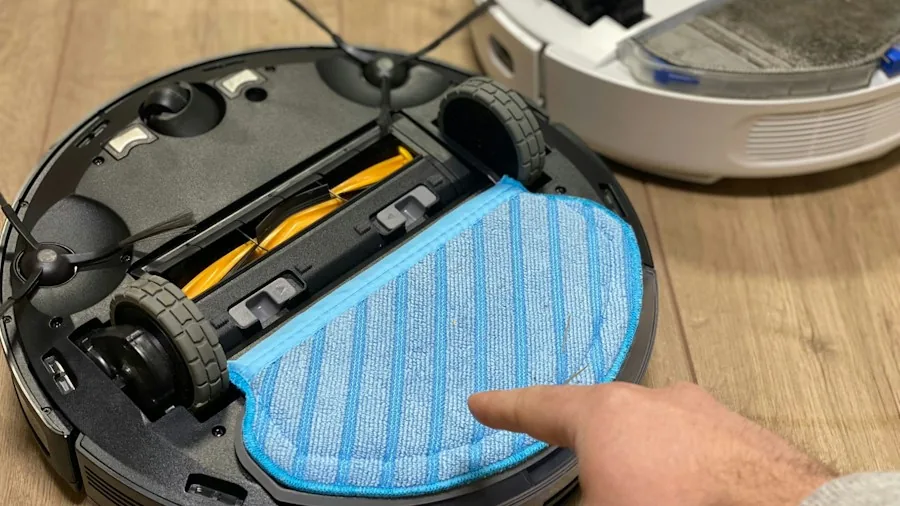
The dustbin should be emptied after every cleaning cycle or whenever it reaches capacity. A full bin significantly reduces suction power and prevents the vacuum from collecting debris effectively. Make it a habit to check the bin before each use, especially if you have pets or a larger home with heavy debris. For robot vacuum and mop combos, you’ll also need to empty the water tank and check for any sediment buildup that could interfere with mopping performance.
Tip 3: Clean Brushes and Wheels Without Delay
Hair, dust, and debris naturally accumulate around the brushes and wheels during operation. Check these components weekly and remove any tangled hair or stuck particles using your fingers or a small brush. Pay special attention to the corner brush and multi-surface brushes, as these areas trap more debris than you might expect. Wheels should be inspected for hair wrapping and cleaned to ensure smooth movement across your floors. Neglecting this step can cause your vacuum to make unusual noises or move unevenly.
Tip 4: Maintain Your Filter According to Schedule
Filter maintenance varies by model, but most manufacturers recommend weekly cleaning for standard use. If you have pets, increase cleaning frequency to twice per week to manage additional hair and allergens. Some filters can be washed gently with water, while others require only dry wiping; always consult your owner’s manual to determine which applies to your model. After washing, allow the filter to dry completely before reinstalling it. A wet filter can damage the motor or reduce suction significantly.
Tip 5: Wipe Down Sensors and Charging Contacts Properly
Sensors guide your robot vacuum around your home, and dirty sensors can cause navigation errors or missed areas. Charging contacts allow the vacuum to dock and recharge properly; buildup on these surfaces prevents effective power transfer. Use a dry, soft cloth to gently wipe all sensors, contacts, and the exterior of the unit. Never use water, harsh chemicals, or abrasive materials on these delicate components, as moisture can damage internal electronics. For homes with robot vacuums for large homes, these components deserve extra attention due to extended operating hours.
Tip 6: Don’t Overlook the Dock and Self-Emptying Base
If your robot vacuum has a self-emptying base, clean the entire docking station regularly. Check the dustbin within the base and empty it as needed. Inspect the pathway between the robot and the base for obstructions that could interfere with debris transfer. Any blockage in the suction openings or filter within the base can prevent proper waste disposal. Keeping the dock clean ensures your vacuum can dock, charge, and empty itself smoothly without interruption.
Tip 7: Establish a Maintenance Schedule Based on Your Needs
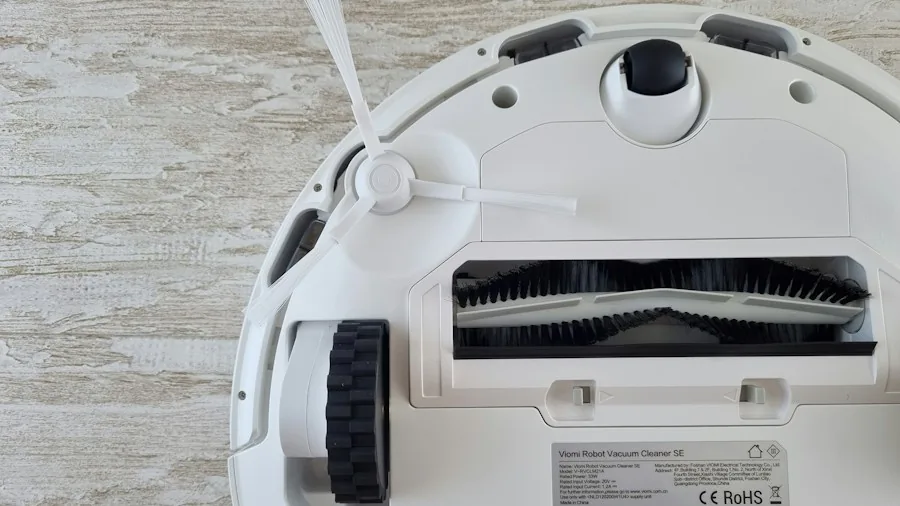
Create a maintenance routine tailored to your household. Most manufacturers recommend cleaning the full-bin sensor and rear caster wheel every two weeks, while brushes, sensors, and charging contacts need attention monthly. However, if you have multiple pets or high-traffic areas in your home, you may need to clean more frequently. Consult your owner’s manual for model-specific guidance, and note any parts that require special care. By staying ahead of maintenance, you’ll prevent many common problems before they start.
Troubleshooting Common Performance Issues
If your robot vacuum isn’t performing as expected, maintenance often provides the solution. Unusual noises typically indicate debris caught in the brushes or wheels, which cleaning can eliminate. Reduced suction usually means the dustbin is full, the filter is dirty, or blockages are restricting airflow. Poor navigation suggests dirty sensors, while charging problems point to buildup on the dock contacts. Before assuming a major malfunction, thoroughly clean all accessible components and check for obvious obstructions. In most cases, proper maintenance restores normal operation quickly.
About the author
Beverly covers robot vacuums and mops for REMOVU, weighing cleaning power, smart mapping, and low-fuss maintenance. She helps readers find a model that earns its keep.