7 Tips to Verify Your Android Phone Still Receives Security Updates
Your phone may feel fine but lack critical security patches. Here's how to verify if you're still protected.
 By Eleanor Garcia
Updated October 6, 2026
By Eleanor Garcia
Updated October 6, 2026
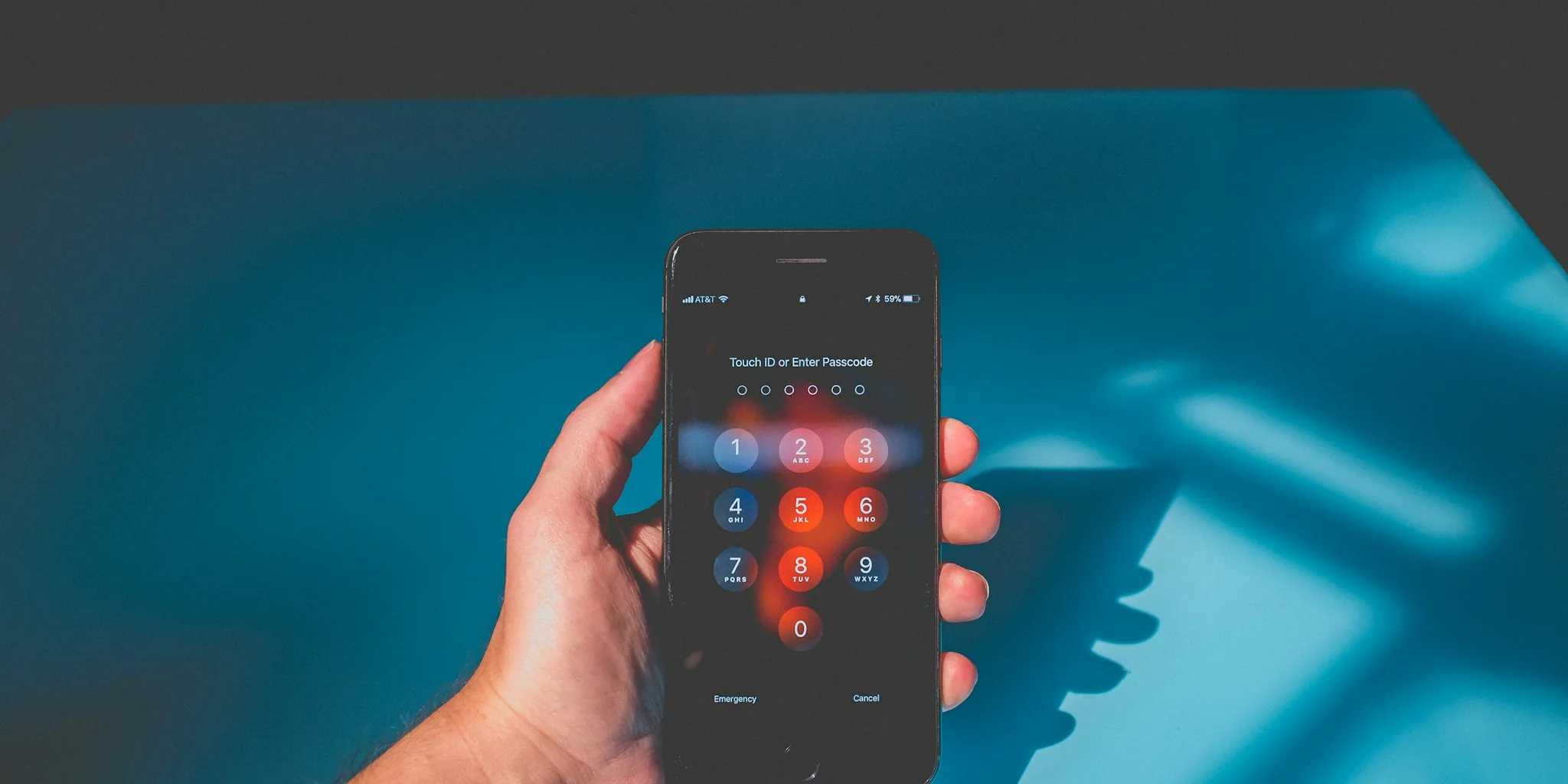
Your Android device may feel perfectly fine on the surface, but behind the scenes, it could be missing critical security patches that protect your data from hackers and malware. The problem is that your phone won’t alert you when it stops receiving updates, leaving you with a false sense of security while vulnerabilities pile up. Understanding how to check your phone’s update status and knowing what to do if it falls out of support are essential steps every Android user should take.
Tip 1: Check Your Current Security Patch Date
Open your phone’s Settings app and navigate to About Phone, or Software information if you have a Samsung device. Look for the Android version and the security patch date, which shows when your device last received a protective update. If that date is more than three to six months in the past, your phone may be approaching or already past its support window. This is your first clue that something needs attention.
Tip 2: Look for Pending Software Updates
Don’t assume your device has the latest patches just because it feels responsive. Go to Settings, then System, then Software update to see if an update is waiting for installation. Additionally, check the Google Play Store by tapping your profile icon, selecting Manage apps and device, and reviewing Updates available. Google Play system updates roll out separately from major operating system releases and patch critical components like connectivity and media functions, providing essential security between larger updates.
Tip 3: Use Endoflife.date to Find Your Phone’s Expiration Date
Manufacturers rarely publish end-of-support dates publicly, but the website endoflife.date makes this information accessible. Under Operating Systems, find Android OS and compare your device’s version to see its remaining support status. Search by brand in the Device list to find the exact cutoff date for your specific model. This step is crucial because it reveals whether your phone will receive updates weeks from now or if that window has already closed.
Tip 4: Understand Different Manufacturer Update Policies
Each brand has its own timeline. Google’s Pixel 8 and newer devices receive seven years of updates, while Samsung offers seven years for the Galaxy S24 line and five to six years for older flagship models. OnePlus provides four to six years depending on the device. Since these timelines begin from the phone’s original release date, not your purchase date, an older phone in someone else’s hands may have less remaining support than you expect.
Tip 5: Enable Automatic App Updates if Your Phone Nears End of Life
If your device is in its final year of support or has already passed its cutoff date, shift your focus to protecting what you can. Enable automatic app updates through Google Play to patch security flaws in individual applications without waiting for system-level updates. Avoid installing apps from outside the official Play Store, as sideloaded applications bypass Google’s security screening and increase your risk significantly.
Tip 6: Strengthen Your Account and App Security

An unsupported phone doesn’t immediately stop working, but it becomes a growing liability, especially if you use it for banking, password management, or other sensitive tasks. Enable two-factor authentication on your Google account and any other critical logins to add a protective layer beyond just your password. Review your installed apps and delete those you no longer actively use, then revoke unnecessary permissions on the apps you keep. This reduces the number of potential entry points hackers could exploit on an outdated system. Additionally, avoid connecting to public Wi-Fi networks without a VPN, which encrypts your data in transit. For more information on protecting your devices, consider learning about security cameras and monitoring systems that help safeguard your digital life.
Tip 7: Plan Your Upgrade When Support Is Running Out
If your security patch date is older than six months or your phone has reached its manufacturer’s cutoff date, begin planning your upgrade. Pixel and Samsung flagship devices currently offer the longest update commitments in the market, making them solid choices if longevity matters to you. Before purchasing any new device, verify its update promise so you understand how many years of protection you’re buying. This simple check prevents repeating the cycle of discovering too late that your new phone’s support window is already closing.
Taking these steps ensures you’re not unknowingly carrying a device vulnerable to the latest threats. Regular vigilance about your phone’s update status is one of the most effective ways to protect your personal information in an increasingly connected world.
About the author
Eleanor covers smartphones for REMOVU, balancing cameras, battery life, and software support against price. She helps readers find the best value as the field shifts with every release.