7 Tips to Consider Before You Buy a Multicolor 3D Printer
Avoid costly mistakes: understand filament compatibility, purge waste, and design planning before you buy.
 By Gordon Matthews
Updated September 27, 2026
By Gordon Matthews
Updated September 27, 2026
Understand the Difference Between Multicolor and Multi-Material Printing
Just because a printer can handle multiple filament spools doesn’t mean every combination of materials will work together. Printing with four shades of the same PLA filament is straightforward, but mixing PLA, ABS, TPU, and specialty materials requires careful planning. Different materials have incompatible properties, shrinkage rates, and temperature requirements. Before committing to a design that blends multiple material types, invest time in research and run small comparison prints using the exact filament you own. A failed 50-hour print is a costly lesson in compatibility.
Verify That Your Filament Works with Multicolor Systems
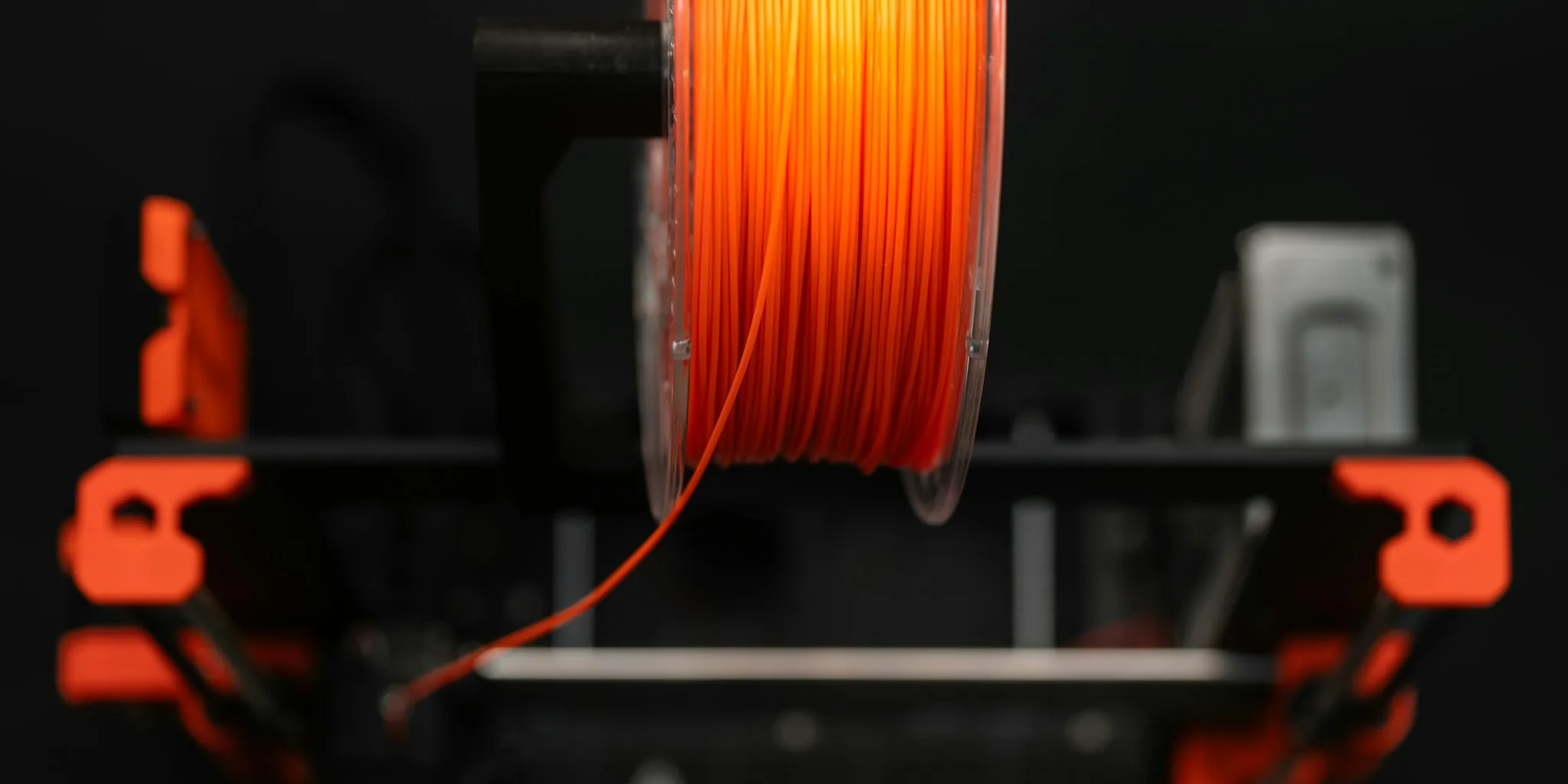
Not every filament certified for single-nozzle printers will perform reliably in a multicolor setup. Some materials behave perfectly during normal extrusion but fail catastrophically during filament changes, when the printer reverses the filament back onto the spool. Brittle or abrasive formulations can snap and shatter inside the extruder mechanism, creating blockages that require disassembly to clear. Before purchasing filament, confirm that it has been approved for multicolor automatic material system (AMS) use. Check manufacturer specifications or community forums where users share compatibility data for the specific printer model you plan to buy.
Plan Your Color Transitions to Minimize Waste
Every filament change requires purging: cutting and discarding the material still in the hot end to prevent color bleeding or contamination. The amount of waste depends entirely on your design choices. If you strategically position color changes to match the printer’s tool path, you can achieve minimal purge loss. Conversely, painting a model with colors scattered randomly across the design forces dozens or hundreds of unnecessary filament switches, generating substantial scrap material. Smart design planning is your most direct way to reduce both cost and environmental impact.
Recognize That Purge Waste Solutions Are Evolving
Earlier multicolor printers were notorious for wasting filament, but engineering advances have introduced real alternatives. Tool-changing systems, where the printer swaps entire hot ends instead of purging, eliminate purge waste entirely by maintaining a dedicated nozzle for each material. These systems are mechanically sophisticated and still command premium prices, but they represent the future of the technology. When evaluating multicolor printers, research whether the model uses traditional purging or a newer tool-changing approach. As prices for advanced systems decline, this feature may become the standard rather than the exception.
Keep Your Priming Tower Enabled for Consistent Quality
The small tower printed alongside your main model isn’t just cosmetic waste, despite what some online discussions claim. This structure, properly called a priming tower, serves a critical function: it establishes correct nozzle pressure and material flow before the printer resumes the primary design. Single-filament printers perform the same function during the initial startup sequence. Disabling the priming tower to save material often results in visible under-extrusion and weak layer adhesion. For nearly all users, leaving it enabled delivers superior surface quality and structural integrity without consuming excessive filament.
Account for Learning Curve and Software Adjustments

Multicolor 3D printing requires different slicing software and design approaches than single-material printing. Affordable options like the Centauri Carbon 2 Combo represent significant progress in accessibility, but the workflow is still more complex than standard printing. You’ll need to learn how to map colors to geometry, configure purge settings, and anticipate mechanical behavior. Budget time for trial-and-error printing before launching ambitious projects. Many users find that online communities and video tutorials provide invaluable guidance during this learning phase.
Expect Continued Innovation in This Emerging Category
Multicolor 3D printing technology remains in active development. Affordable consumer-grade printers with filament-switching systems are reliable for straightforward projects, but the field is advancing rapidly. Engineers continue refining purge reduction, material compatibility, and color accuracy. High-end technologies like full-color resin printing exist but remain prohibitively expensive for consumer budgets. This dynamic landscape means that a printer purchased today will soon seem basic compared to next-year’s offerings, but also that prices for advanced features will gradually become more accessible. Consider where you stand in terms of patience for emerging technology before making your investment.
Multicolor 3D printing opens creative possibilities that single-material machines cannot match. However, these printers demand more knowledge and planning than their simpler predecessors. Understanding these practical realities before your purchase ensures you select equipment matched to your skill level and expectations, setting you up for satisfying projects rather than frustrating failures.
About the author
Gordon is REMOVU's printer and scanner writer, comparing print quality, running costs, and value for home and office. He helps readers weigh ink against laser over the long haul.