AirPods Update Brings Custom Sound Control: What Shoppers Need to Know
Apple's latest firmware brings custom EQ controls and other enhancements to compatible AirPods models.
 By Valerie Gomez
Updated September 25, 2026
By Valerie Gomez
Updated September 25, 2026
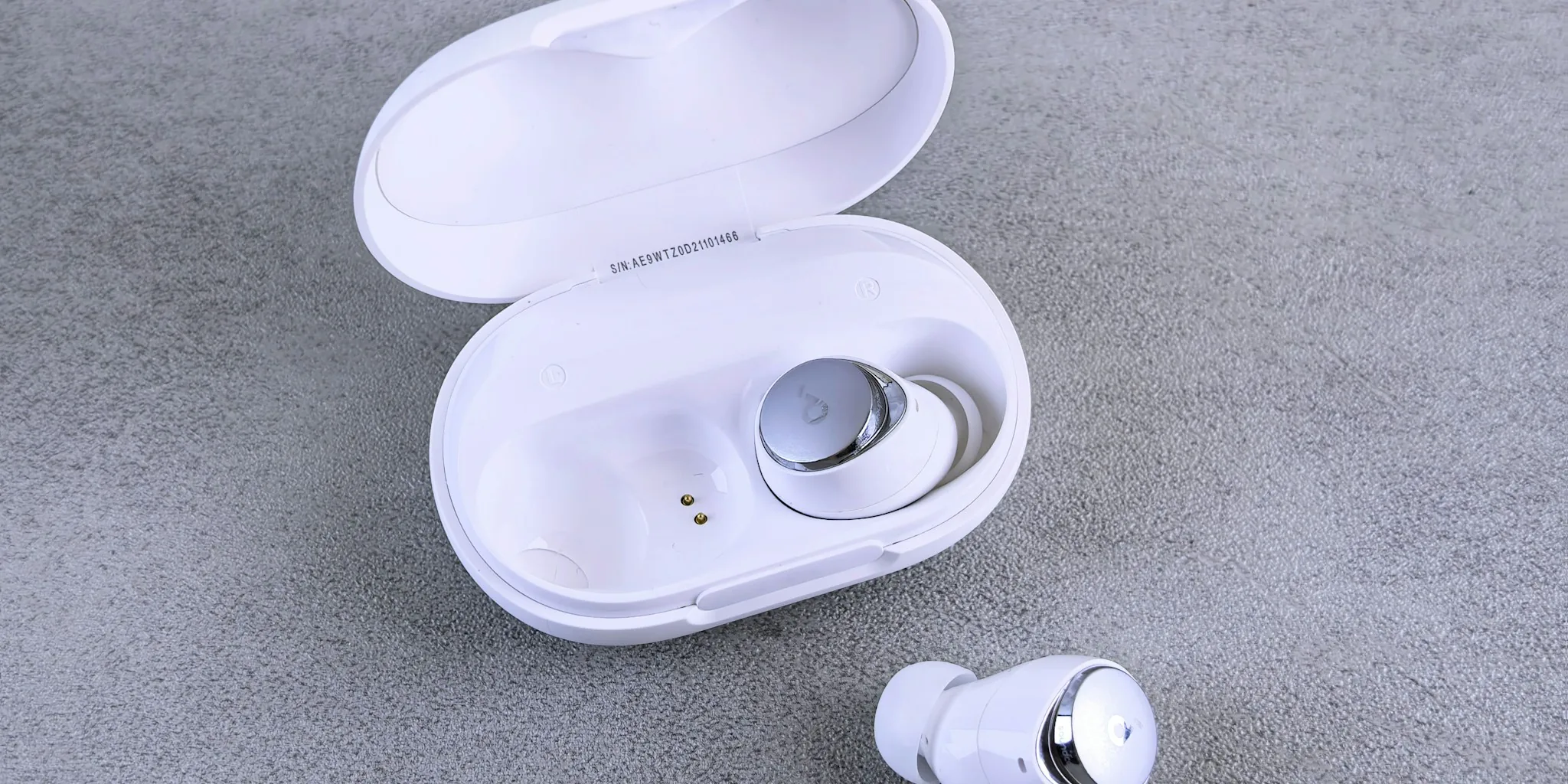
Apple has quietly rolled out a significant firmware update for AirPods that delivers a feature users have requested for years: custom equalizer controls. This upgrade, arriving alongside the company’s iOS 27 release, fundamentally changes how listeners can personalize their audio experience across multiple AirPods models.
What the Update Includes
The latest firmware builds (9A350 for AirPods 5 and 9A348 for other compatible models) introduce a three-band equalizer system accessible directly through the Settings app. Users can now adjust the lows, mids, and highs of their AirPods output to match their personal sound preferences. Apple designed this feature with flexibility in mind, allowing customers to fine-tune audio while previewing changes in real time by playing songs from Apple Music within the Settings interface.
Beyond the custom EQ functionality, the update brings several other enhancements. The AirPods Settings menu has been redesigned with better organization, separating controls for Hearing Health, Find My, Live Translation, and other features into distinct sections. An Adaptive Audio slider now lets listeners further refine their noise management preferences. For fitness enthusiasts, GymKit support expands beyond Apple Watch to iPhone and compatible AirPods Pro models, opening new possibilities for workout tracking. Precision Finding capability also arrives, enabling users to locate their AirPods Pro 3 with greater accuracy through the Find My app.
Which AirPods Models Benefit
The custom EQ feature is available exclusively on AirPods equipped with Apple’s H2 chip, which includes AirPods Pro 2, AirPods Pro 3, AirPods 4, and AirPods Max 2. Older models without the H2 processor will still receive firmware updates but won’t gain access to the equalizer controls. If you’re considering purchasing wireless earbuds worth buying for quality audio experiences, this enhancement makes newer AirPods particularly compelling for those who care about sound customization.
How to Access the New Feature
Getting the update is automatic. Apple installs AirPods firmware updates in the background whenever your earbuds charge while within Bluetooth range of an iPhone, iPad, or Mac connected to WiFi. You don’t need to do anything special to receive it. To verify your current firmware version or access the new EQ controls, simply open Settings on your iPhone, navigate to the AirPods section, and look for Audio and Routing options.
The three-band equalizer Apple designed isn’t a professional-grade audio tool, but it delivers practical utility for everyday users. The interface remains straightforward: you adjust sliders for different frequency ranges and hear the difference immediately. Apple emphasizes that AirPods are engineered to reproduce audio faithfully as originally recorded, but the company acknowledges that different listeners have different preferences, hence the new customization capability.
What This Means for Shoppers

For existing AirPods owners, this update removes a long-standing limitation that forced them to accept Apple’s factory sound signature. Audiophile-minded listeners have complained for years that AirPods lacked basic EQ controls, making them less flexible than competitors’ offerings. Now that gap has closed considerably.
For people considering a purchase, the update strengthens AirPods’ value proposition. If you primarily listen through Bluetooth speakers and wireless devices, you’ve grown accustomed to sound personalization. The new EQ feature brings AirPods closer to that standard. The combination of custom sound controls, improved organizational settings, expanded fitness features, and AI Siri integration makes this generation of AirPods more feature-rich than previous iterations.
However, some users will likely find the three-band approach too basic. Those seeking deeper sound engineering capabilities or multiple preset profiles may still look elsewhere. The update serves casual listeners and moderate audio enthusiasts well, but doesn’t replace what professional mixing tools or advanced audio apps provide.
Installation and Next Steps
Installation happens passively, so you don’t need to manually update anything. Simply ensure your AirPods charge regularly while your paired device has WiFi access. Check your Settings app to confirm you’re running the latest firmware, then explore the Audio and Routing menu to try the new EQ controls.
The update reflects broader changes in how Apple approaches product features. Rather than waiting for new hardware releases to introduce upgrades, the company increasingly pushes capabilities through software. This means your existing AirPods become incrementally more capable over time. For shoppers, this pattern suggests that devices with regular update histories hold long-term value better than those with stagnant software support.
Whether you’ve owned AirPods for months or are considering your first purchase, this update marks a meaningful inflection point for the product line. Custom audio control was a reasonable expectation that took longer than many hoped to arrive, but Apple’s implementation finally addresses this gap in a practical way.
About the author
Valerie writes about wireless earbuds for REMOVU, comparing sound, battery life, call quality, and fit. She helps readers find the right pair from budget buds to premium ANC.