iPhone 18 Pro Launch: How to Maximize Trade-In Value and Save Up to $1,200
Apple's carrier partnerships now offer record trade-in credits for iPhone upgrades. Here's how to maximize your savings.
 By Eleanor Garcia
Updated September 9, 2026
By Eleanor Garcia
Updated September 9, 2026
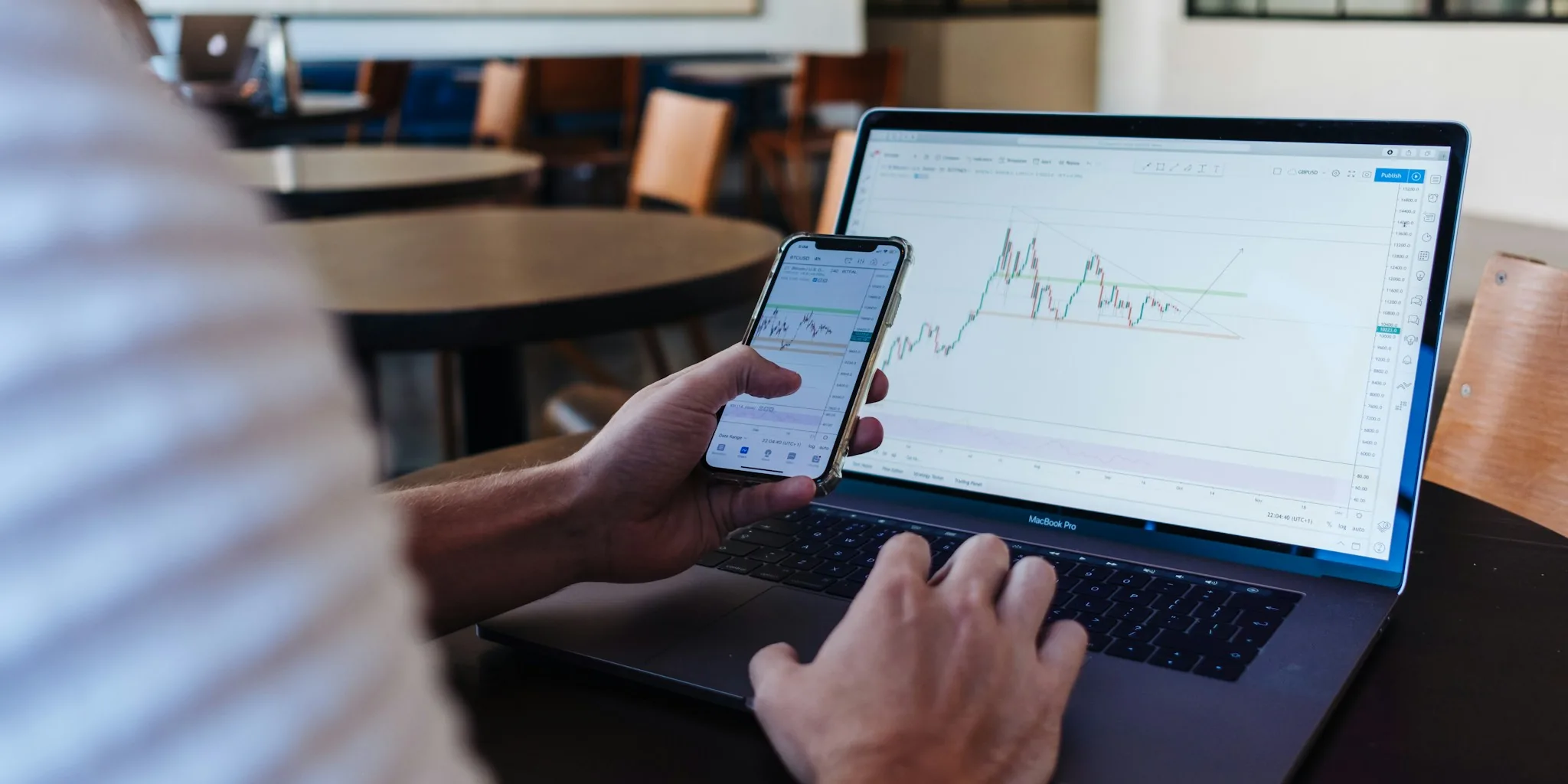
Apple’s latest iPhone 18 Pro arrives September 18 with a starting price of $1,199, but shoppers looking to offset that cost have more options than ever. The company has significantly expanded its trade-in programs through new partnerships with major carriers, making it easier for buyers to upgrade affordably.
Carrier Trade-In Programs Offer Record-High Credits
Apple has partnered with AT&T and T-Mobile to offer up to $1,200 in trade-in credits when you exchange an iPhone 14 or newer model toward purchase of an iPhone 18 Pro or Pro Max. This represents a major shift in how consumers can approach upgrading their devices. Direct Apple Trade-In remains available, but the maximum credit through Apple directly tops out at $885, making carrier partnerships significantly more valuable for qualifying customers.
These partnerships reflect Apple’s strategy to make flagship phones more accessible to a broader audience. For shoppers evaluating smartphone options, the combination of carrier incentives and direct trade-in programs creates multiple pathways to reduce upfront costs.
Current Trade-In Values Across iPhone Models
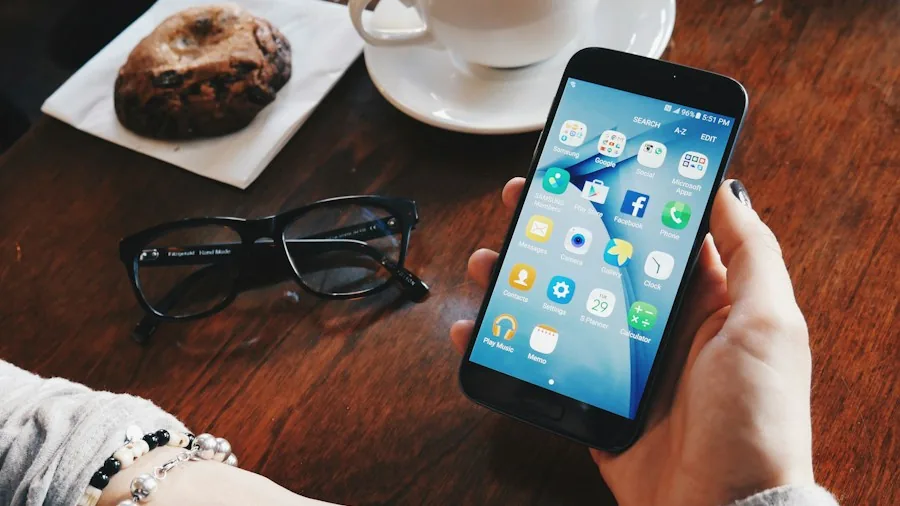
Apple recently boosted trade-in values for the second time this year, with older models seeing increases up to $35. The iPhone 17 lineup tops the valuation chart, with the Pro Max commanding $885. Newer iPhone 16 and 15 models have received significant increases from earlier pricing.
For reference, current maximum trade-in values through Apple include:
- iPhone 17 Pro Max: $885
- iPhone 17 Pro: $785
- iPhone 16 Pro Max: $720
- iPhone 16 Pro: $630
- iPhone 15 Pro Max: $530
- iPhone 15 Pro: $420
- iPhone 14 Pro Max: $405
- iPhone 14 Pro: $335
Even older devices retain meaningful value. Shoppers should compare their specific model’s worth across Apple’s program, carrier offers, and third-party options like Best Buy, GameStop, and online marketplaces, which may offer different valuations.
Prepare Your Device for Maximum Trade-In Value
Before sending in your old iPhone, take specific steps to ensure it qualifies for the highest possible credit. Apple and carriers evaluate condition carefully, and proper preparation protects your data while optimizing the device’s assessed state.
Back Up Your Data First
Start by backing up everything to iCloud or your computer. Access Settings, select your name, then navigate to iCloud Backup and choose Back Up Now. Mac users can connect via cable or Wi-Fi, open Finder, select the iPhone, and choose General to back up locally. This protects all photos, messages, contacts, and app data before the device is wiped.
Disable Location and Security Features
Turn off Find My by going to Settings, selecting your name, choosing Find My, and disabling it for that device. This step prevents activation issues for the new owner, though it occurs automatically during the full wipe process. Similarly, sign out of iCloud, iTunes, and the App Store through Settings. These actions ensure a smooth transition to the next user.
Disconnect Connected Devices
If you own wireless earbuds or other wireless accessories paired with your iPhone, unpair them first. Access Bluetooth settings, tap the information icon next to your AirPods, and select Forget this Device. For Apple Watch owners, open the Watch app, go to My Watch, find the watch in All Watches, and select Unpair. For GPS + Cellular models, choose whether to remove your cellular plan since you’re selling the device.
Handle Messaging and SIM Cards
Sign out of Messages through Settings to avoid the rare possibility of texts routing to your old device. If your iPhone has a physical SIM card rather than eSIM, remove it using the SIM ejector tool included with most phones. Locate the ejector on your device, insert a paper clip until the tray pops out, remove the card, and replace the tray.
Perform a Full Wipe
As the final step, go to Settings, select General, choose Transfer or Reset iPhone, and select Erase All Content and Settings. Approve all subsequent prompts to completely clear the device. This comprehensive wipe removes all personal information and restores the phone to factory condition, which qualifies it for the best possible trade-in assessment.
Multiple Options for Selling Your Phone
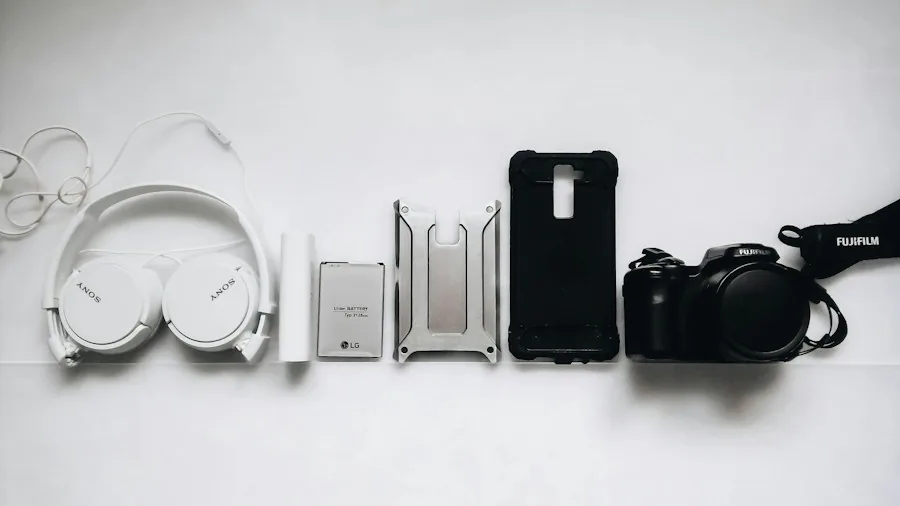
Beyond Apple and carriers, several retailers and online platforms offer competitive trade-in programs. Best Buy provides store credit or digital gift cards for mail-in or in-store trades. GameStop offers both immediate store credit and cash options at physical locations. For those preferring direct sales, marketplaces like eBay and Swappa let you set your own price, though you handle shipping to the buyer. Services like uSell provide quick quotes and free shipping, paying via check or PayPal once they verify the device condition matches your description.
Trade-in valuations vary significantly across these platforms. An iPhone 15 Pro, for example, might fetch $410 through Apple, around $275 at Best Buy, approximately $544 on Swappa’s resale marketplace, or roughly $268 through uSell. Comparing offers across multiple channels takes only minutes and can result in substantially different payouts for the same device.
Smart Timing for Your Upgrade
With new carrier partnerships offering record-high credits and Apple’s recent boost to trade-in values, September 2024 presents an optimal window for upgrading to the iPhone 18 Pro. Taking time to properly prepare your old device and comparing offers across all available programs positions you to maximize savings while ensuring your personal data remains secure throughout the transition.
About the author
Eleanor covers smartphones for REMOVU, balancing cameras, battery life, and software support against price. She helps readers find the best value as the field shifts with every release.