7 Ways to Use Your M.2 Slot Beyond Just Storage
Your M.2 slot can add Wi-Fi 6, 5G cellular, Ethernet, and more. Here's how.
 By Ken Mendoza
Updated November 15, 2026
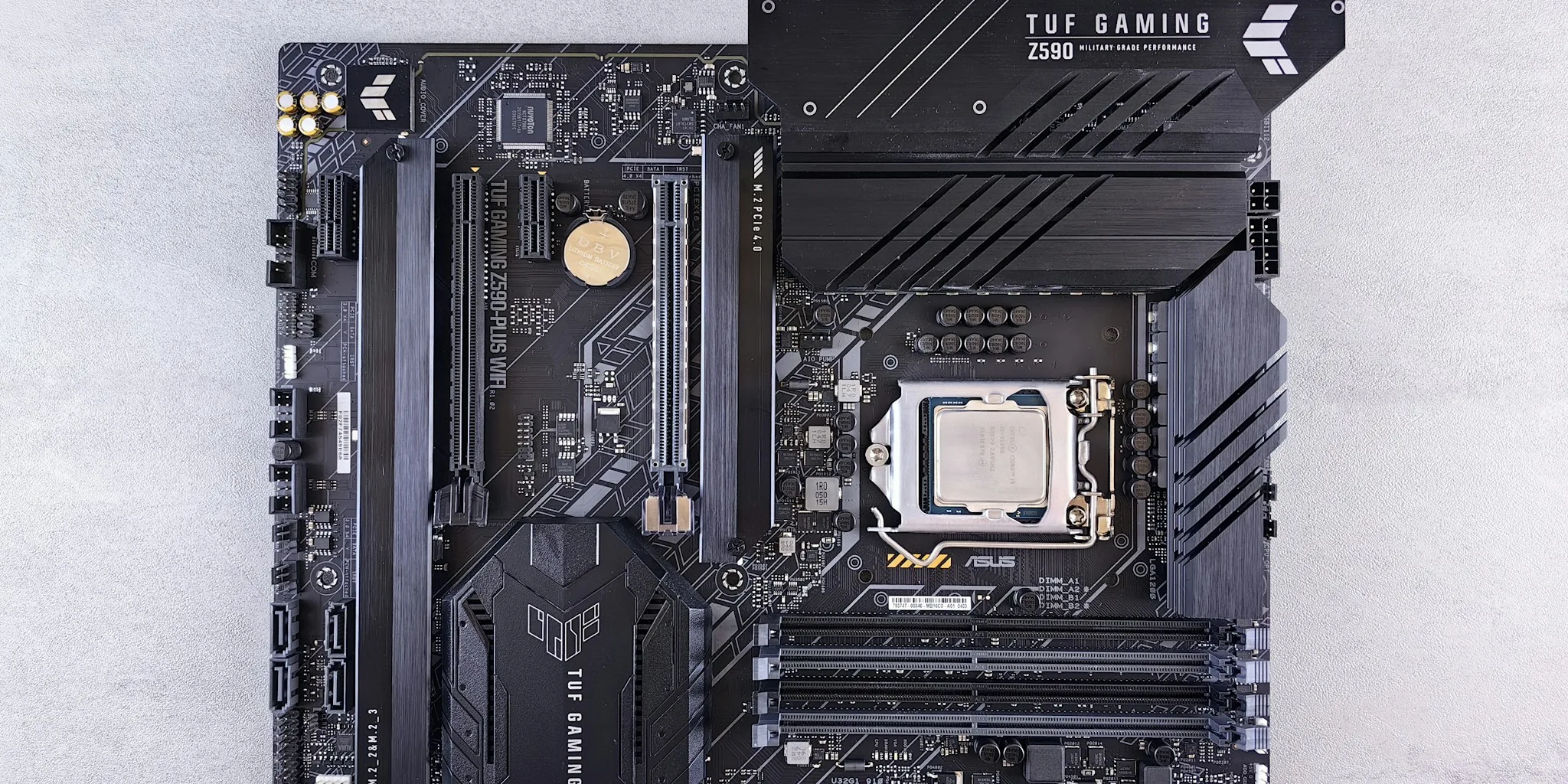
When you’re building or upgrading a PC, the M.2 slot often feels like a one-trick pony designed solely for holding solid-state drives. In reality, this small but mighty connector is far more versatile than most people realize. The M.2 standard was built as a flexible platform for hardware makers and enthusiasts to experiment with, not just for storage. If you have an empty M.2 slot on your motherboard, you’re sitting on untapped potential that could enhance your PC’s capabilities in surprising ways.
Upgrade Your Wireless Network Capabilities
One of the most practical ways to use an M.2 slot is to install a modern wireless module that supports Wi-Fi 6, Wi-Fi 6E, or the latest Bluetooth standards. Many motherboards include an M.2 Key E or A/E slot specifically designed for network modules. These compact boards typically measure 22 by 30 millimeters and combine Wi-Fi and Bluetooth functionality on a single card. Upgrading from an older wireless module to something like an Intel AX200, AX210, or Qualcomm-based option gives you several immediate advantages. You’ll experience smoother performance in congested networks, lower latency for gaming and video calls, and access to the less crowded 6 GHz frequency band. Newer Bluetooth versions (5.2 and above) deliver more reliable audio streaming, extended range, and improved connection stability overall.
Add Cellular Broadband to Your PC

If you need internet access wherever you go, an M.2 cellular modem can turn your PC into a device with built-in mobile broadband. These modules, usually formatted as M.2 Key B or B-M, include 4G LTE or 5G radios, a SIM card slot, and antenna connectors in a compact package. Once installed with proper antennas, your computer connects directly to cellular networks without needing a phone hotspot or external USB dongle. Options like the Sierra Wireless EM7455 or generic M.2 adapters with SIM slots offer real value for remote workers and travelers. LTE-Advanced modules already deliver hundreds of megabits per second, while quality 5G modules in good signal conditions can reach gigabit speeds. The latency improvement over tethering through a smartphone makes cellular M.2 modules a solid choice for staying connected in areas without Wi-Fi coverage.
Connect a Dedicated Graphics Card
While it sounds unusual, you can technically run a GPU through an M.2 slot using specialized adapters. Dedicated M.2 GPUs exist for embedded and industrial applications, though they’re far too limited for gaming workloads. If you’re willing to experiment, adapters from companies like ADT Link let you connect a full-size desktop GPU to an M.2 x4 slot. The significant trade-off is bandwidth: an M.2 connection provides far less throughput than a standard x16 PCIe slot, resulting in considerable performance drops during intense graphical work or high-resolution gaming. This approach requires your M.2 slot to support PCIe (not just SATA), matching keying and power specifications, and a quality adapter. It’s an innovative workaround for tinkerers rather than a practical everyday solution, but it demonstrates just how adaptable the M.2 standard truly is.
Install a High-Speed Ethernet Card
For users who want faster wired network speeds, an M.2 network interface card (NIC) can significantly boost your connection. These compact modules fit into M.2 slots keyed as A, E, or B+M/M, depending on your motherboard’s configuration. Despite their small size and minimal power requirements, they deliver full RJ-45 or fiber connections. Products like the Delock M.2 B+M converter with an Intel i225V chipset provides 2.5 gigabit Ethernet through standard twisted-pair cabling. The MEC-LAN-2631i module uses an Intel I226 controller to deliver the same 2.5 GbE performance over a single PCIe lane. Before purchasing, verify that your M.2 slot actually supports PCIe rather than only SATA or USB, and confirm physical keying compatibility. You’ll also need to plan how to mount or route the external RJ-45 connector, whether through a bracket or cable extension.
Expand Your SATA Storage with RAID

Another option involves M.2-to-SATA RAID adapters that convert a single M.2 PCIe slot into multiple SATA ports with built-in RAID functionality. StarTech and other manufacturers offer controllers supporting two M.2 SATA slots plus two traditional SATA ports, with hardware RAID 0, RAID 1, or JBOD options. These adapters do come with trade-offs in performance and reliability compared to native SATA ports. The actual speed depends heavily on the controller chipset and driver support, and you’ll notice additional bandwidth overhead and latency. Compatibility matters too: your M.2 slot must deliver the necessary PCIe signals and bandwidth, and the adapter must match the correct physical dimensions and keying.
The M.2 Slot Is More Flexible Than You Think
Your next PC upgrade might include components you haven’t even considered yet. The M.2 connector represents one of PC design’s most adaptable standards, quietly hiding beneath larger motherboard components while offering tremendous flexibility. If you’ve overlooked an empty M.2 slot as wasted space, reconsider what that small slot could enable for your system. Whether you’re seeking faster wireless speeds, remote connectivity, additional storage, or enhanced networking, the M.2 standard provides a gateway to customization. Your motherboard’s humble M.2 slot deserves a second look as an open invitation to shape your PC into something distinctly your own.
About the author
Ken covers motherboards for REMOVU, comparing features, power delivery, and value across sockets. He helps builders pick a solid foundation with room to upgrade.