7 Ways to Transform Your Fire TV Stick Into a Smart Home Hub
Transform your streaming device into a smart home hub with Home Assistant integration.
 By Jeffrey Kuhn
Updated October 15, 2026
By Jeffrey Kuhn
Updated October 15, 2026
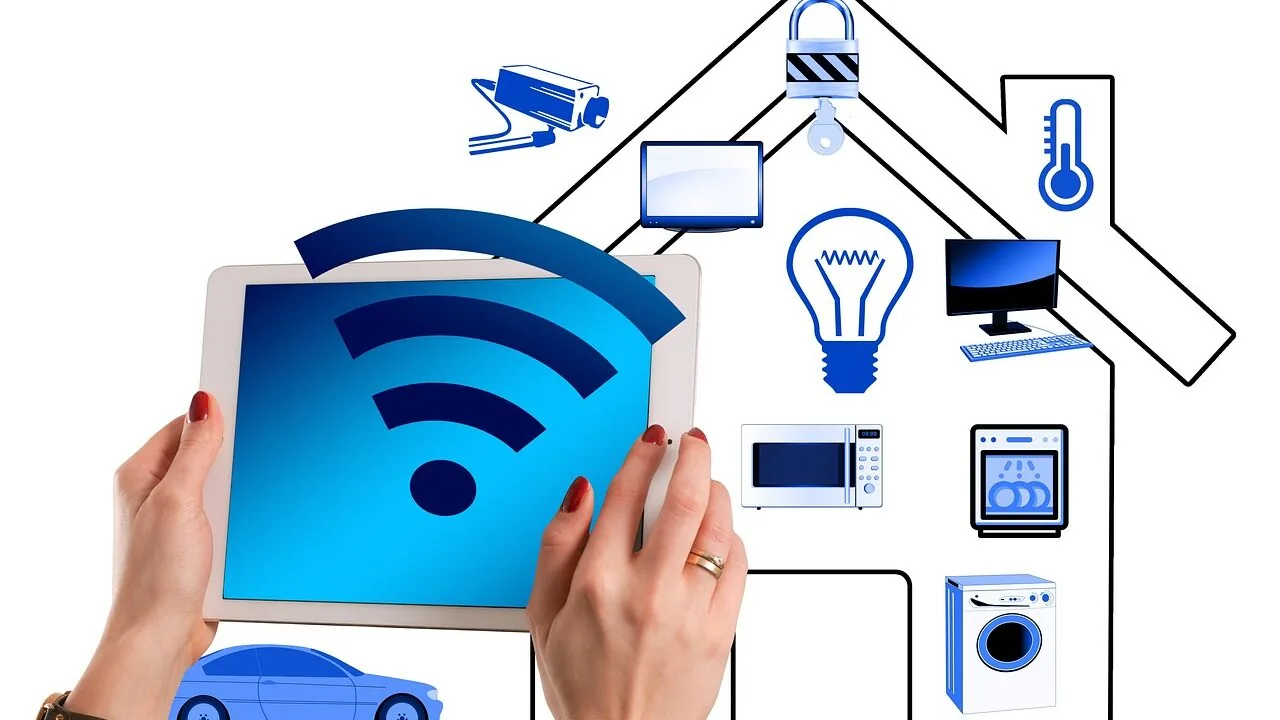
Most people buy a Fire TV Stick, install their favorite streaming apps, and call it a day. But if you already run Home Assistant to manage your smart home, your streaming device can become far more than just an entertainment box. By integrating it with your home automation setup, you can unlock capabilities that turn your TV into a central control point for your entire connected home.
Display Your Doorbell Camera Without Missing Your Show
One of the most frustrating moments is when your doorbell rings during a movie or show you’ve been waiting to watch. You have to pause, get up, and answer the door, only to discover no one is there or that a package has been left behind. A Fire TV Stick can solve this problem elegantly. By running PiPup, a community-developed application, you can display your video doorbell feed as a picture-in-picture overlay on your TV screen whenever motion or a ring event occurs. Install the PiPup Home Assistant integration through HACS, and you’ll gain the ability to see who is at your door in real time without interrupting your viewing. The app can even keep the feed visible as long as motion is detected, giving you all the information you need to decide whether to answer the door.
Create Instant Lighting Automations Based on What You Watch
Home Assistant’s official Fire TV integration can detect whether your device is playing, paused, or idle, but it relies on periodic polling through Android Debug Bridge, which means there’s often a lag between what’s actually happening and what Home Assistant knows. Fire2MQTT, another community project, runs a lightweight application directly on your Fire TV Stick and sends playback state updates over MQTT the moment anything changes. This real-time responsiveness is ideal for automations. You can set your lights to dim automatically when you press play on a movie, then brighten them again when you pause or stop playback. Because Fire2MQTT updates almost instantaneously, your automations respond faster than they would with the official integration, creating a seamless viewing experience.
Turn Your TV Into a Large Smart Home Dashboard
If you love having a central visual display of all your smart home data, your living room TV offers the largest canvas available. Kiosk Wall Panel is a dedicated app for Fire TV devices that transforms your screen into a pristine smart home dashboard. Unlike viewing a dashboard in a web browser, Kiosk Wall Panel eliminates tabs, address bars, and other clutter, giving you a clean, professional display of your Home Assistant information directly on your television. The app is a paid option, but it provides a polished experience. Free alternatives exist if you prefer not to invest in a paid solution, though they may require more configuration.
Launch Streaming Apps With a Single Button Press
Navigating streaming device menus to find and open specific apps can feel tedious and slow. Home Assistant’s official integration supports sending commands to your Fire TV Stick via ADB, including commands to launch any installed app. This means you can control Netflix, Disney+, Plex, or any other application through Home Assistant automations or buttons. You could use a physical smart home button, a voice command, or even a cube controller like an Aqara Cube to launch your favorite streaming service instantly. Set up different actions for different sides or orientations of a cube, and tapping the right face opens the exact app you want in seconds.
Replace Ads With Your Own Photo Slideshow
The Fire TV Stick home screen is notoriously cluttered with advertisements and recommendations when you’re not actively watching content. Firestick Minder, a tool that runs on your computer or server, monitors your Fire TV Stick’s display state. When it detects that the home screen is visible, it automatically launches a photo slideshow app instead. You can fill your TV with family memories and personal photos rather than seeing promotional content. Firestick Minder supports MQTT integration, so Home Assistant can track when the slideshow is running and even trigger automations like powering off the TV if no one is home to view it, helping you save energy.
Keep Compatibility in Mind Before You Start
While these integrations and apps offer tremendous potential, they don’t work on every Fire TV Stick model. Newer devices like the Fire TV Stick HD (2026) and Fire TV Stick 4K Select (2025) use Vega OS instead of the Android-based Fire OS, which means they lack ADB support and won’t work with these projects. If you own an older Fire TV Stick model, however, it can become a genuinely powerful addition to your smart home setup. Check your device specifications before purchasing apps or investing time in configuration to ensure compatibility.
By combining your Fire TV Stick with Home Assistant, you transform an ordinary streaming device into a multifunctional smart home tool. Whether you want real-time doorbell visibility, automated lighting based on your viewing habits, or a centralized dashboard for your connected devices, these integrations make your television a valuable hub for modern home automation.
About the author
Jeffrey covers smart displays and home hubs for REMOVU, weighing control, features, and value as the center of a connected home. He helps readers build routines that actually simplify daily life.