7 Ways to Make Your Budget Motorola Phone Feel Like a Premium Flagship
Transform your affordable Motorola with simple upgrades that rival flagship phones.
 By Eleanor Garcia
Updated September 13, 2026
By Eleanor Garcia
Updated September 13, 2026
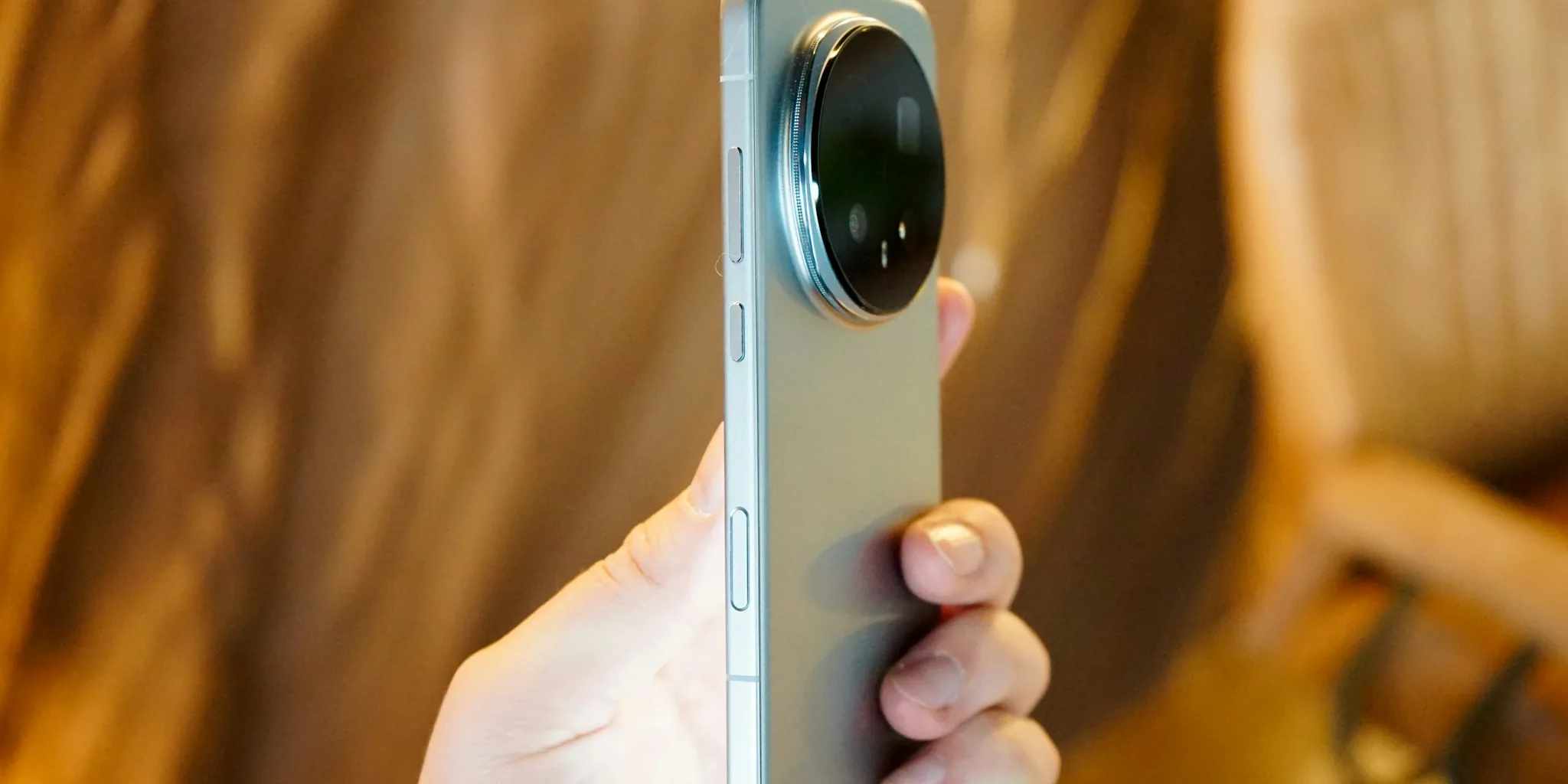
Budget-friendly Motorola phones deliver impressive specs and performance, but they often lack the premium feel of their flagship counterparts. The good news is that you don’t need to upgrade to enjoy a more refined experience. With a few strategic upgrades and adjustments, you can transform an affordable Motorola device into something that rivals phones costing twice as much.
Strip Away Bloatware and Reclaim Performance
One of the most noticeable differences between budget Motorola phones and premium models is the amount of pre-installed software. Budget devices come loaded with bloatware because manufacturers subsidize the lower price by allowing third-party companies to bundle their apps. This cluttered app drawer immediately signals a cheap phone, especially when you encounter casino-style games, obscure news aggregators, or unsolicited app recommendations like Temu.
Take time to audit your app drawer systematically. Hold down on each unnecessary icon and select App Info (typically a circle with an exclamation point), then choose to uninstall or disable it. For stubborn apps that resist removal, consider installing Canta, a specialized tool that removes even the most persistent bloatware. A cleaner, more intentional app collection instantly elevates the user experience and makes your device feel more polished.
Apply a Premium Material Skin to the Back
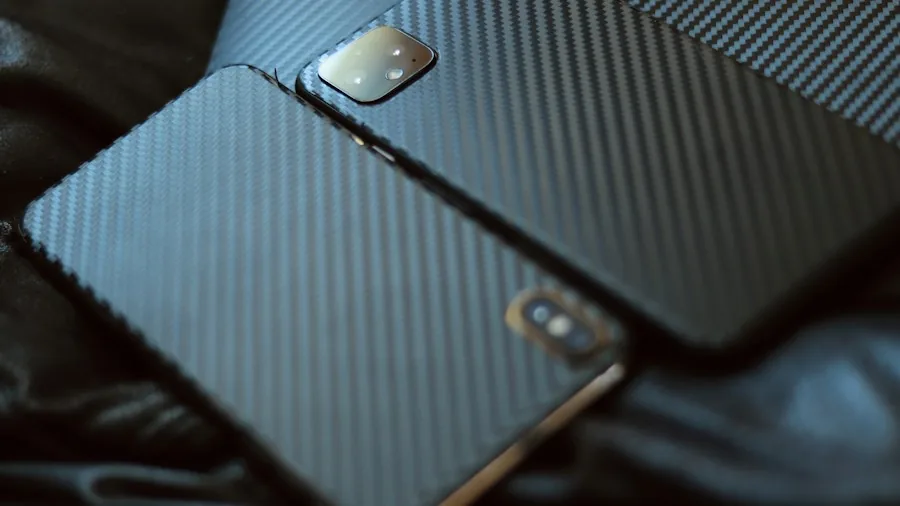
Flagship phones command premium prices partly because they use expensive materials like metal and glass. Budget Motorola phones rely on plastic, which creates an obvious tactile difference. If you prefer using your phone without a protective case, the plasticky feel becomes especially noticeable.
A high-quality back skin can dramatically transform how your phone feels in hand. Unlike cheap stickers, quality skins from vendors like Gadget Shieldz, Capes, and SkinIt offer genuine material options, including carbon fiber finishes. These skins are thin enough to maintain your phone’s sleek profile while providing a noticeably more upscale texture. The difference in hand-feel is immediately apparent and costs far less than replacing the device.
Maximize Storage with a MicroSD Card
One genuine advantage that budget Motorola phones retain over most flagship devices is the microSD card slot. Nearly every premium phone in the U.S. market has eliminated this feature, yet your affordable Motorola likely includes it. Regardless of whether your phone launched with 64GB, 128GB, or 256GB of storage, expandable memory is a game-changer.
A large microSD card gives you storage capacity that rivals or exceeds what users of premium devices enjoy. You can carry a terabyte of data on a budget phone, while premium smartphone owners are limited by their device’s fixed storage. Even better, this expansion card doesn’t disappear when you upgrade. You’ll continue using it across multiple future phones, making it a long-term investment rather than a one-time expense.
Upgrade to a Faster Charging Brick
Charging speed is another area where budget phones often surprise. While Samsung kept the Galaxy Z Fold series at 25W charging for years, many budget Motorola phones already support 30W or faster. Your device may be capable of higher charging speeds than its default brick allows.
Investing in a quality 30W or higher charger brick unlocks this potential at minimal cost. Make sure you’re purchasing from reputable manufacturers to ensure safety and reliability. Faster charging means your phone reaches full capacity in less time, delivering a premium convenience factor that goes unnoticed until you experience it. You might also explore portable power solutions for extended usage away from outlets.
Consider Custom Operating Systems for Extended Support
Motorola’s traditional weakness is relatively short software support compared to flagship brands. However, the company has historically been more permissive about allowing custom ROMs than competitors like Samsung or HTC. If your specific Motorola model is compatible, installing a custom ROM like LineageOS can extend usability significantly.
This approach requires more technical confidence, but it’s a legitimate path to keeping your budget phone feeling current and secure long after the manufacturer’s standard support window closes. A budget Motorola running a modern custom ROM can perform as smoothly as any flagship device released in the same year.
Focus Your Digital Lifestyle Choices

How you use your phone matters as much as what’s inside it. Flagships often feel snappier partly because users treat them with more intention. Rather than installing every app that catches your attention, maintain a curated selection that serves your actual needs. Consider complementary devices that reduce reliance on your phone for certain tasks, distributing functionality across your digital ecosystem rather than overburdening a single device.
Combine These Strategies for Maximum Impact
The real transformation happens when you combine multiple upgrades. A Motorola phone with a carbon fiber skin, a clean app ecosystem, expandable storage, and a faster charger genuinely delivers a different experience than its out-of-the-box state. These improvements cost a fraction of upgrading to a flagship, yet they meaningfully elevate how the phone feels in daily use. The result is a device that punches well above its price point and provides the premium experience you’re seeking.
About the author
Eleanor covers smartphones for REMOVU, balancing cameras, battery life, and software support against price. She helps readers find the best value as the field shifts with every release.