6 Common Mistakes to Avoid When Buying a Refurbished Pixel Phone
Smart buyer checklist: verify seller reputation, check IMEI, inspect condition, evaluate battery health, and more.
 By Eleanor Garcia
Updated August 23, 2026
By Eleanor Garcia
Updated August 23, 2026
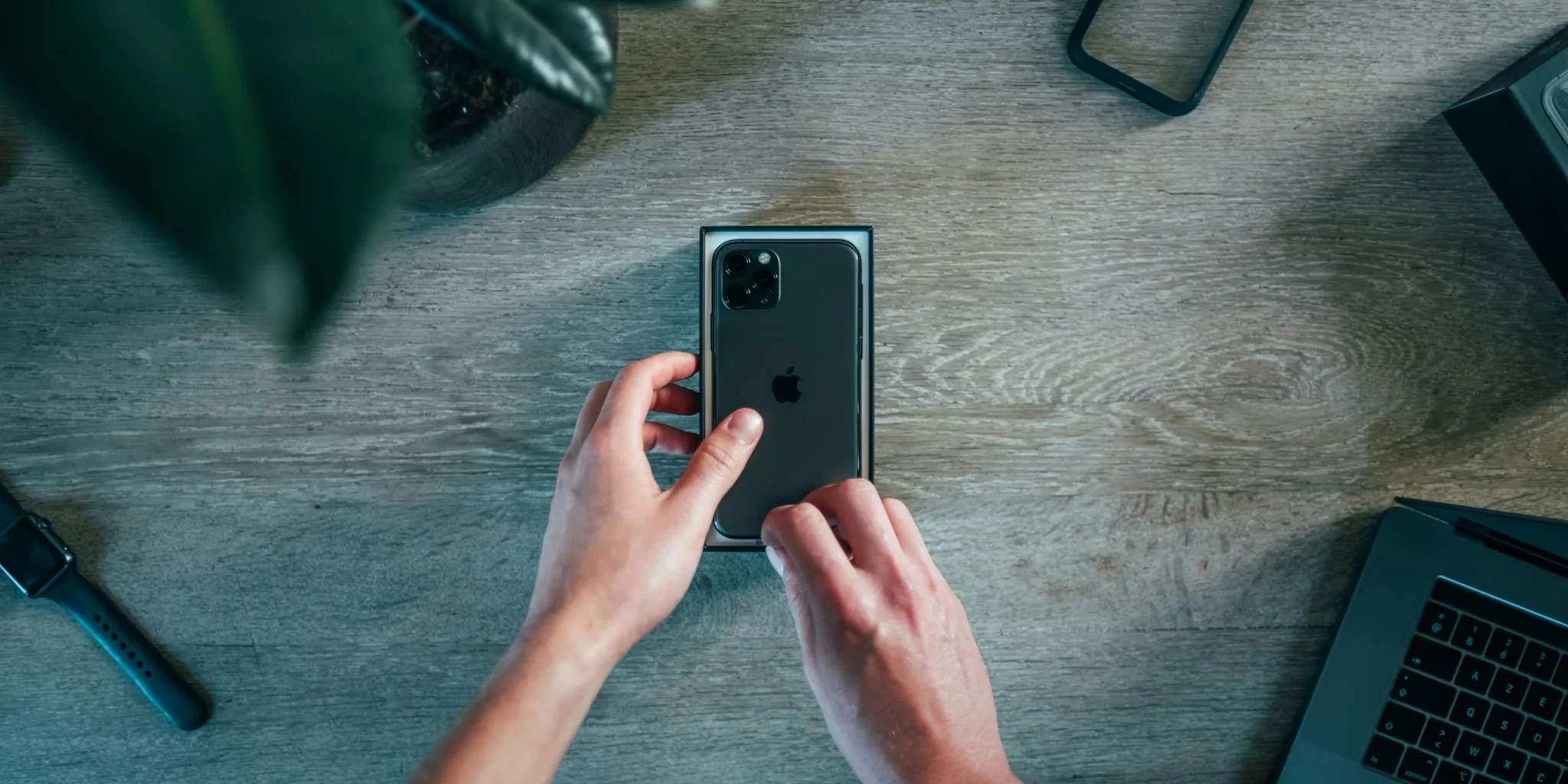
Buying a refurbished smartphone can be a smart financial decision, especially when you’re eyeing a Google Pixel. You’ll often save hundreds of dollars, gain access to higher storage tiers, and still receive warranty protection comparable to new devices. However, refurbished purchases carry more risk than buying brand new, which means you need to be strategic about where and how you shop.
Before you commit to a refurbished Pixel, check whether Google or Amazon are running current promotions on new models. Google periodically offers trade-in programs and discounts that might make a new Pixel cheaper than a refurbished one. Similarly, Amazon frequently discounts Pixels by substantial amounts during sales events. Only proceed with refurbished if the savings genuinely justify the additional caution required.
Mistake 1: Buying From an Untrustworthy Seller
Your first line of defense is choosing a reputable seller. Purchasing directly from Google’s official store gives you a one-year warranty and a free 15-day return window. If you buy from Amazon, ensure Amazon itself is listed as both the seller and shipper, not a third-party vendor. Amazon’s Renewed program covers refurbished items with a 90-day limited warranty and a 90-day return period.
When purchasing from other retailers or third-party Amazon sellers, conduct thorough research. Read the seller’s return policies carefully, as third-party vendors may impose shorter return windows or restocking fees. Customer reviews reveal whether sellers actually honor their warranty and return commitments. Additionally, understand each retailer’s condition labeling system, as these vary significantly. Amazon uses Excellent, Good, and Acceptable categories with specific requirements for body condition, screen quality, and battery performance. Walmart’s Resold program has its own different categories. Reading these details prevents you from receiving a device with noticeable wear or diminished battery capacity.
Mistake 2: Skipping the Free Return Option

Never purchase a refurbished device without a free return policy. A 15-day return window provides sufficient time to thoroughly evaluate the phone and ensure everything functions properly. This safety net is critical because refurbished phones inherently carry more uncertainty than new ones. Without free returns, you’re stuck with a potentially defective device.
This guideline becomes especially important if you live outside the United States. International returns involve expensive shipping costs and tax complications that make returning a faulty phone financially prohibitive. In such cases, exploring your local market for refurbished or pre-owned Pixels is a better approach than ordering from U.S. retailers.
Mistake 3: Neglecting to Verify the IMEI Number
Immediately upon receiving your refurbished Pixel, verify its IMEI number and unlock status. Pixels often include two IMEI numbers because they support dual SIM functionality, whether physical plus eSIM or two eSIMs. Finding your IMEI takes seconds: type *#06# into the Dialer app, or navigate to Settings, search for IMEI, and select the first result.
Once you have both IMEI numbers, submit them to an online verification tool like IMEI Pro to confirm the device hasn’t been reported stolen or blacklisted. If you purchased an unlocked model, verify its carrier-unlocked status using your own SIM card or by checking the device’s compatibility through your carrier’s IMEI lookup tool. Verizon, T-Mobile, and AT&T all offer these services online.
Mistake 4: Skipping the Physical Inspection
After confirming the IMEI and unlock status, conduct a detailed physical examination. For phones labeled as Excellent or those promised to be free from visible damage, the exterior should appear pristine, with no screen scratches, buttons that function smoothly, clear camera lenses, and an undamaged USB-C port. Press all physical buttons multiple times to ensure they don’t stick or register multiple inputs unintentionally.
This comprehensive evaluation becomes your baseline for determining whether the device meets the seller’s stated condition standards.
Mistake 5: Overlooking Battery Health Verification

Battery condition significantly impacts a refurbished phone’s long-term usability. Navigate to Settings, then Battery, then Battery health to check your Pixel’s battery retention percentage. Refurbished phones should retain at least 80% of original battery capacity, though higher percentages are preferable. Ideally, aim for 90% or above.
You can also review the exact number of battery charge cycles by going to Settings, About phone, then Battery information. This data provides insight into how much the previous owner used the device.
Mistake 6: Stopping Your Evaluation Too Early
The final mistake many buyers make is discontinuing their evaluation once initial checks pass. Use Google’s built-in diagnostic tools by opening Settings and navigating to Device health and support to verify Bluetooth, touch screen, and charging functionality. For more comprehensive diagnostics, consider downloading a third-party app that offers expanded hardware evaluation capabilities.
Beyond automated checks, actively use the phone during your return period. Make calls, stream music through both speakers and wireless earbuds, capture photos, and run demanding applications or performance benchmarks. Repeat these evaluations weekly throughout your return window to catch any issues that might emerge over time. Watch for unusual battery drain patterns, which can signal underlying problems even when battery health appears strong initially.
Additionally, consider exploring community resources and detailed reviews where other users share their experiences with specific refurbished models. These real-world accounts often highlight common issues or confirm that particular batches perform reliably, helping you make a more informed decision before committing your money.
By following these precautions, you can confidently purchase a refurbished Pixel and enjoy substantial savings while minimizing your risk of receiving a problematic device. The effort you invest upfront during the return period pays dividends in long-term satisfaction and peace of mind.
About the author
Eleanor covers smartphones for REMOVU, balancing cameras, battery life, and software support against price. She helps readers find the best value as the field shifts with every release.