5 Ways to Repurpose an Old Pixel Watch Instead of Discarding It
Don't let your retired smartwatch collect dust. Here are creative ways to give it new purpose and functionality.
 By Kristen Jennings
Updated October 17, 2026
By Kristen Jennings
Updated October 17, 2026
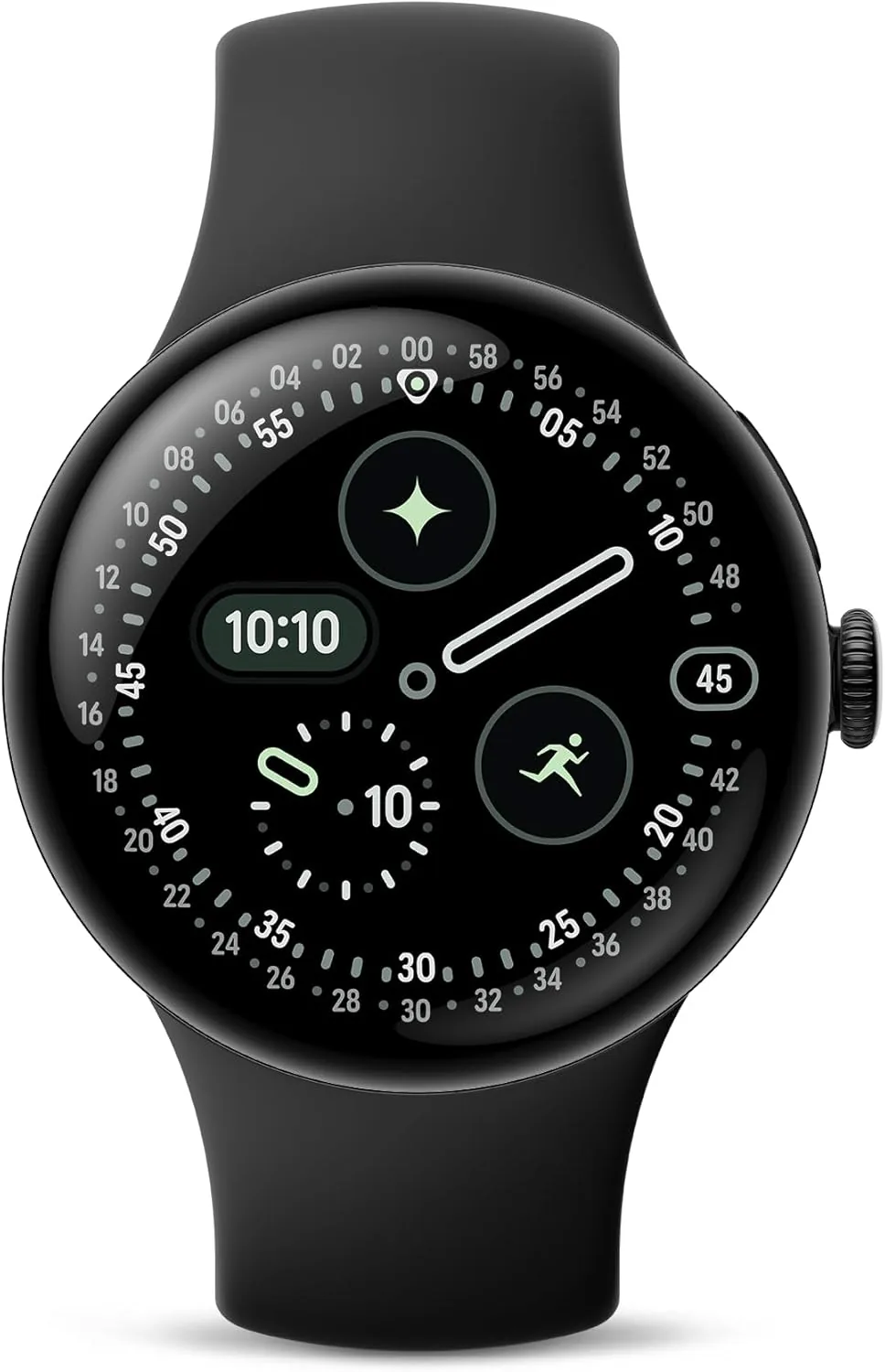
If you own an older Pixel Watch model, you might be wondering what to do with it now that newer generations have arrived. Rather than letting it collect dust in a drawer, there are several creative and practical ways to give your device a second life. Whether you want to reduce screen time, improve your sleep routine, or enhance your entertainment setup, your retired smartwatch can serve new purposes that add real value to your daily life.
Transform It Into a Minimal Phone Alternative
One of the most clever repurposing ideas is using an LTE-enabled Pixel Watch as a minimalist phone companion. If you’ve always been curious about reducing your smartphone dependency but weren’t ready to carry a separate device, this is your solution. Set up your watch with essential app shortcuts like Messages and Google Maps, add helpful widgets for weather updates, and include Google Home controls for smart home management.
You can make calls, send text messages, check the weather, and even access Gemini for more complex tasks directly from your wrist. To make this setup even more practical, consider placing your watch in a protective case or custom holder that you can keep in your pocket. This physical barrier between you and your main phone creates a powerful psychological reminder that you don’t need to reach for your smartphone constantly. The tactile experience of using a dedicated device, rather than your always-connected phone, can significantly reduce unnecessary scrolling and boost your focus.
Replace Your Nightstand Alarm Clock
Your smartwatch can become the perfect dedicated alarm clock, solving a common morning problem. Most people reach for their phones immediately after dismissing their alarm, leading to unintended scrolling sessions before the day even begins. A Pixel Watch eliminates this temptation entirely because it operates independently from your smartphone.
Simply leave your watch on your nightstand and keep your phone out of arm’s reach, such as on a dresser across the room. When your alarm sounds, you can dismiss it directly from the watch without the immediate accessibility of your phone’s notifications and apps. This setup requires virtually no configuration since alarms and clock notifications work seamlessly on the device right out of the box. This simple arrangement can transform your morning routine and help you start each day with intention rather than distraction.
Control Your Music From a Stationary Device
If you use Spotify for streaming, you’re already familiar with Spotify Connect, the feature that lets you control playback across multiple devices. Your Pixel Watch supports this functionality, making it an excellent stationary music controller for parties, work sessions, or everyday home use. Place your watch on a coffee table, kitchen counter, or end table, and you can manage what plays on your Bluetooth speakers or television without picking up your phone.
This is particularly useful during gatherings when you want to adjust playlists without constantly holding a device, or during your workday when you want easy control of your music without the distraction of your phone notifications. Placing the watch in a protective case or custom holder makes it feel more intentional and less like a forgotten gadget. For an added touch of style and functionality, consider investing in a quality charging solution to keep your watch powered throughout the day while it performs this role.
Create a Dedicated Bike Computer
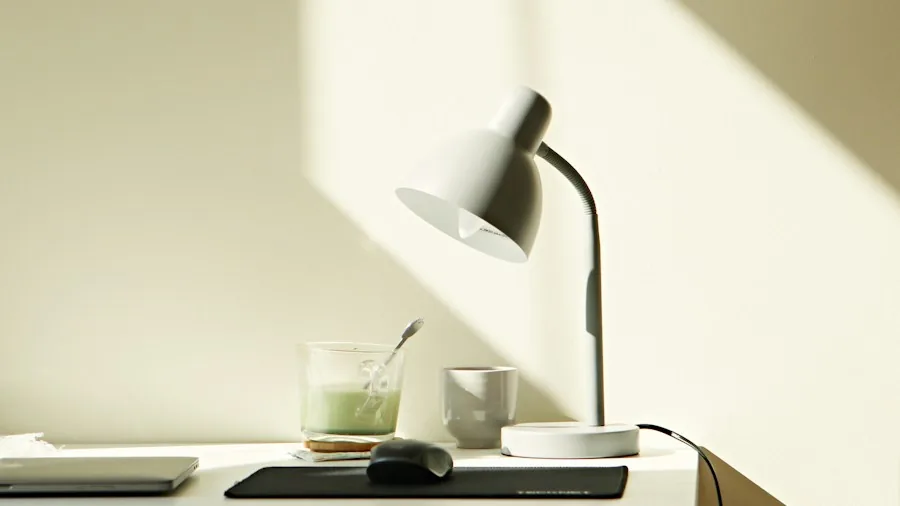
Active individuals who struggle with navigation during exercise will appreciate using an old Pixel Watch as a dedicated bike computer. When you’re cycling, managing multiple functions on one small screen becomes frustrating: tracking your ride data in Google Health, controlling your wireless earbuds, and following navigation directions all compete for attention. By wearing two smartwatches, you can dedicate one device exclusively to navigation and mapping while your primary watch handles health tracking and media controls.
This dual-watch approach eliminates the constant screen switching and allows you to focus on the specific information you need at any given moment. While the original suggestion involved pairing a Pixel Watch with another brand, you could just as easily use two Pixel Watches for this setup. Simply ensure that the watch on your wrist during the ride is the one connected to your Google Health account, maintaining accurate fitness data.
Use It as a Pomodoro Timer Device
A dedicated Pomodoro timer device can significantly boost your productivity without the distractions of your phone or computer. Rather than purchasing a specialized clock, repurpose your old Pixel Watch by installing a Pomodoro app designed for Wear OS. Apps like Pomo do offer visually clear time displays and customization options that make interval timing both functional and satisfying.
To maximize this setup, keep your watch on a charging dock at your desk or workspace. Enable Developer Mode in the settings and toggle the
About the author
Kristen writes about smartwatches for REMOVU, comparing features, battery life, and ecosystem fit. She helps readers tie together health tracking, notifications, and apps on the right watch.